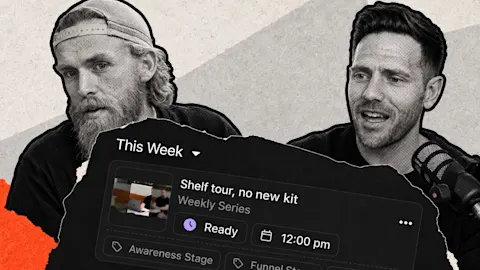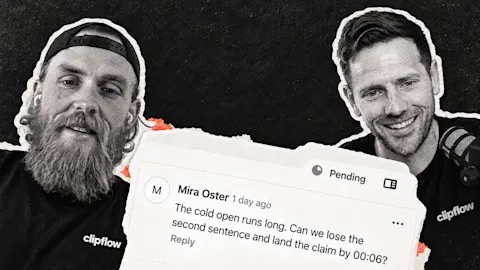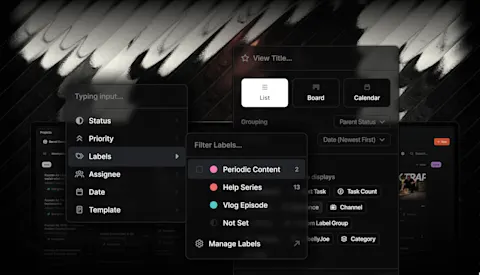
You want to show up consistently, but giving your team a topic is only the start. They need enough direction to make something useful for your customers, and a plan for getting it in front of the people it was made for.
Progress update from 26 September 2026. Feature availability reflects that episode.
TL;DR
Clipflow updates
- Inline link previews in project pages are ready.
- Instagram collaborator invitations are supported for co-authored posts.
- The planner can show multiple organizations, and posts can be duplicated across organizations.
- Posts gained review statuses; file libraries began a limited rollout for reusable media.
Putting it to work
- Give references context: keep link previews beside the writing and explain what to borrow.
- Invite an Instagram co-author: bring a guest or partner into the published post.
- Plan across brands: view multiple organizations together and adapt duplicated posts for each audience.
This week's Clipflow changes touch both parts of that job. Inline link previews keep references with the writing, Instagram collaborators let you invite a guest or partner to co-author a post, and the planner can show work across multiple organizations.
Taken together, they give you more ways to prepare a post in context and decide where it belongs.
Make the reference useful to the person writing
Say you want to answer a question customers often ask before buying, and you've found a video with an opening you like.
Sending it to your editor tells them what caught your attention, but it doesn't necessarily explain what you want them to take from it.
You might like that the speaker opens with the exact question a customer would ask. Your editor might assume you want the same pacing or visual style.
Both are reasonable readings of a link on its own, and you'll discover the difference when the draft comes back.
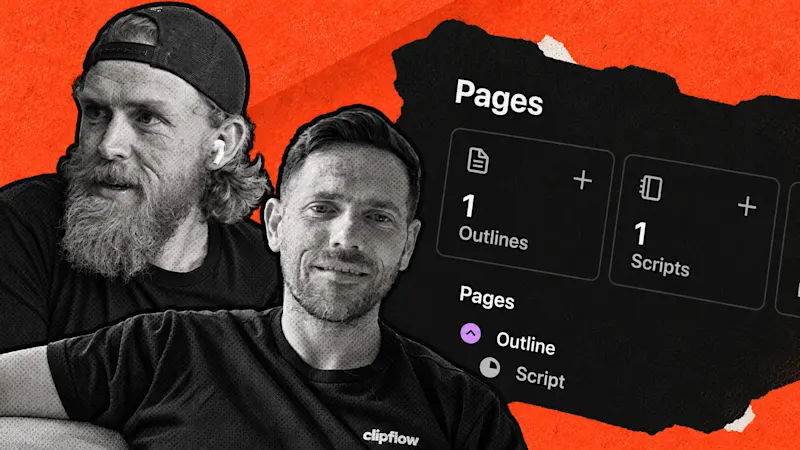
Inline link previews in project pages are now ready, following last week's preview of the work. You can keep the reference beside the script or notes it informs, then explain what you want to borrow from it.
For this example, a useful note would be: open with the question our customers ask, then use our own experience to answer it.
That gives the writer a starting point without asking them to reproduce someone else's video. When you review the draft, you can also judge it against the same direction.
The project pages guide covers writing, comments and review inside the project; previews are the new addition discussed in this update.
Bring the right partner into the published post
Once you've made the content, consider whether it belongs with another person or business as well.
A video answering a customer question with a guest is an obvious example: both of you contributed to the answer, so a co-authored post may make more sense than two separate versions.
Instagram collaborators are now supported in Clipflow, and this was one of the most requested features in the episode. These are the accounts invited to co-author the Instagram post.
For a founder-led business, that could be your own account and a partner business involved in the video.
You enter the collaborator usernames in the post's Advanced section, and the invited accounts still need to accept in Instagram. The Instagram collaborator instructions cover supported post types and the invitation setup.
Agree on the content with the partner before scheduling it, so the invitation arrives for a post they're expecting.
Plan across brands without making every post identical
If your team works across several businesses, the post planner can now show multiple organizations together. That gives you a wider view of the posts being prepared, which is useful when the same team is responsible for several brands.
A combined plan can get busy, so use it when the question is about the work across the team rather than the next post for one account.
We've also added duplication of posts across organizations. A useful idea can move into another organization's workflow, but the copy still needs attention.
If two businesses answer the same customer question, the answer may need a different example, language, or call to action for each audience.
Treat the duplicate as a starting draft. Read it for the destination brand before considering it ready, and check that it says something relevant to that business's customers.
If you need a refresher on preparing the caption, media and schedule, Working with Posts covers those basics.
Posts also gained additional review statuses, covered in the post status guide. File libraries began rolling out to a small group for reusable images and b-roll, with tagging discussed as part of the direction for making those assets easier to find.
That was an early rollout at the time of this update. Our help docs also had their first text in place, with images still being added.
For your next video, choose one reference, explain what the team should take from it, and decide who the finished post is for. Those decisions give the new features useful work to do.
This week: We discussed competing AI releases, switching tools, turning research into a good script and the effort behind timely trends and trial reels. Our takeaway was that faster tools still leave the team with decisions about the idea, the audience and what is worth making.