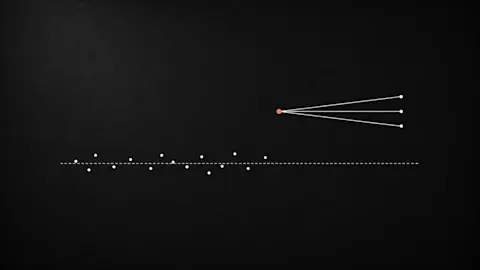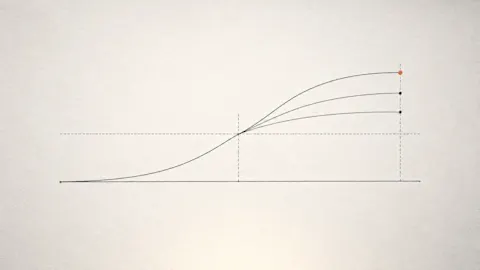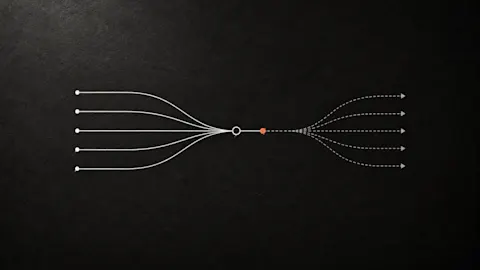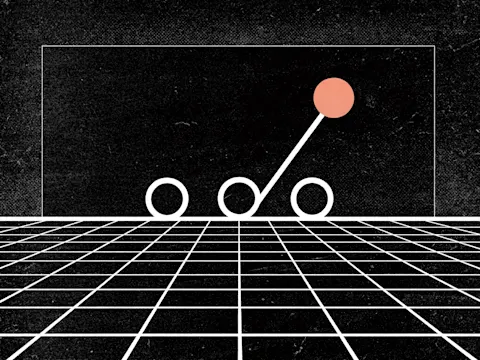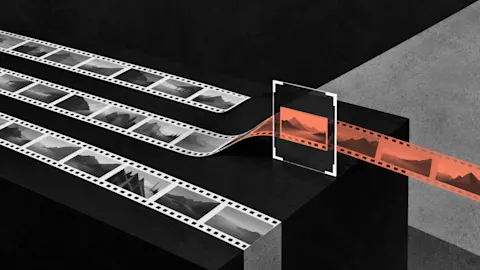
YouTube announced on 23 September that creators will be able to test up to three cuts of a video. Reports disagree on whether that covers long videos or only Shorts, and TechCrunch says it arrives from 2027. You don't need a platform tool to start, and two parts of a video repay a test most: how it opens and what it asks the viewer to do at the end.
Progress update from 16 October 2026. Feature availability reflects that date.
TL;DR
Clipflow updates
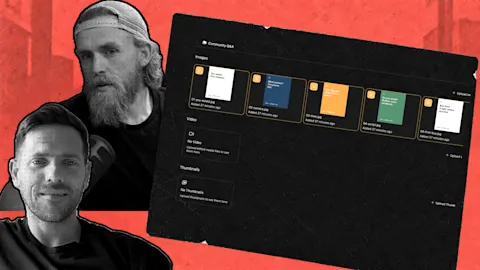
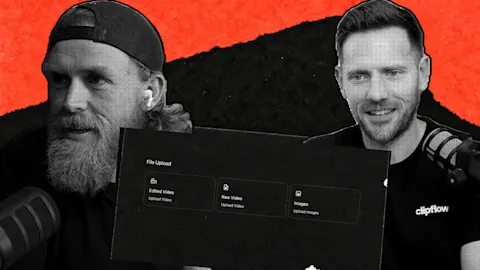
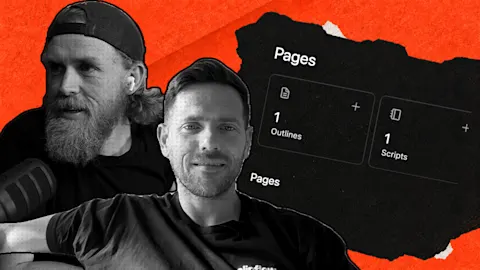
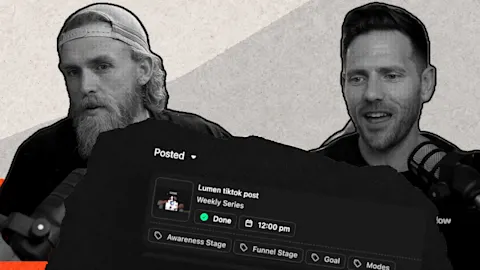
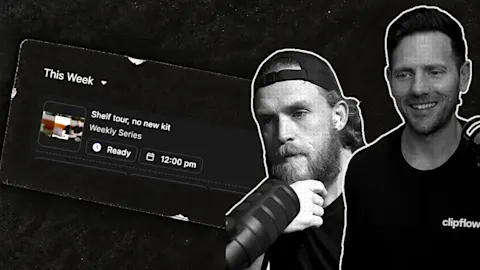
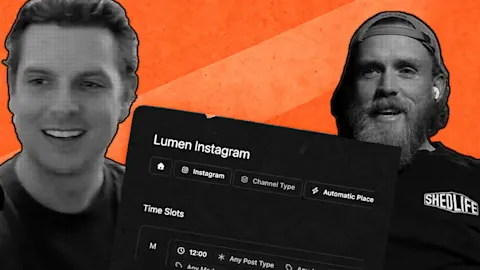
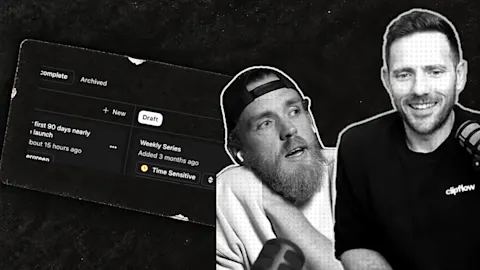
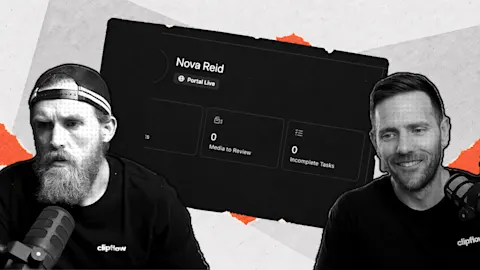
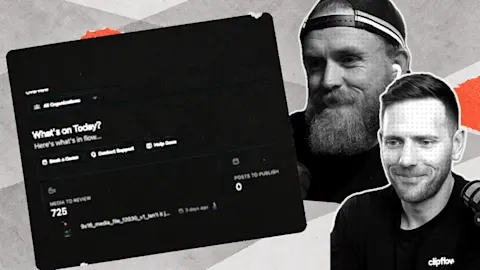
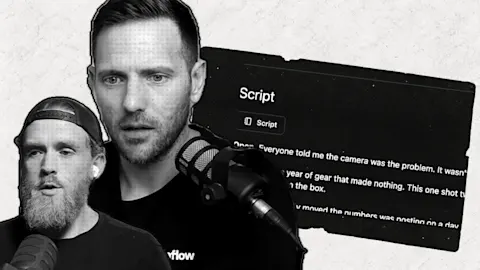
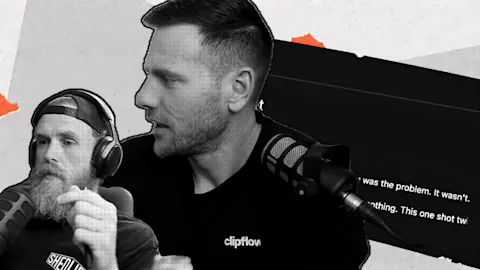
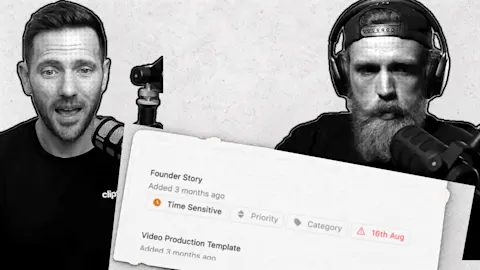
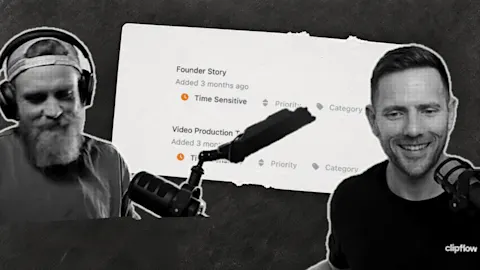
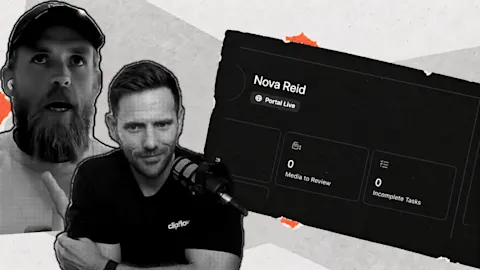
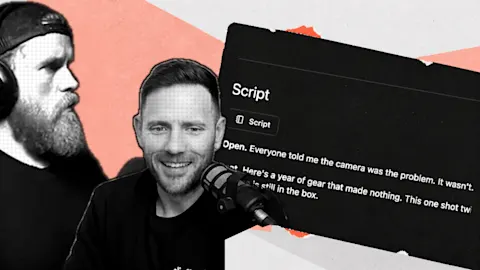
- Automatic media tagging and face recognition are listed in the changelog from 7 October. Images and videos are described and tagged automatically, and you can add the people in your content so Clipflow tags the photos and video frames they appear in, once you confirm they agreed. Indexing and face recognition are switches in your organisation's settings. In the episode the team showed it on a staging copy and described it as arriving that week, so it may not have reached every account on that day.
- Clearer face check results on files (15 October). When you ask Clipflow to check a file for faces again, the button shows it is working, and you get a message saying how many faces were checked and whether any matched. If your monthly indexing budget is spent, you are told straight away.
Putting it to work
- Test the opening: try a proof, promise and plan opening against getting straight into the video.
- Test the ending: close one version with a call to action to your sales page and another with a lead magnet.
- Change one thing per test: keep the message the same so the result means something.
Test the opening
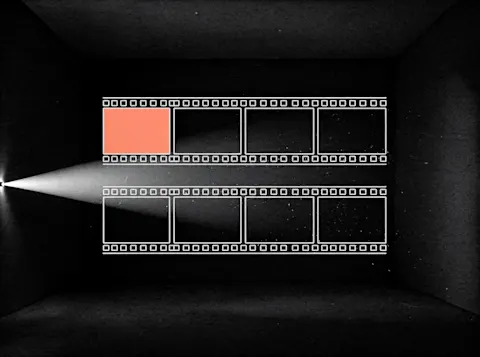
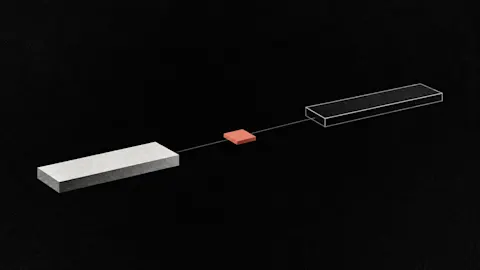
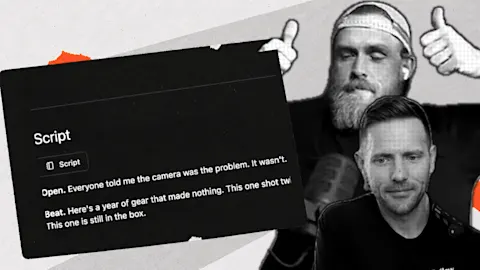
The opening is where you catch people, and if you don't catch them you don't get the view. We would test a version that starts with proof, a promise and a plan against a version that goes straight into the video with a much shorter intro, and perhaps a version with no intro at all.
Testing the hook on its own would be enough for us. Making completely different videos to see which one wins is more than most small teams will do.
Test what the video asks for
The end of the video is the other place to test. If you sell something, one version can end with a call to action straight to your sales page, which sells immediately. Another can point to a funnel with a lead magnet, and a third can ask for something else.
Those two spots, the hook and the closing call to action, are where we think a test is worth running. Keep the middle of the video the same in every version.
Keep your opinion fixed
There is a way to misuse this. Testing a positive version and a negative version of the same review, to see which gets more views, means you end up telling people whatever they want to hear.
For a business that doesn't last. If you have a view, keep it in every version, and test how you open and how you close.
What a test can't tell you
A test shows which opening held people's attention. It can't tell you whether a slower, more careful opening was the better video, because the useful version isn't always the one the numbers favour. That is a reason to use a test for decisions about the hook and call to action, and to keep your own judgement about the rest.
Where we test today
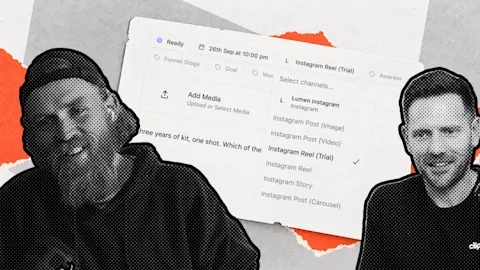
Instagram trial reels already let you test hooks. You end up sending three copies of the same video with a different hook, and each goes out as its own video, so you compare the results afterwards. Our guide to scheduling Instagram Trial Reels in bulk covers how to set them up.
It is not the same as a platform serving different cuts to different viewers, but it is available now and it answers the hook question.
Find the right photo without scrolling
If you make content about your own business, finding the right photo is slow. You scroll through your phone, or a team member asks for a photo of two people in the same place and you have to hunt for it.
Automatic tagging is meant to fix that. You upload images and video to the file library and Clipflow describes them and finds the people in them. The idea is that you can ask for the two of us running and get that photo.
In the staging demo, a photo was uploaded and the description picked out a cap with its lettering and a t-shirt with the Clipflow name on it. Marking a face as one of us needed a recorded consent step first, and a second, very different photo of that person was then tagged at 99%. File indexing had to be switched on before any of it worked.
A small test for this week
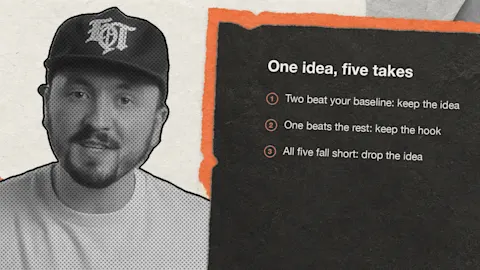
Take your next long video and record two openings: proof, promise and plan, and straight in. Publish both, change nothing else, and compare how long people stayed after the first 30 seconds. Then run the same test on the closing call to action.
Use the same measure for each test. After two or three rounds you will know which opening and which call to action work for your audience.
Smaller shipping notes
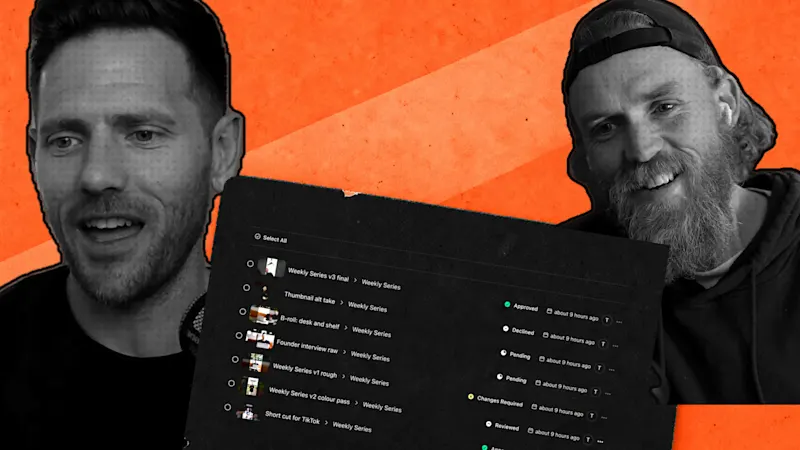
Transcription works on long recordings, including hour-long interviews and full podcast episodes, and transcripts keep speaker labels and timestamps (16 October).
The team also described a batch of fixes and usability changes that week. The changelog lists them by date.
This week: Cloudflare announced that the whole Deno team is joining it. It didn't disclose the financial terms, the Deno runtime stays open source with another year of monthly bug-fix and security releases, and Deno Deploy runs for six more months. Read the report.
Subscribe to the Clipflow YouTube channel for more updates here.
Follow Ken on Instagram here.
Follow Darrell on Instagram here.