Your best video
already has a carousel in it.
Carousels give people something to read, save and send between your videos. Turn the footage, podcasts and client wins you already have into slides, then keep them going out on Instagram, TikTok and LinkedIn from Clipflow.
Trusted by content teams shipping every week







From something you’ve made to a carousel on the schedule.
- Step 1
Never start from a blank slide
Every podcast, sales call and client win already holds a carousel. Clipflow keeps those ideas in one list next to where they came from, so next month’s posts are half written.
- Step 2
Get it right before it posts
The slides, the caption and the sign-off sit on one post, so the carousel that goes out is the one your team approved, typos caught and brand intact.
- Step 3
Give carousels their own slots
Carousels get their own posting times on each channel, alongside your reels and videos. Approved ones fill the next free time, so your feed keeps a mix without anyone planning it.
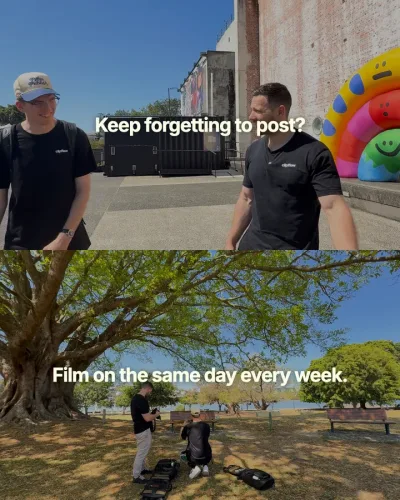

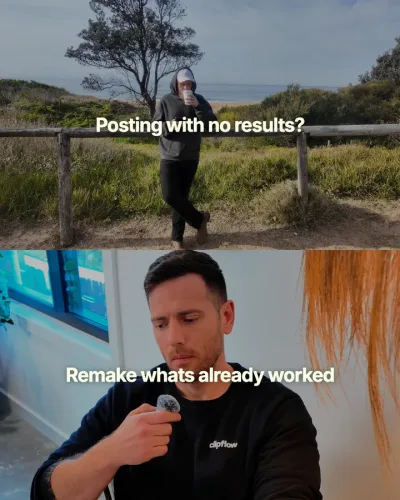
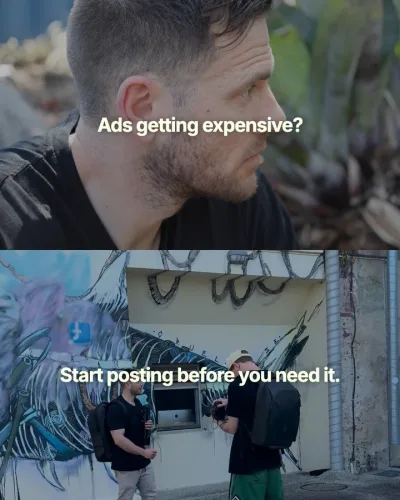
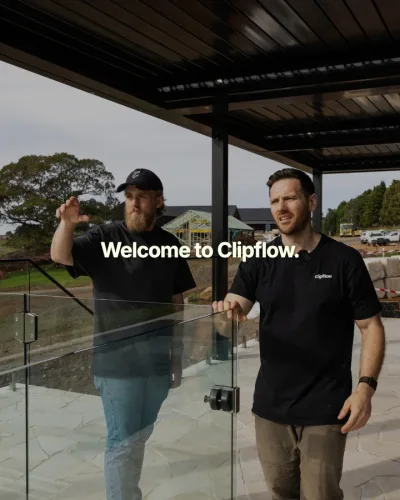
Give people something worth saving and sending.
Meet people the way they like to scroll
Some of your audience will never unmute a reel, but they’ll read eight slides on the train and save the one that helped. You’ve already done the hard part in the reels you’ve made, so reaching them takes a set of slides and no new filming.
Make it once, share it everywhere
One idea reaches your Instagram followers, your TikTok audience and the buyers on LinkedIn, each with a caption written for them.
Stay on brand as you scale
Design templates and a review step keep every carousel looking and sounding like your business on every platform, even after new hires join and the content plan changes.
Cover the weeks you can’t film
Keep a few carousels ready for the launch, the client crunch or the holiday, so the profile doesn’t go quiet.
Turn last month’s video into next week’s carousel
Clipflow transcribes your edits, so the points that landed with viewers become next week’s slides without booking another shoot or writing from scratch.
Claude can outline the slides from the transcript once it’s connected to Clipflow.
Frequently asked questions
Why post carousels if we already make video?
What should we turn into a carousel first?
How many slides should a carousel have?
Do I need a designer?
Can Clipflow turn a video into a carousel for me?
Which platforms can publish a carousel?
Can I add music to a carousel?
Where do I find the full steps?
Get more out of
the content you’ve already made.
Turn your next video into slides and keep your profile active between shoots.