ClipflowGo to app
Overview

Getting Started

  • Welcome to Clipflow
  • Working with Projects
  • Working with Posts
  • Book an Onboarding Call

Projects & Content Production

Plan the week

  • Production Dashboard
  • Content Ideas

Inside a project

  • Project Pages
  • Project Task Lists
  • Task List Templates
  • Video Packaging

Media

  • Project Media Library
  • Media File Versions
  • Transcription
  • Project Files

Views and filtering

  • Saved Views
  • Project Explorer

Review & Approval

  • Client Portals
  • Media Review
  • Share Links

Posts & Publishing

  • Carousels and Image Posts
  • Connect Social Accounts
  • Content Analytics
  • Custom Domains
  • Instagram Trial Reels
  • Post Scheduling
  • Post Statuses and Failed Posts
  • Tracking Links

Automations & AI

  • AI Agents
  • Automation Recipes
  • Automations

Templates

  • Create Project Templates
  • Use Project Templates

Team & Clients

  • Invite Clients
  • Notifications
  • Organization Settings
  • Setting Up as an Agency
  • Statuses and Labels

Account & Billing

  • Can't Sign In
  • Cancel or Delete Your Account
  • Create Your Account
  • Plans and Billing
  • Your Profile

Developers

  • MCP Server
  • Webhooks
ContactBlogCoursesChangelogPrivacyTermsSign up

© 2026 Clipflow

ClipflowHelp Docs
Sign up

Guides, Walkthroughs and Strategies

Help documentation for content teams using Clipflow

For founders and lean in-house teams with big content plans and not enough hours. Learn to publish consistently and build a buying audience, without spending the hours your customers, selling and delivery need on content.
Getting StartedGo to app
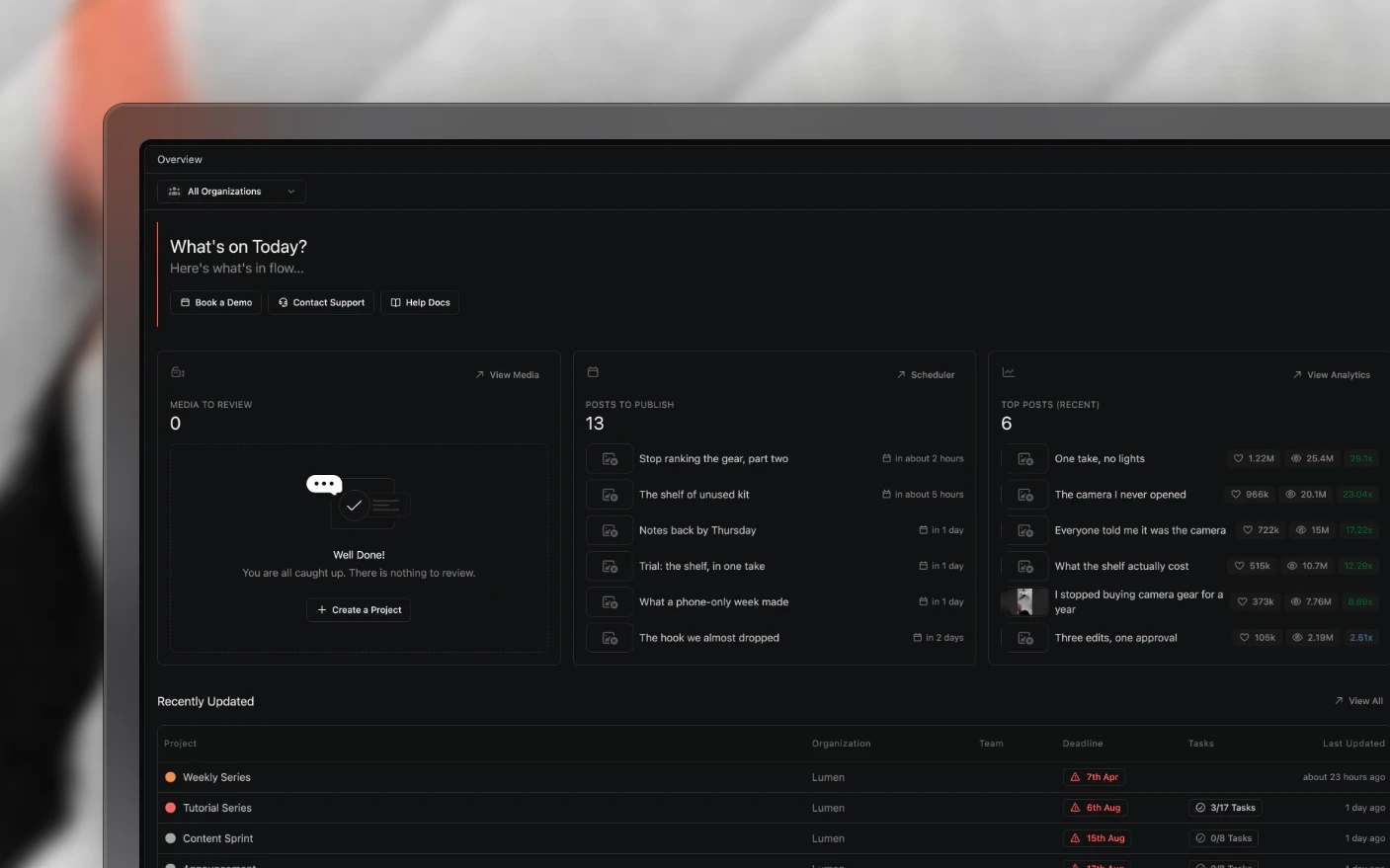
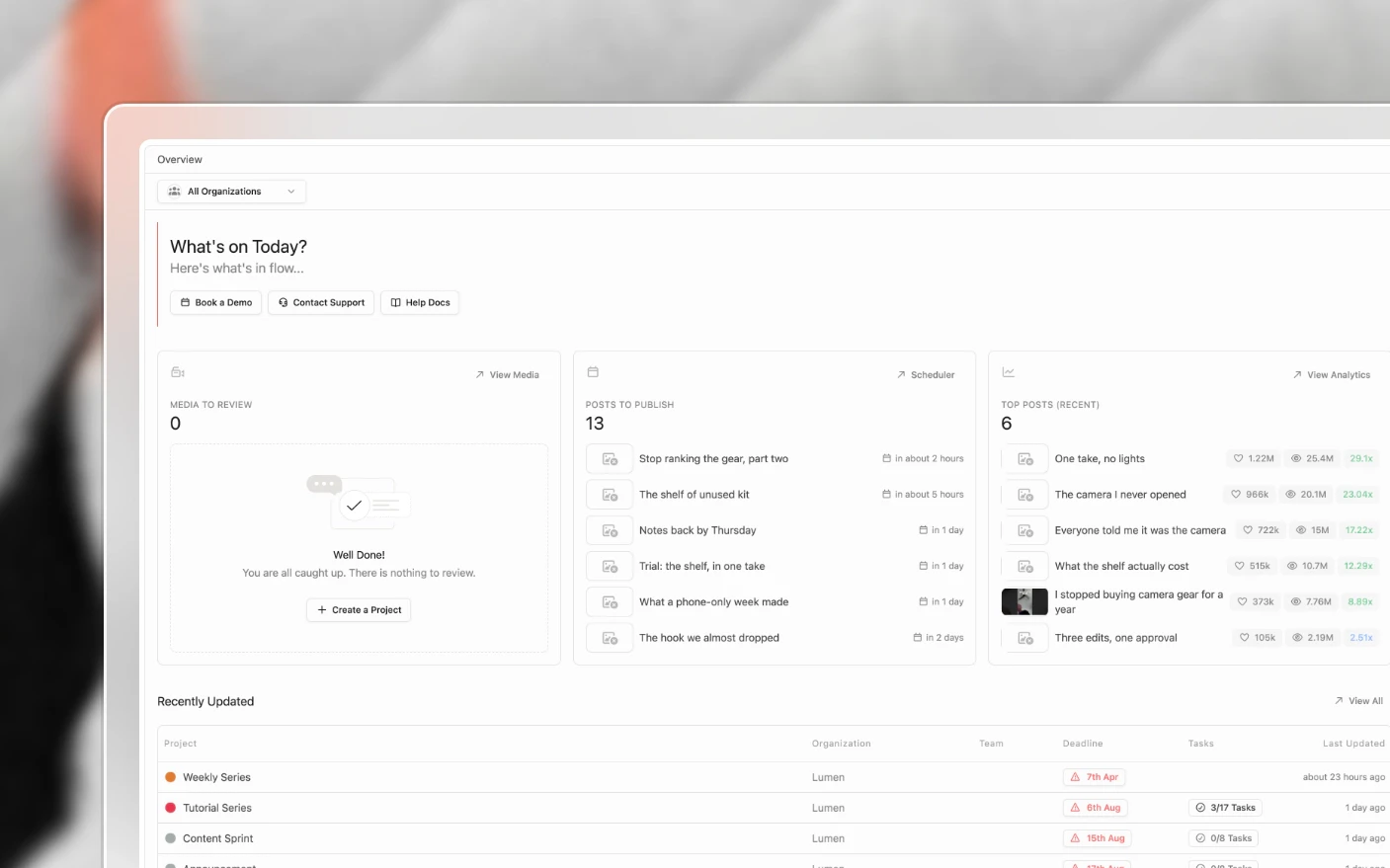
The Clipflow home screen with media to review, posts to publish and recent top postsThe Clipflow home screen with media to review, posts to publish and recent top posts

Browse by topic

  1. 00

    Getting Started

    Set up your account, learn the project workflow, and ship your first post.

  2. 01

    Projects & Content Production

    Ideas, tasks, pages, packaging, media, and the project explorer.

  3. 02

    Review & Approval

    Media review, share links, portals, and client feedback.

  4. 03

    Posts & Publishing

    Connected channels, scheduling, tracking links, and analytics.

  5. 04

    Automations & AI

    Event triggers, conditions, actions, and agents that do the work.

  6. 05

    Templates

    Project and task list templates for repeatable production.

  7. 06

    Team & Clients

    Organization setup, teammates, clients, and notifications.

  8. 07

    Account & Billing

    Your profile, plans, subscriptions, and account access.

  9. 08

    Developers

    The Clipflow API, OAuth apps, and webhook endpoints.

Get in Touch

  • Contact Support

    Get help straight from the team

  • Troubleshooting

    Fix common issues in minutes

  • Community

    Join our Slack Community

ContactBlogCoursesChangelogPrivacyTermsSign up

© 2026 Clipflow