
How to plan video titles and thumbnails before your team publishes the wrong packaging
Plan video titles and thumbnails, compare options, collect votes, and keep packaging decisions with the project.
Updated
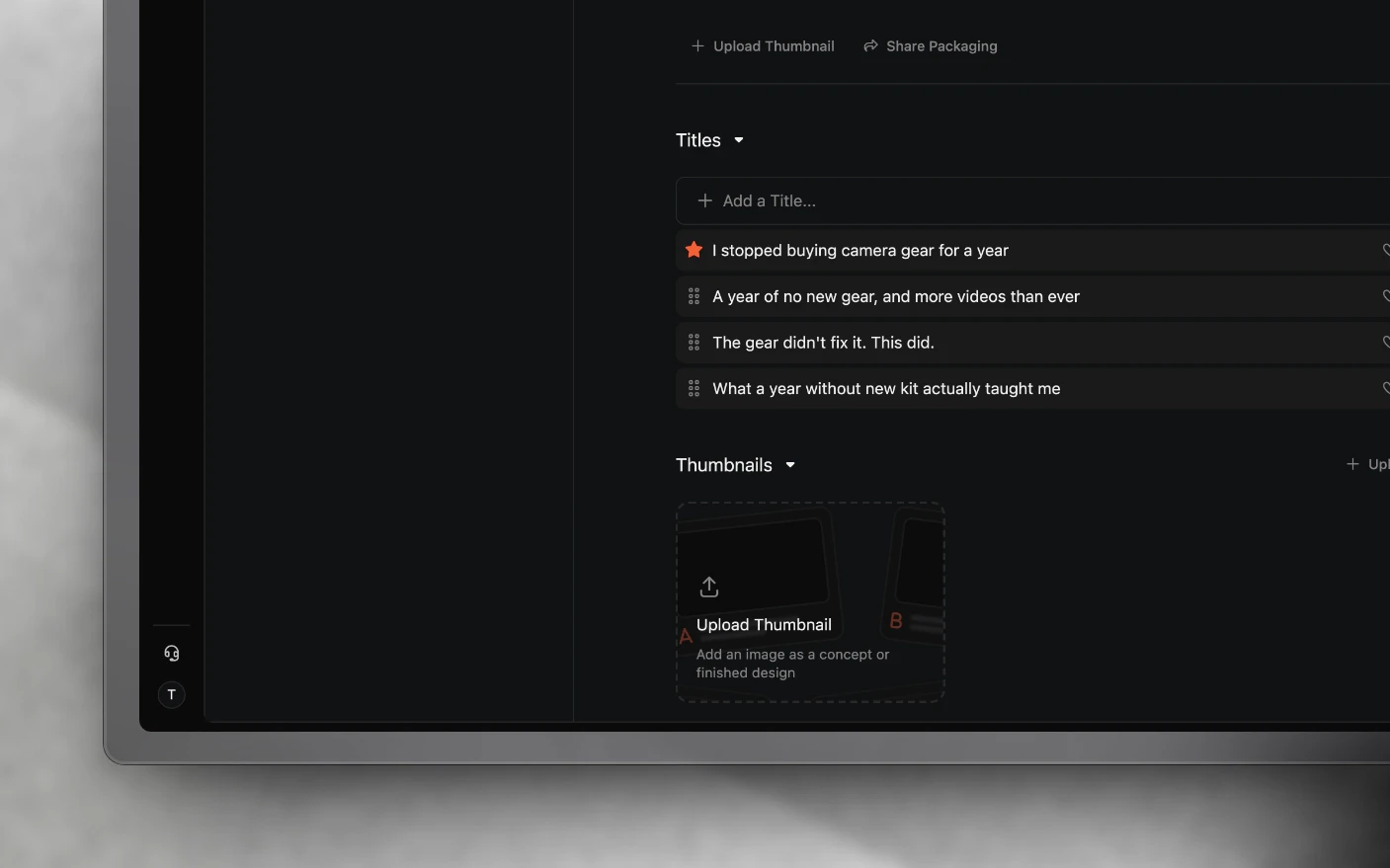
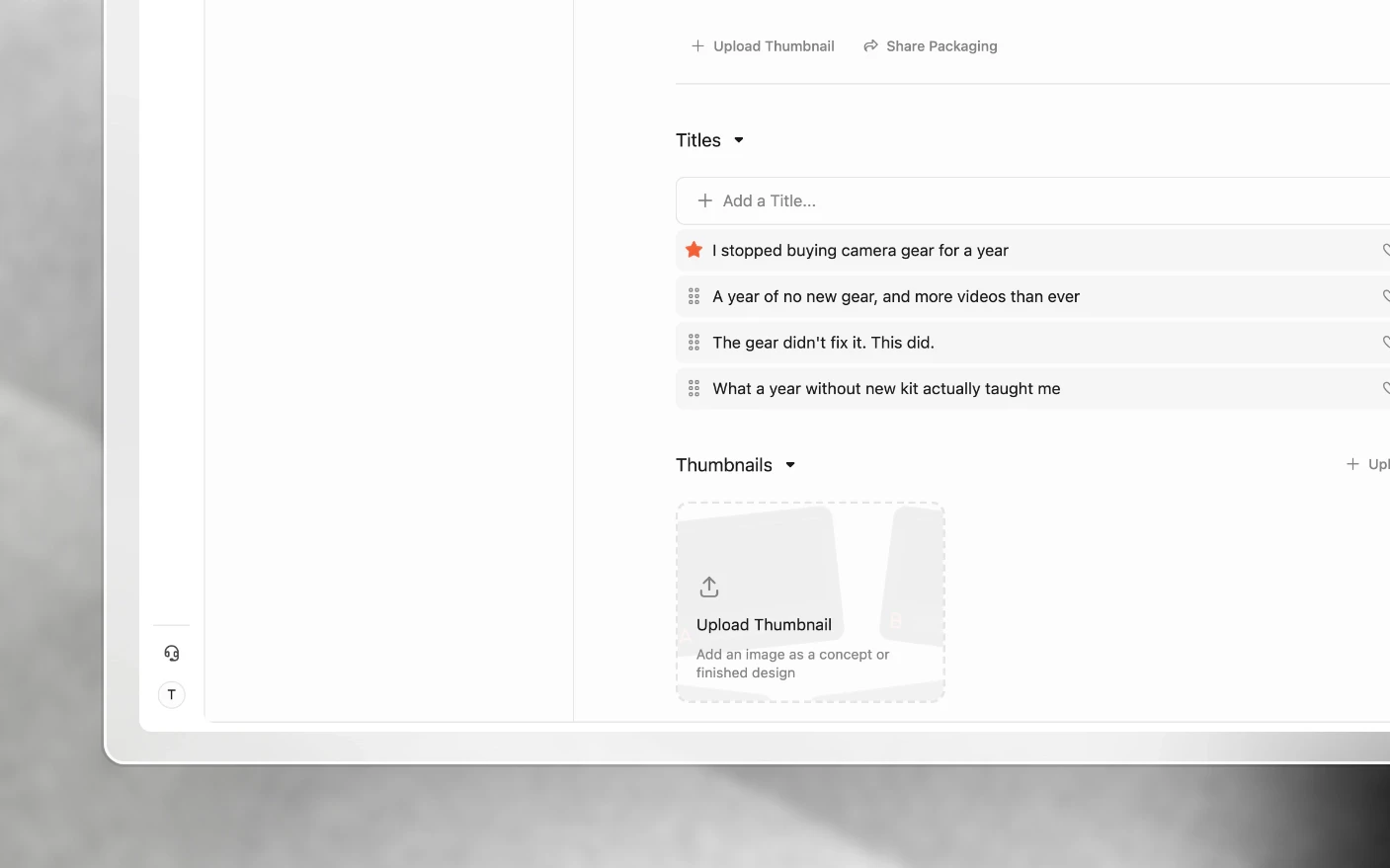
Make title and thumbnail decisions where the whole production team can weigh in
Packaging is the title and the thumbnail: the part of a YouTube video that decides whether anyone watches the rest of it. The packaging section keeps those decisions in the project, with the variations, the votes, and the reasoning attached.
The alternative most teams start with is a group chat and three exported JPEGs, which loses the reasoning the moment the thread scrolls.
Why keep packaging here?
Common problems solved:
- Thumbnail options scattered across chat, Drive, and Figma
- Nobody remembering which title the team actually agreed on
- Feedback on a thumbnail arriving with no way to tie it to the version
- Packaging decided by whoever replies last
What you get:
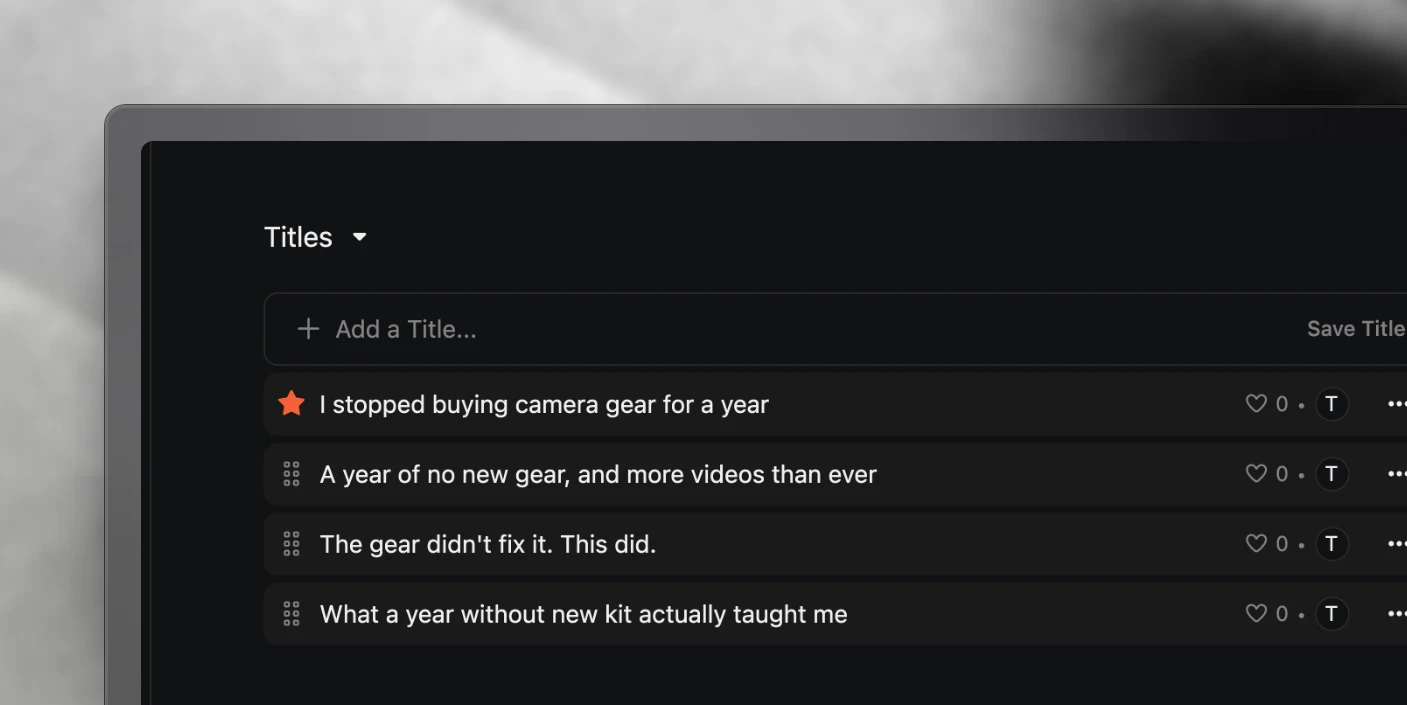
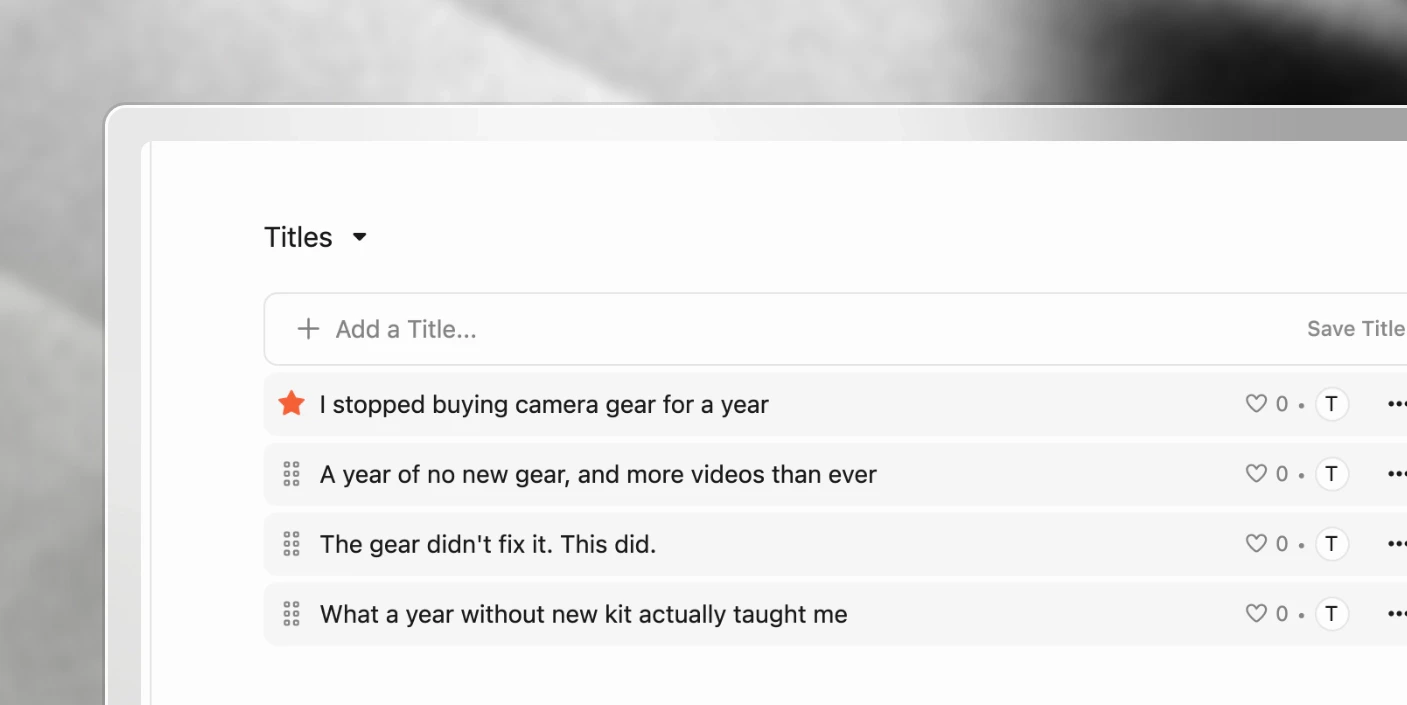
- Every title variation in one list
- Thumbnail concepts side by side
- Votes and comments attached to specific options
- A record of what was chosen and why
- Backup thumbnails ready to test if the first choice is not earning clicks
Step 1: Write title variations
Add several titles for the video and switch between them to compare.
Write more than you think you need. The value is in the range, not the polish: vary the angle, the specificity, the length, and the promise, then judge them against each other rather than in isolation.
You can reorder the list, so the current favourite sits at the top.
Step 2: Upload thumbnail concepts
Upload as many thumbnail options as you want and toggle between them.
Judge them at the size people actually see. A thumbnail that reads beautifully at full width can be illegible in a sidebar, which is where most impressions happen.
Step 3: Vote and comment
React to the options you think are strongest. It is a fast way for the team to signal agreement without a meeting.
Comment on a specific thumbnail when the feedback is more than a preference. “The face is too small to read on mobile” is worth writing down; a thumbs up is not.
Step 4: Set the one you are using
Mark the thumbnail you are going with as the default. That is the one the project treats as final, and the one the rest of the workflow points at.
Step 5: Schedule a CTR check before you publish
Do not make one thumbnail and hope it works. Produce several genuinely different options while the designer, source files and project context are all still available. Set the strongest one as the default, then keep the best secondary options in the project as backups.
Create a task such as Review YouTube CTR and test backup thumbnail with a due date after the video has had time to collect meaningful impressions. When that task is due, check the video’s click-through rate and use the ready-to-go secondary thumbnail if the first package is not earning the clicks the video deserves.
This turns a weak launch into a scheduled decision, not a vague intention to revisit the video later. See Content Production Task List for creating due-date tasks and Content Analytics for reading performance.
Not publishing to YouTube?
Skip this section entirely. Packaging is optional and has no effect on tasks, media review, scheduling, or project completion.
If it is permanently irrelevant to your work, collapse it. See Customizing Explorer View.
Tips and best practices
- Package before you edit, not after. Knowing the title and thumbnail shapes what the edit needs to deliver. Deciding afterwards means selling whatever you happened to make.
- Check thumbnails small. Shrink the option to sidebar size and see whether it still reads.
- Write the title as a promise the video keeps. A title that overpromises earns the click and loses the audience, and the second half is what counts.
- Keep the losing options. The variations you rejected are the record of your thinking, and they are useful the next time a similar video comes round.
- Create backup thumbnails before the video is live. A CTR task is only useful when there is a genuinely different option ready to test, not when the designer has to restart the work after performance has already stalled.
- Comment the reason, not just the choice. Votes tell you what won. Comments tell the next person why.
- Let an agent generate starting options. Mention one in the packaging notes page for hook and title ideas. See AI Agents.
Frequently asked questions
How many titles and thumbnails should I test?
Enough to cover genuinely different angles. Three thumbnails that differ only in colour is one option, not three.
Does the thumbnail here publish to YouTube automatically?
The default thumbnail is what the project treats as final. Check your channel’s publishing setup for what gets attached.
Can a client vote on thumbnails?
Share them through a share link and they can view and comment. See Share Links and External Feedback.
Can I write packaging notes somewhere?
Yes. Packaging notes and thumbnail outlines are page types on the project. See Project Pages.
What happens to rejected thumbnails?
They stay in the project unless you delete them. Keeping them costs nothing and preserves the reasoning.
When should I check whether a thumbnail needs changing?
Create the review task when you package the video and give it a due date after launch. Check its click-through rate alongside the impressions it has received, then use a prepared secondary option if the first thumbnail is not doing its job.
Is packaging required to complete a project?
No. It has no effect on tasks or project status.
Related articles
- Project Pages: packaging notes and thumbnail outlines
- Content Production Task List: add a due-date task to review CTR
- Content Analytics: understand post and channel performance
- Share Links and External Feedback: get client input on options
- Customizing Explorer View: hide packaging if you do not use it
Was this page helpful?
Related articles
Production Dashboard
See content projects across every organization in one production dashboard, sorted by deadline and ready for action.
Content Ideas
Capture content ideas, develop them with your team, and turn the strongest concepts into production projects.
Project Pages
Write content briefs, scripts, hooks, and production notes inside the project where the team can review and approve them.
Need more help with this?
Contact support