
How to track YouTube link clicks, leads and revenue back to the content that created them
Track YouTube and social link clicks, leads, and closed deals back to the content that generated them.
Updated
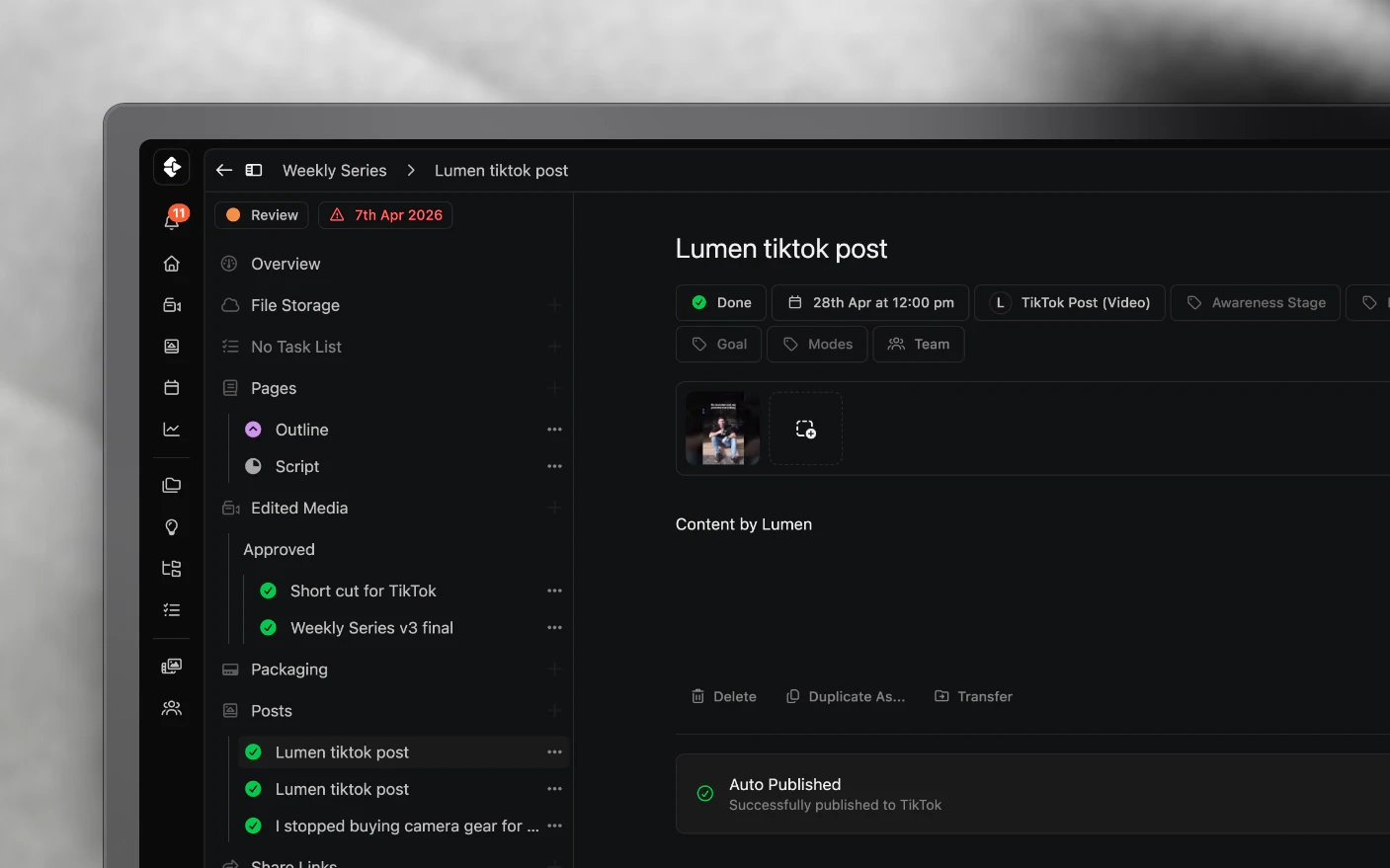
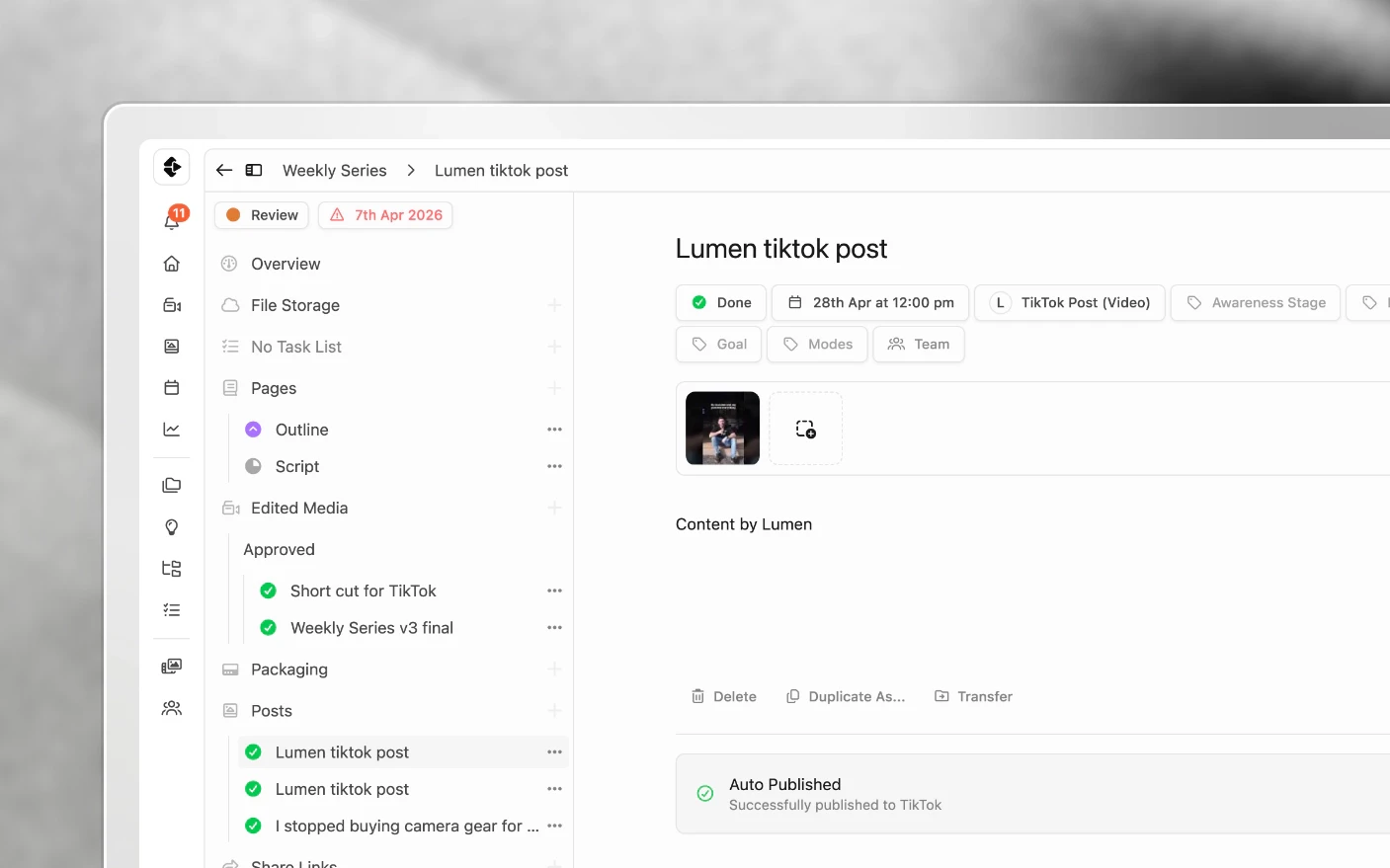
Find out whether your long-form content is creating pipeline, not just views
You invest in a video, it gets views, and someone books a call a week later. Nothing in YouTube Analytics tells you those two things are connected, so it is hard to tell which topics create demand, which videos only create vanity metrics, and what to make next.
Tracking links connect them. Every URL in a caption or description becomes a short link tied to the post it came from, so a click is attributed to a specific video, and the UTMs riding along tell your CRM the same thing. When the lead lands in GoHighLevel or Google Analytics, the source says which video sent them.
That matters most when you decide what to make next. Views tell you what people watched. Clicks and closed deals tell you which content paid for the next shoot.
What are Tracking Links?
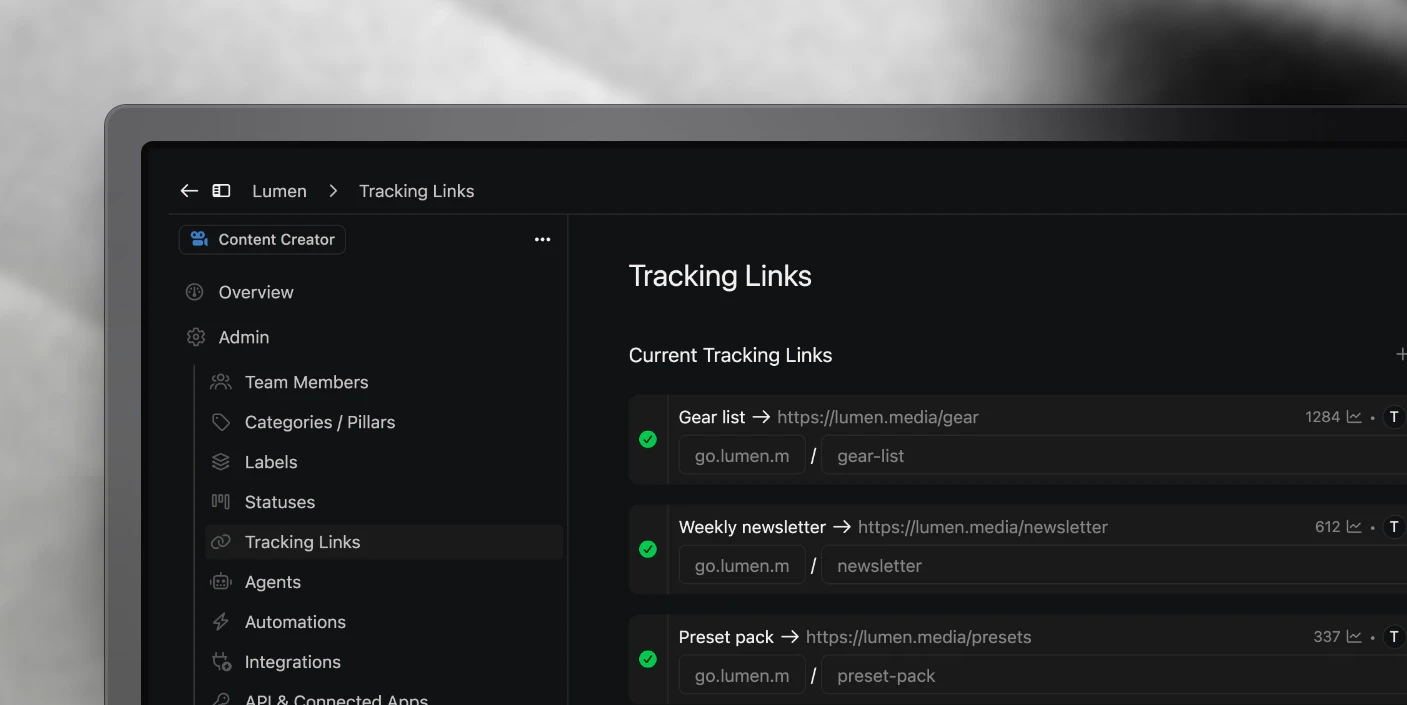
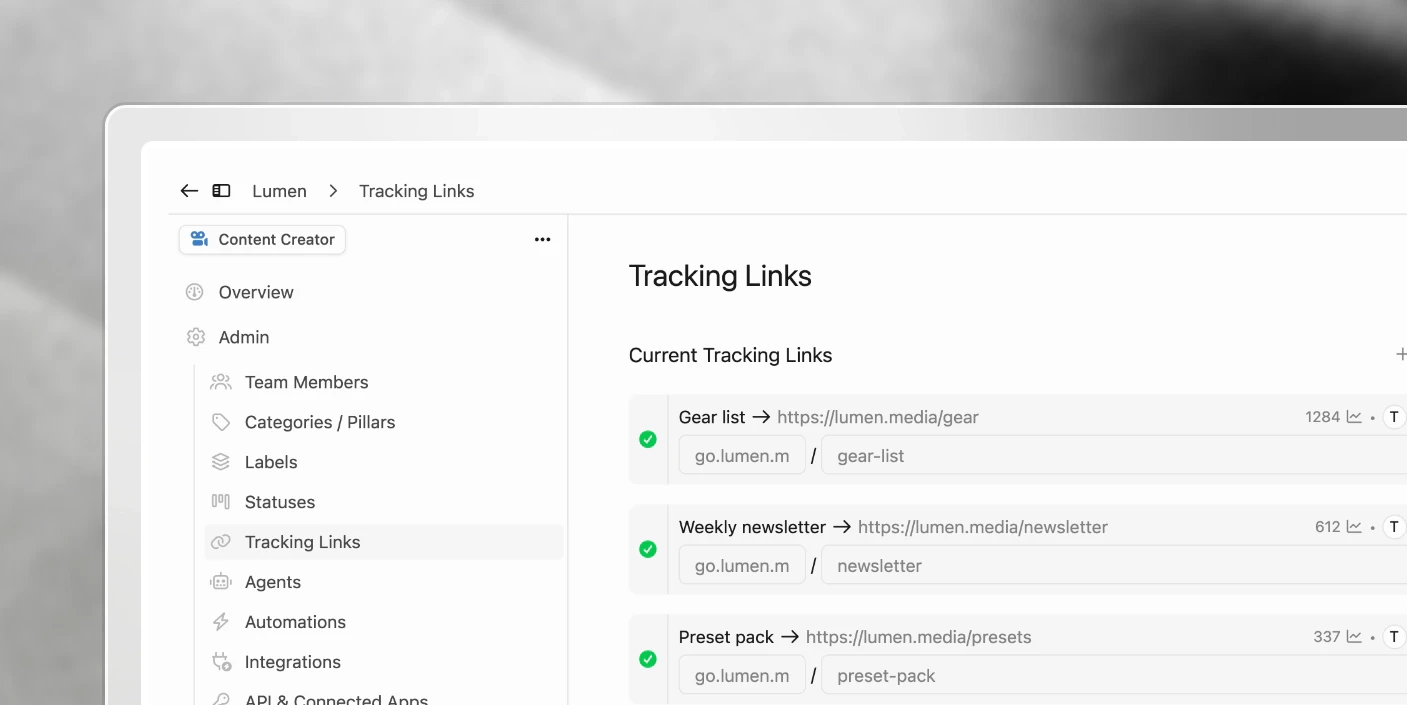
Tracking Links turn URLs in your captions and descriptions into short, click-counted links (default domain fllw.li). Each link is tied to the post or packaging it came from, so you can see which content drives clicks, not just views.
Clipflow also appends standard UTM parameters so your landing page, GoHighLevel, or Google Analytics can attribute the visit to that video or post.
Use them instead of juggling Bitly (or similar) one link at a time.
Why use Tracking Links?
Common Problems Solved:
- Closed deals from YouTube but no idea which video drove them
- Bitly / spreadsheet chaos across a team
- Ugly long URLs in descriptions
- Views without click or CRM attribution
What You Get:
- One-click Track links on a post (swaps every URL in the caption)
- Click counts on the post / packaging
- Auto UTMs for CRM and analytics tools
- Optional custom domain on your own hostname (on request, plan dependent)
How to track links on a post
- Open the Post (or packaging / description field) in the project.
- Paste your destination URLs into the caption or description (lead magnet, webinar, product, etc.).
- Click Track links (usually under the text).
- Clipflow replaces each URL with a tracked short link.
- Copy the full caption/description if you still publish elsewhere (see YouTube below).
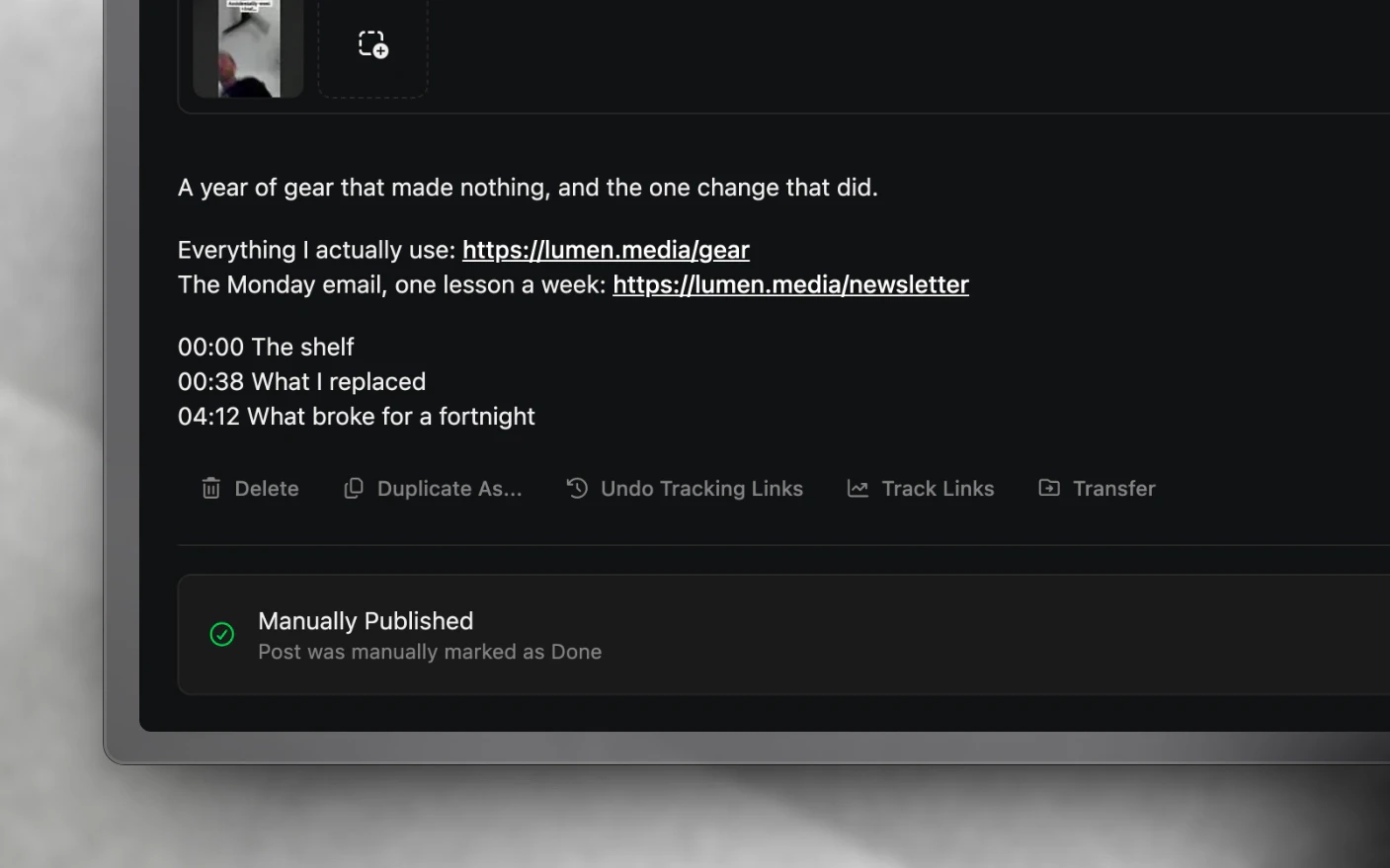
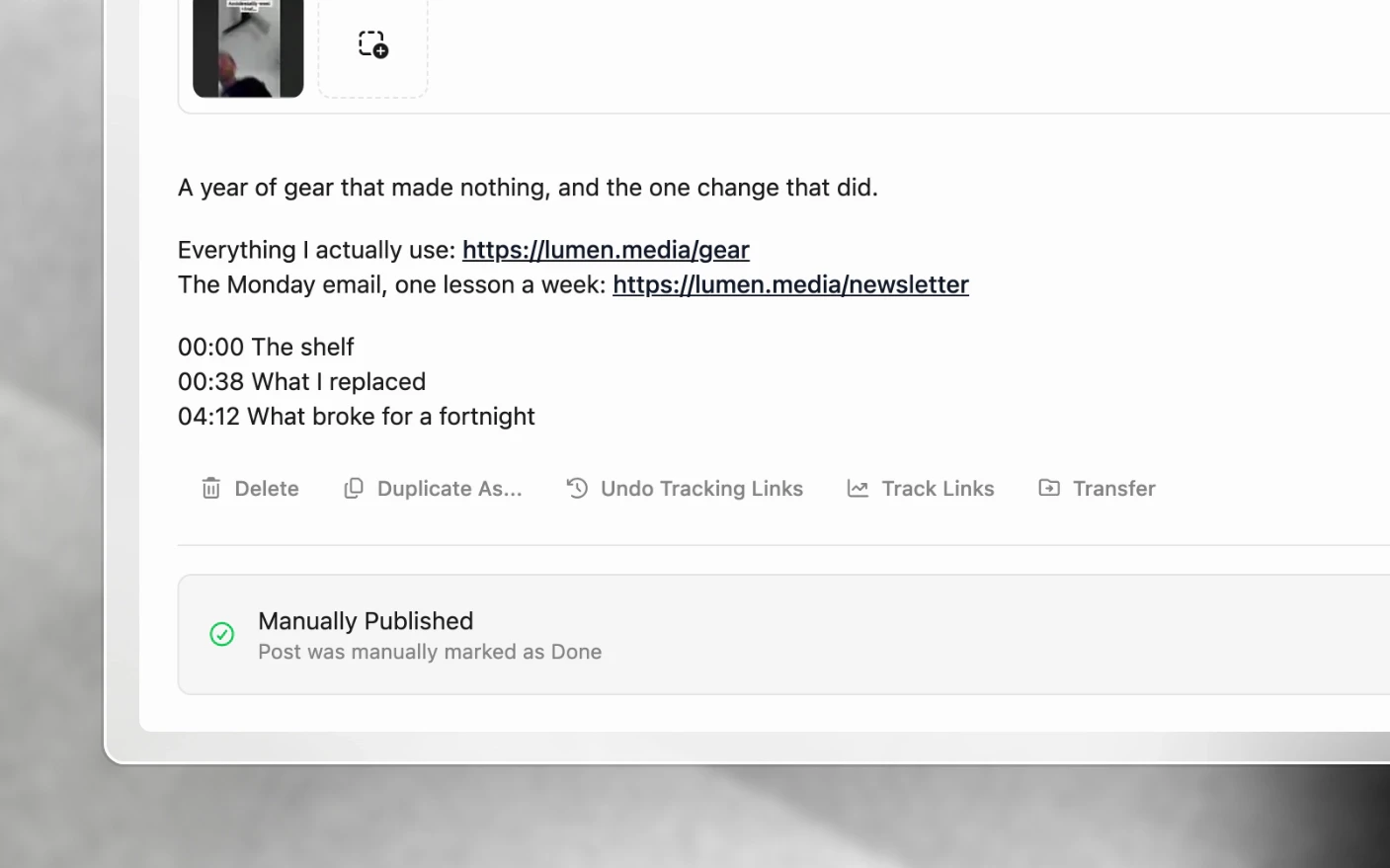
Platform limits still apply. Instagram captions are often not clickable, while YouTube descriptions and many bios are.
YouTube long-form workflow
Long-form descriptions are where tracking links earn the most, because a YouTube description is one of the few places a viewer can actually click.
- Upload the video, from Clipflow or in YouTube Studio, whichever suits your process.
- Write the description (and packaging) on the YouTube post in the project.
- Click Track links so every URL is tracked and UTM’d.
- If you uploaded in YouTube Studio, copy the full description across and save.
Update older videos the same way so back catalogue episodes start attributing clicks too.
UTMs and your CRM (GHL, GA, etc.)
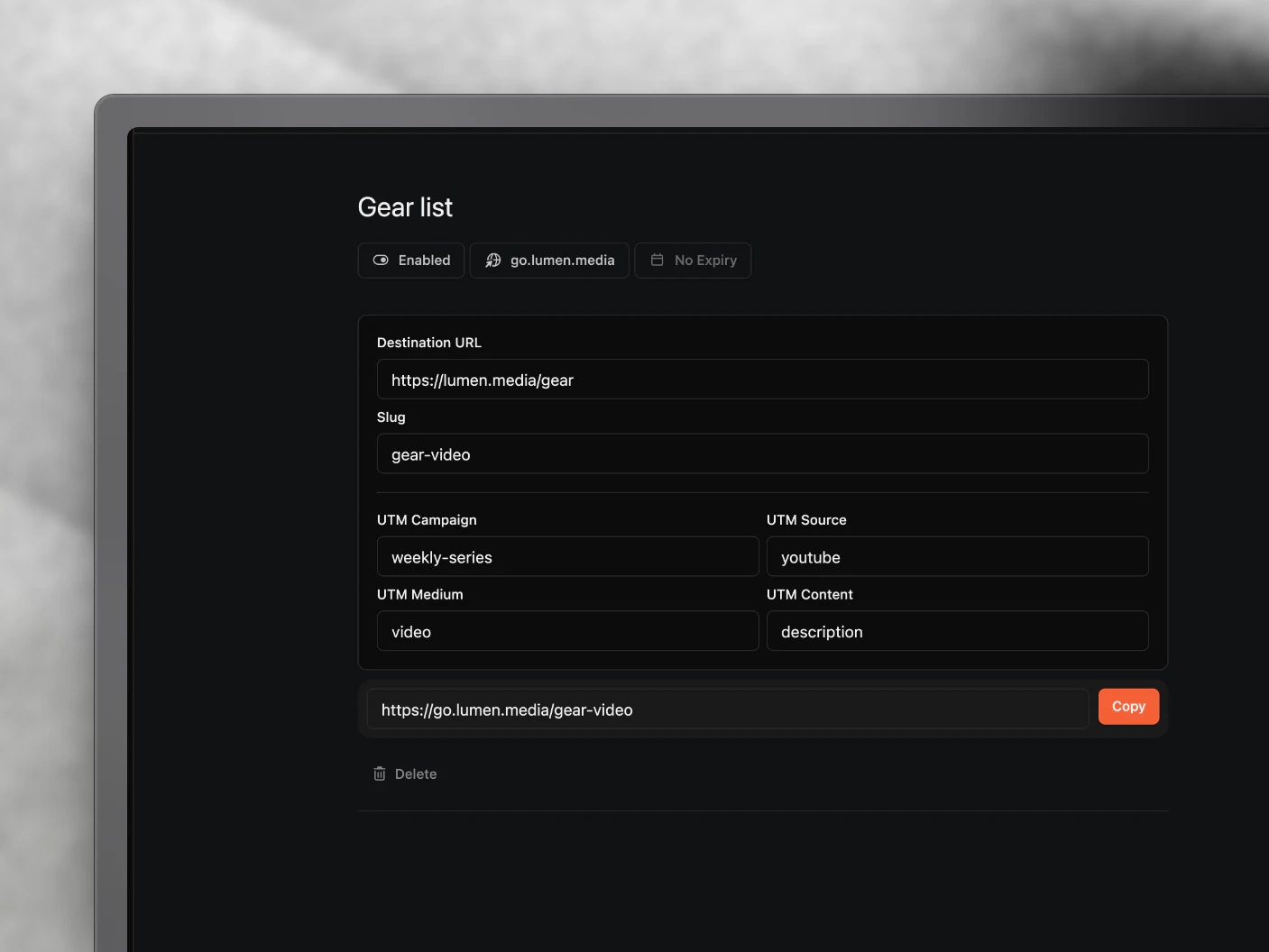
Tracked links automatically include UTM fields such as campaign, source, medium, and content (exact labels may vary, so open Edit on a tracking link to see what Clipflow set).
- Copy a tracked URL.
- Paste it into a browser address bar.
- Confirm the UTM query params appear after the destination.
- On your landing page / GHL / GA, those params show which Clipflow post or video the click came from.
Click counts also appear on the post in Clipflow. Rolled-up “videos driving the most clicks” analytics is still improving, so use post-level clicks and CRM UTMs today.
Viewing click data
- Return to the Post or Packaging where you tracked links.
- See click counts next to each tracked URL.
- Compare posts to decide what to remake or amplify.
Counts update as people click.
Why a new video can show clicks straight away
A click is counted every time the short link is requested. Nothing filters out automated traffic, so anything that fetches the URL without a person behind it still adds to the count: a platform checking that a link in a description is valid, a chat app building a preview card, a security scanner, an email client prefetching.
That is the likeliest explanation for a handful of clicks landing within minutes of publishing, before anyone could plausibly have watched far enough to reach the description. Read the trend over days rather than the first hour, and compare links against each other, where the same noise applies to all of them.
Link options
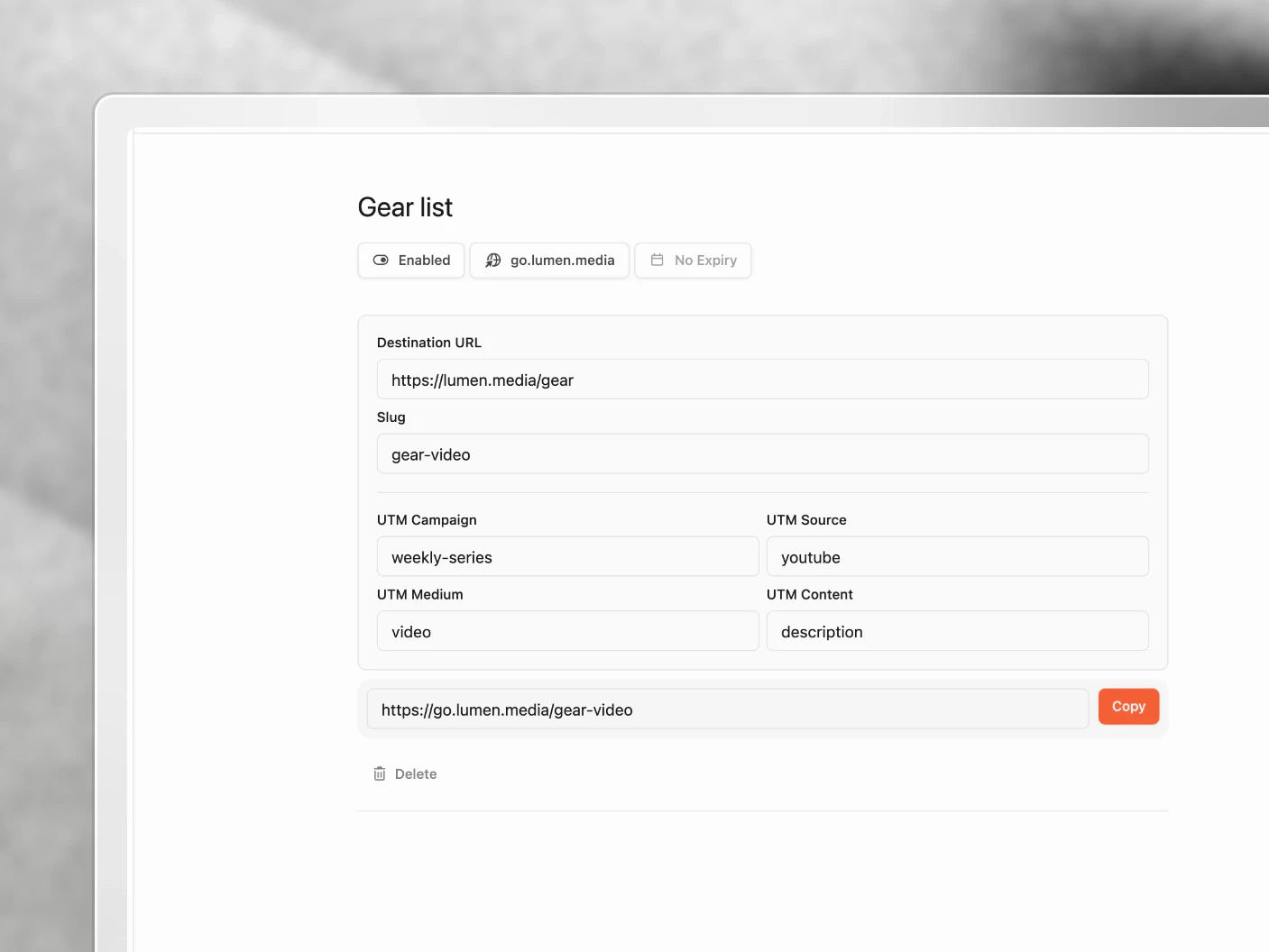
Open Edit on any tracking link to change how it behaves. The short URL and its click history survive every one of these, so you are never starting the count over.
| Option | What it does |
|---|---|
| Destination URL | Where the link sends people. Change it any time; the short URL stays the same. |
| Title | What the link is called in Clipflow. For you, not the visitor. |
| Expiry Date (Optional) | After this date and time, the link stops resolving. Leave it empty and the link runs forever. |
| Custom domain | Which hostname serves the link, if your organization has one. |
| Token | The slug after the slash, so fllw.li/spring-offer instead of a random string. |
| UTM fields | Campaign, source, medium, content, and term, if you want something other than what Clipflow set. |
To switch a link off without deleting it, use Disable Link on the link itself. Enable Link brings it back. The status badge reads Enabled or Disabled, and an expired link shows as Disabled too.
What a visitor sees on a dead link
A disabled or expired link does not fall back to the destination. Anyone clicking it lands on a “Tracking link not found” page instead.
That is the point when you mean to close something off, and a problem when you do not. A link in a two-year-old YouTube description keeps working only while it is enabled and unexpired, so think about the back catalogue before switching one off.
When to set an expiry
- Timed brand deals. A sponsor’s link should stop working when the contract ends, not keep sending them traffic you are no longer paid for.
- Launches and limited offers. Set the expiry to the close date so late clickers do not hit a checkout that should be closed.
- Webinars and events. Registration links expire on their own schedule anyway; matching the expiry keeps the click data honest.
- Client work that ends. When you stop running a client’s channel, their links stop with it.
Most links want no expiry at all. Reach for it when the offer behind the link has a real end date.
When to disable instead
Disabling is the fast answer to a link doing something wrong right now: pointing at a broken page, a wrong destination, or an offer pulled at short notice. Disable it, fix the destination, enable it again. The short URL in every published caption never changes.
Custom domains
By default your links are served from fllw.li.
You can serve them from your own domain instead, for example go.yourbrand.com/abc123. Ask us to add the domain, point one DNS record at Clipflow, and wait for verification and SSL. Links already published on the old domain keep working.
Agencies usually run one domain per client, on the client’s own domain, so links match the brand they promote. Full walkthrough in Custom Domains.
Tips and Best Practices
For YouTube and long-form
- Track every description link (offer, booking, social).
- Unique tracked links per video so attribution stays clean.
- Paste the whole description after tracking. Do not hand-edit one URL and leave the others raw.
For social posts
- Use tracking links wherever URLs are clickable (LinkedIn, YouTube, bios, email).
- Different links for the same destination across platforms if you want platform-level comparison.
For teams and agencies
- Keep client links in Clipflow, not a shared Bitly login.
- Show clients clicks (and CRM source) alongside views.
- Custom domains per client when branding matters.
Frequently Asked Questions
Do tracking links hurt SEO or reach?
No. They redirect to the destination, and platforms and analytics tools read the final URL and its UTMs.
Is there a limit?
No practical limit. Create as many as you need.
Can I change the destination later?
Yes. Edit the tracking link; the short URL can stay the same while the destination updates.
Do they expire?
Not unless you set an expiry date. Leave Expiry Date empty and the link runs indefinitely. See Link options.
What happens when someone clicks a disabled or expired link?
They get a “Tracking link not found” page rather than the destination. Worth remembering before you disable a link that is sitting in an old description.
Can I re-enable a link I turned off?
Yes. Enable Link brings it back with its click history and the same short URL.
My video just went live and already has clicks. Are those real?
Probably not all of them. Every request to the short link is counted, including automated ones like link validation and preview unfurling. The first few on a fresh post are usually noise.
Can I see who clicked?
Clipflow shows click counts per link/post. Person-level CRM data depends on your landing page / GHL setup via UTMs.
Why not just use Bitly?
Track links is one click inside the post, links stay attached to that content, and UTMs are applied for you.
Does uploading the YouTube file from Clipflow work?
Yes. You can also upload in YouTube Studio and keep writing the description in Clipflow, then copy it across once the links are tracked.
Related articles
Was this page helpful?
Related articles
Review Draft Posts
Work through a queue of draft posts, fix media, caption, date and channel in place, mark each one Ready and move on, mostly from the keyboard.
Carousels and Image Posts
Where images go in a project, how to build a carousel in slide order, why PNGs get a JPG copy, and each platform's carousel limits.
Connect Social Accounts
Connect Instagram, Facebook, YouTube, and more for social publishing, scheduling, and performance analytics.
Need more help with this?
Contact support