
How to cancel your Clipflow subscription, delete your account, and take your work with you
Cancel a trial or subscription, download your work before access ends, delete your account or organization, and stop marketing emails.
Updated
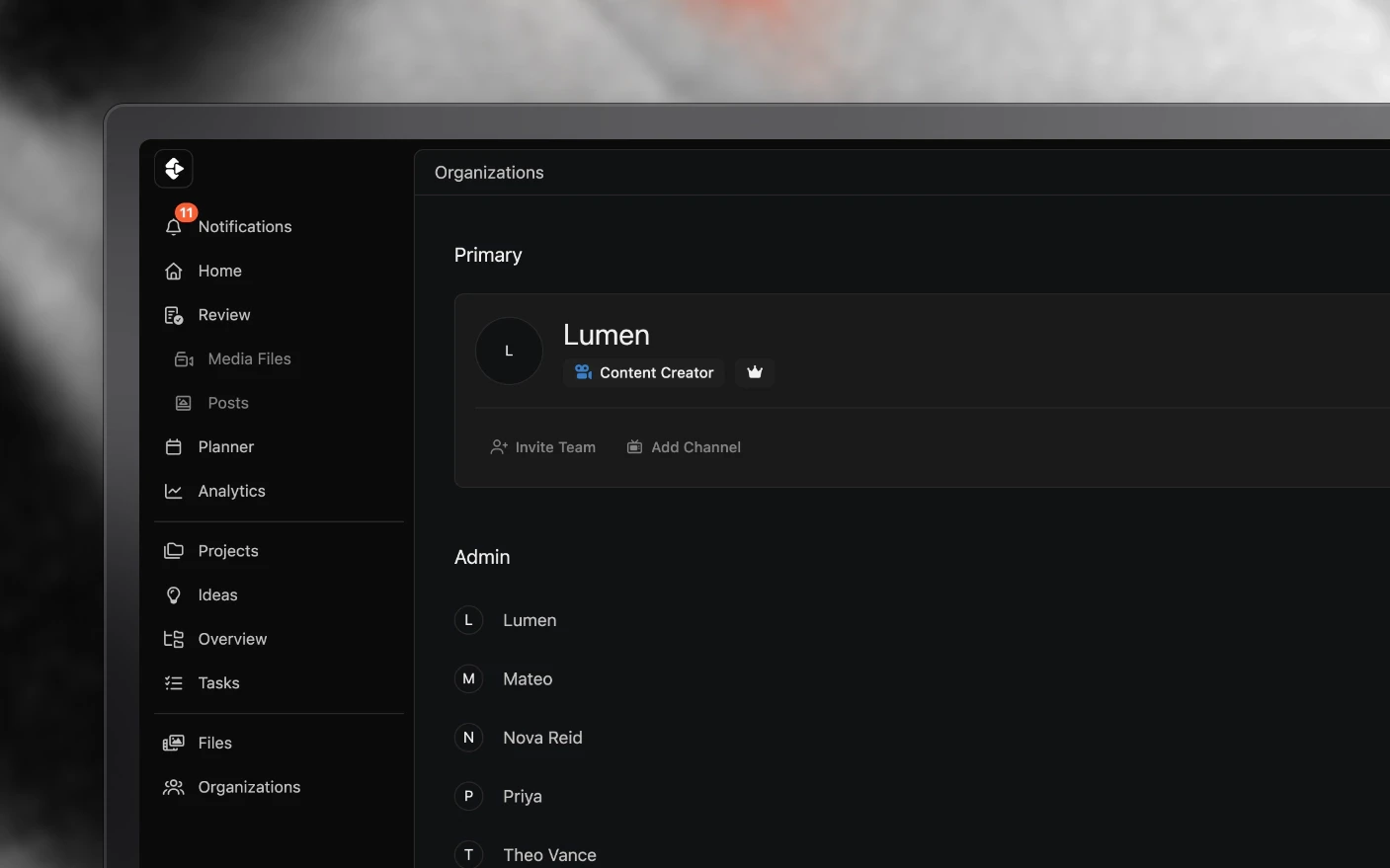
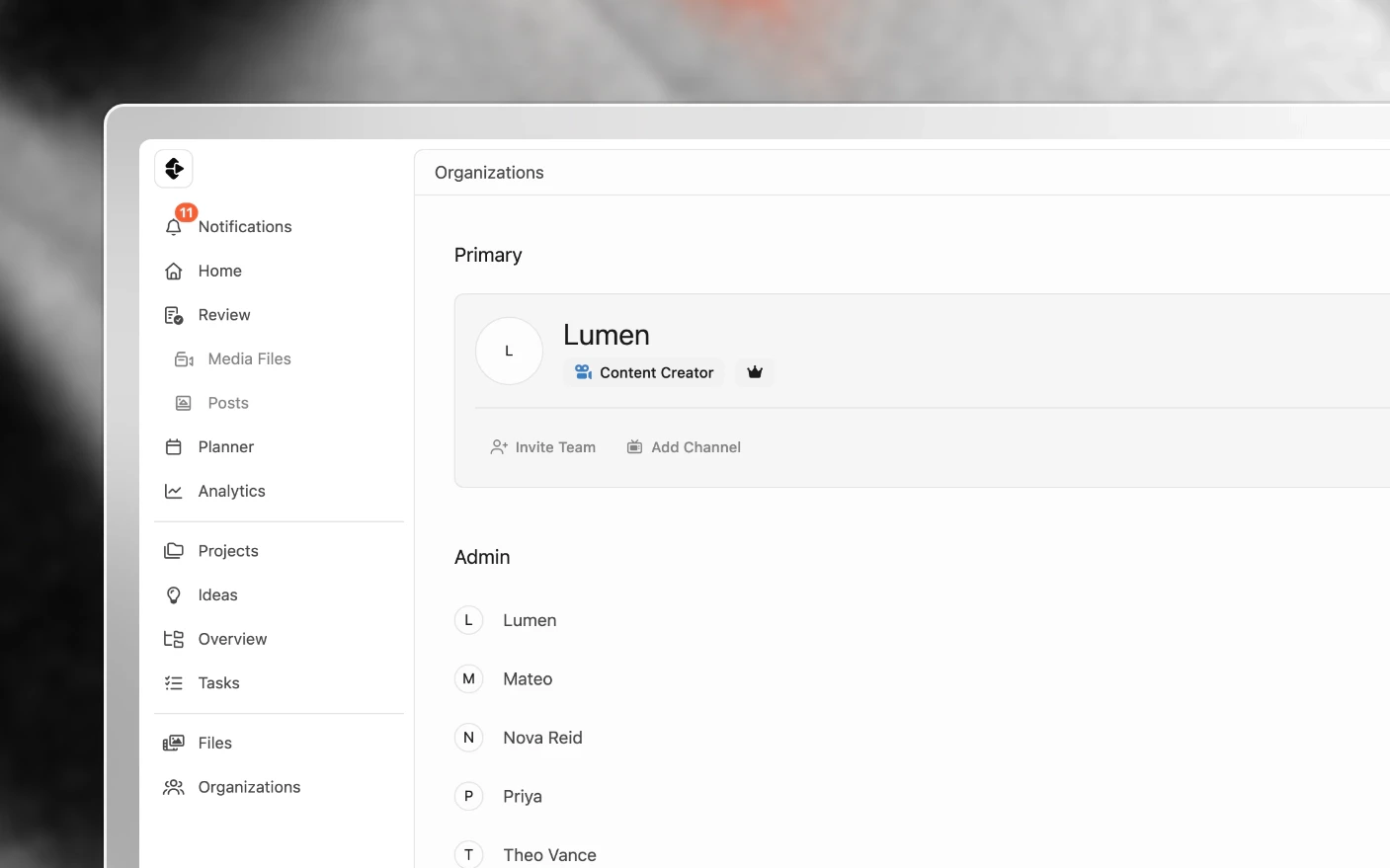
Leave cleanly, whether you are ending a trial or closing everything down
Cancelling and deleting are two different things in Clipflow. Cancelling stops the subscription on one organization. Deleting removes your account or an organization and its data for good. You can cancel yourself; deletion goes through our support team so nothing disappears by accident.
Ending a free trial
If you never entered a card, there is nothing to cancel. The trial ends on its own after 14 days and you are not charged.
If you subscribed during the trial, your remaining trial days carried over, and the card is charged automatically when they run out. Cancel before then to avoid the charge.
Step 1: Download anything you want to keep
Once a trial or subscription ends, the organization is locked apart from Billing and Team, and downloads stop working. Download first.
- A post’s media: open the post and use Download All to get a zip.
- A folder of files: use Download on the folder.
- Videos and files: each media file and file row has a download action in its ⋯ menu.
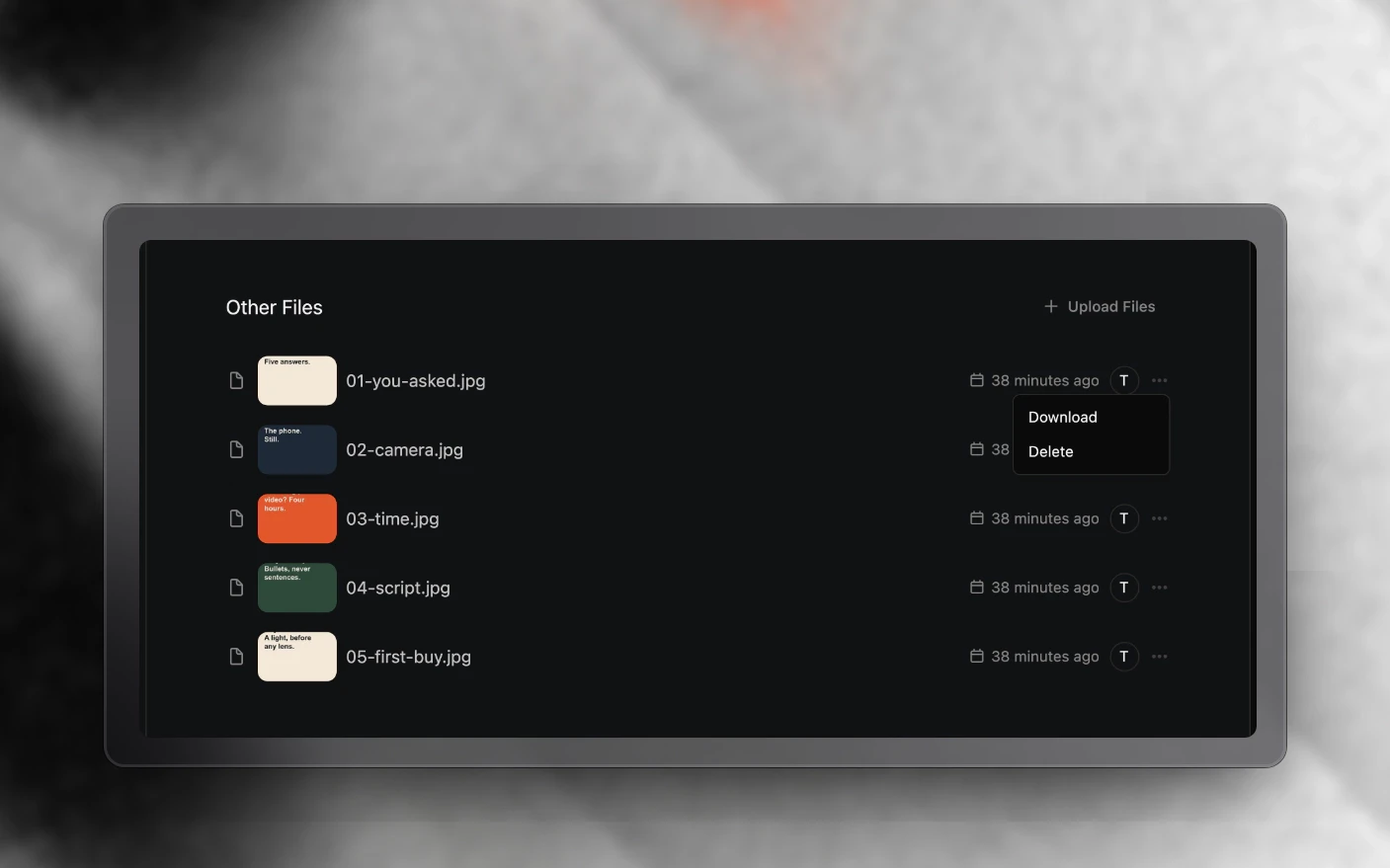
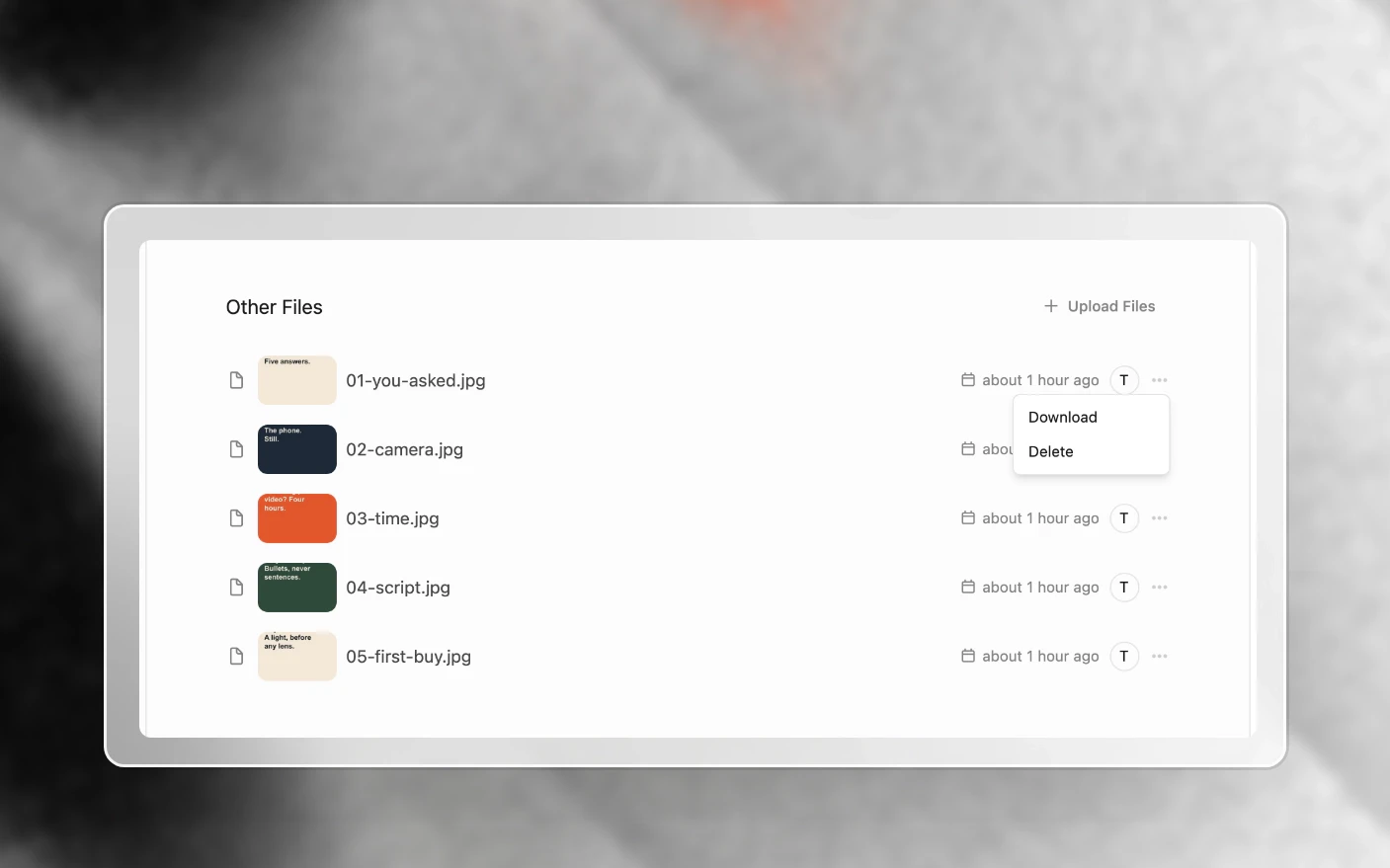
There is no one-click export of a whole organization. For a large account, email support@clipflow.co before you cancel and we will help you get it out.
Step 2: Cancel the subscription
Only an admin of the organization can do this.
- Open Organizations and click the organization.
- Go to Billing.
- Under Subscription Plan, find the plan marked Current and click Manage.
- In the Stripe billing portal, cancel the subscription.
The organization keeps working until the end of the period you have paid for. After that it locks until someone subscribes again. Your projects, media and posts are not deleted when a subscription ends.
Each organization has its own subscription. An agency cancels on the agency organization. Client organizations managed by an agency are not billed, so there is nothing to cancel there.
Step 3: Delete your account or an organization
There is no delete button in Clipflow yet. Email support@clipflow.co from the address on the account and tell us:
- whether you want your account deleted, one organization, or both
- the organization’s name, if it is an organization
We confirm by email when it is done. Download your work first (Step 1), because a deletion cannot be undone.
Leaving one team is different from deleting your account. An admin of that organization can remove you from its team list, and your account and any other organizations stay as they are.
Stop marketing emails
Every Clipflow newsletter and product email has an unsubscribe link at the bottom. Click it and those emails stop.
Account emails (verification, password resets, team invites and billing receipts) still arrive while you have an account, because you need them to sign in and pay. Deleting the account stops them.
Frequently Asked Questions
Do I need to do anything to cancel my trial?
Not if you never entered a card. The trial ends on its own and you are not charged.
Where is the cancel button?
In Organizations → your organization → Billing. Click Manage on your current plan and cancel in the Stripe billing portal.
What happens to my work when I cancel?
Nothing is deleted. The organization locks at the end of the paid period, and everything is there again if it is resubscribed.
Can I export my projects after my trial has expired?
Downloads stop once the organization is locked. Email support and we can extend the trial briefly so you can download what you need.
How do I delete my account and data?
Email support@clipflow.co from the account’s address. We delete it by hand and confirm when it is done.
Can I delete an organization I created by mistake?
Yes, through support. Email us the organization’s name.
I was charged after cancelling. Can I get a refund?
Email support with the organization name and the charge. We check what happened in Stripe and put it right if the charge was a mistake.
Related articles
- Plans and Billing: trials, seats and invoices
- Can’t Sign In: getting back in to download your work
- Managing Your Organization: organization settings
Was this page helpful?
Related articles
Can't Sign In
Fix missing verification and reset emails, expired links, invites that won't open, and teams locked out after a trial ends.
Create Your Account
Create a Clipflow account, start a 14-day trial, verify your email, join organizations, and manage sign-in.
Plans and Billing
Manage your Clipflow trial, subscription, seats, invoices, payment method, upgrades, and cancellation by organization.
Need more help with this?
Contact support