
What to do when you can't sign in to Clipflow or the verification email never arrives
Fix missing verification and reset emails, expired links, invites that won't open, and teams locked out after a trial ends.
Updated
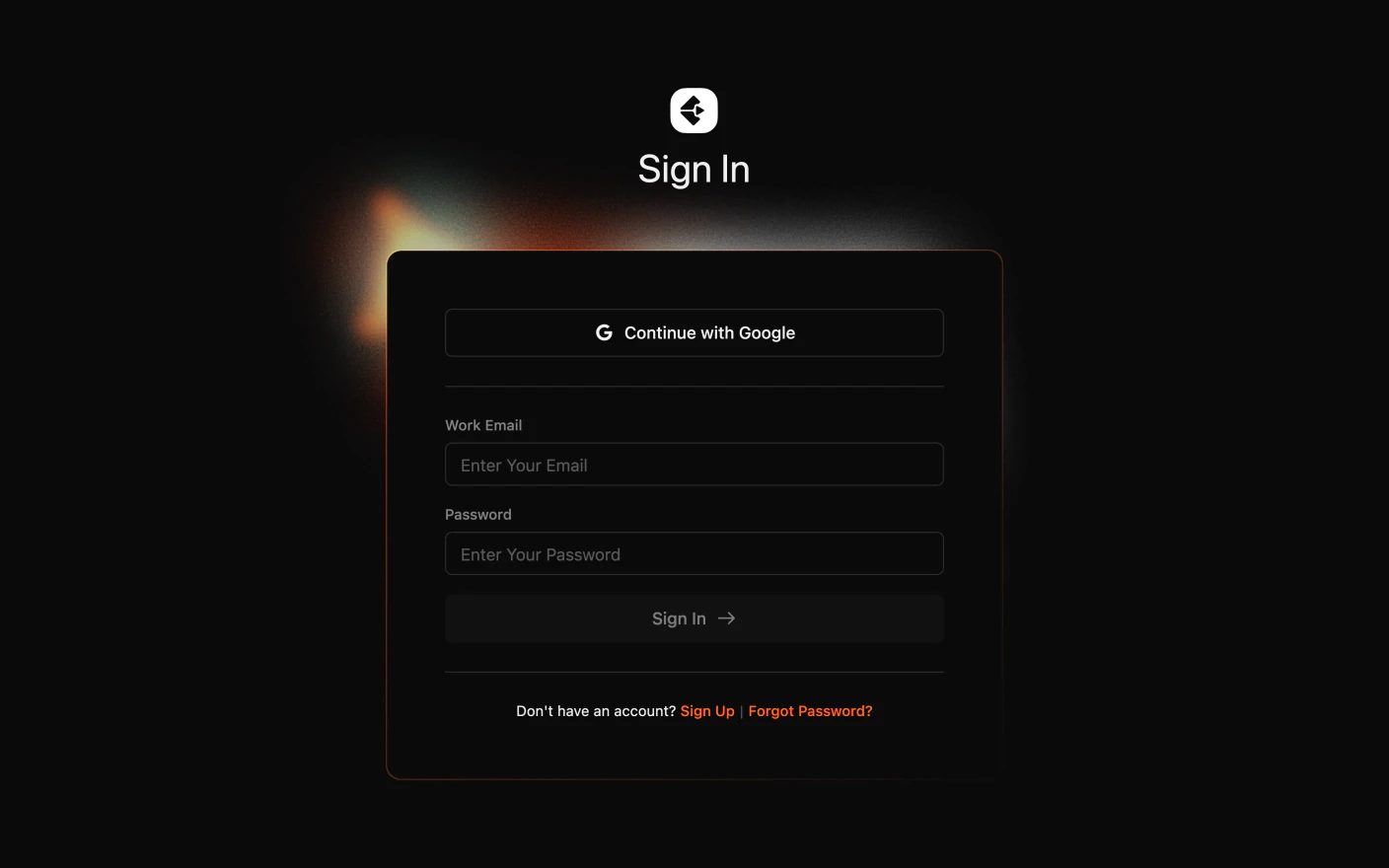
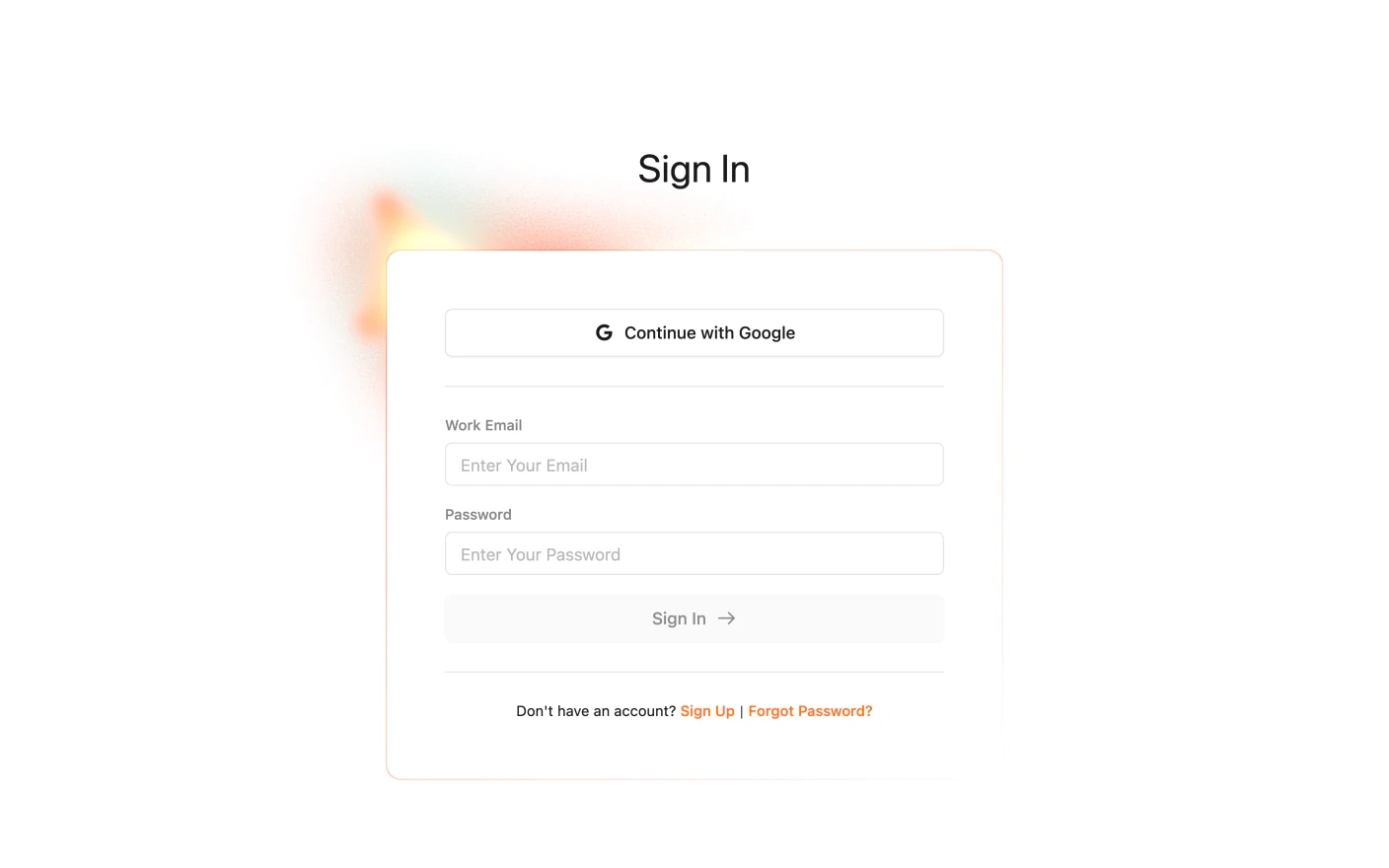
Get back into Clipflow when an email or a link stands in the way
Almost every sign-in problem is one of four things: a verification email that has not landed, a reset link that expired, an invite that was never accepted, or an organization whose trial has ended. Find the one that matches what you see and follow its steps.
All Clipflow account emails come from Clipflow noreply@n.clipflow.co.
Emails to look for
| Subject | Link lasts | |
|---|---|---|
| Verification | Verify your email | 2 days |
| Password reset | Reset your password | 20 minutes |
| Team invite | [Name] invited you to join them in Clipflow | 7 days |
“We sent a verification email to your email address”
You cannot sign in until your email is verified. There is no resend button: signing in again is what resends it, at most once every five minutes.
- Check spam, promotions and any “other” or quarantine folder for Verify your email.
- Add
noreply@n.clipflow.coto your contacts or safe senders. On a company domain, ask IT to allow then.clipflow.cosending domain. - Wait a few minutes, then sign in again to trigger a fresh email.
- Click the link within two days. An old link shows Email verification link has expired. Sign in again for a new one.
If nothing arrives after 15 minutes, email support@clipflow.co from the address you signed up with. When an address has bounced once, our email provider stops sending to it until we clear it, and only we can do that.
Forgot your password
- On the sign-in page, click Forgot Password?
- Enter your work email and send the link.
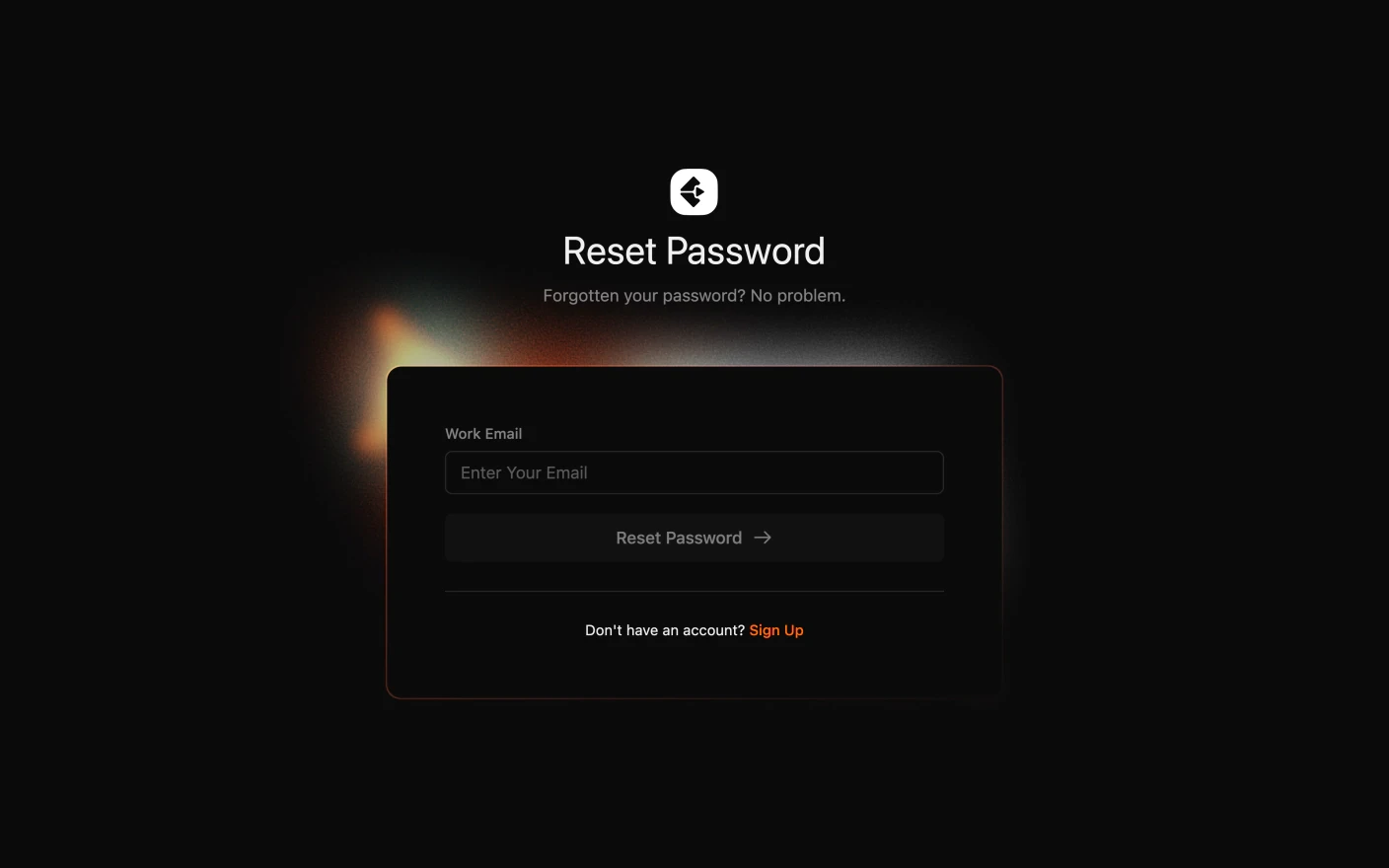
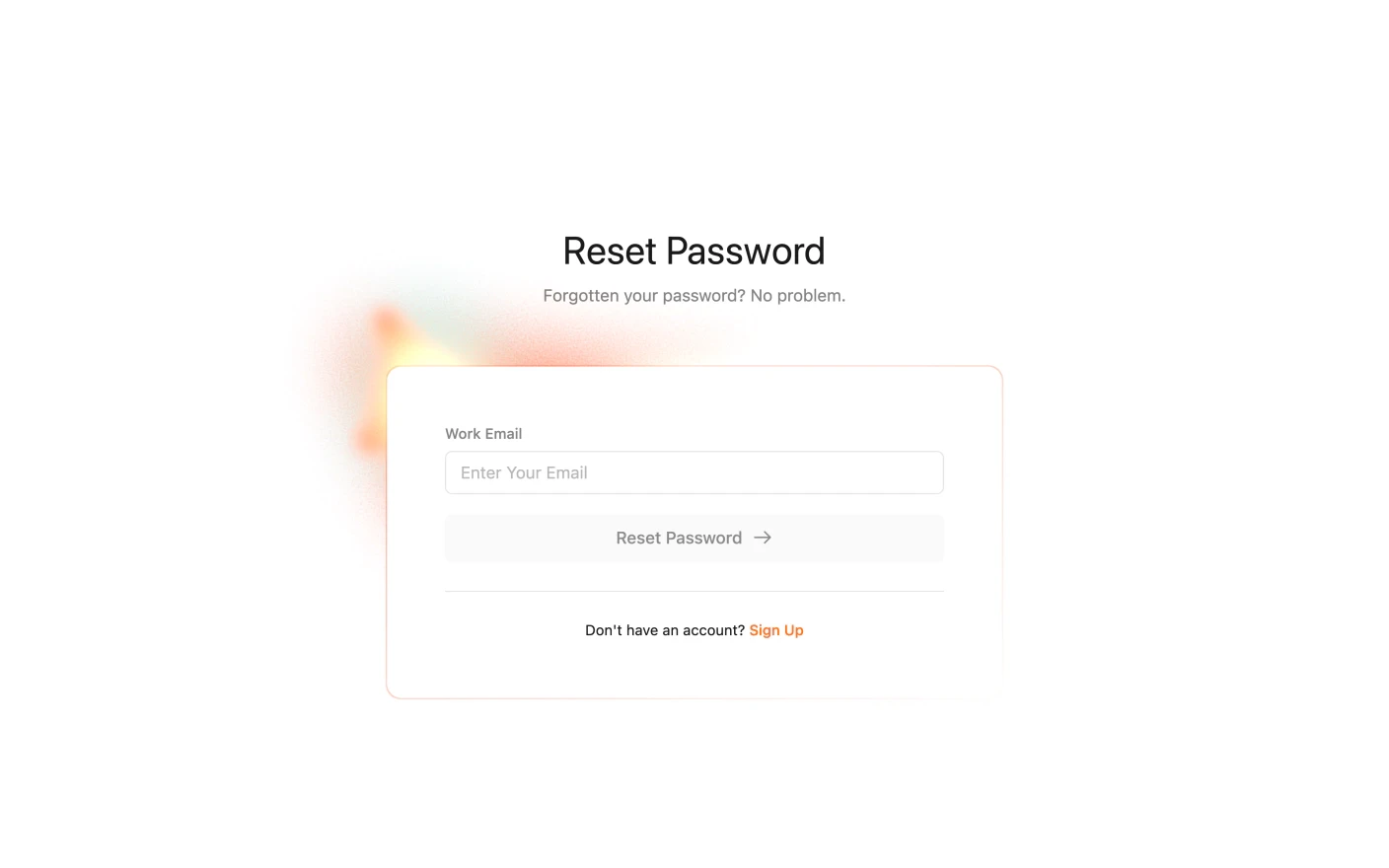
- Open Reset your password and set a new password within 20 minutes. After that the link stops working and you need a new one.
Resetting your password signs you out of Clipflow on every other device.
You were invited to a team
When a teammate invites you, Clipflow creates your account for you. You do not sign up separately.
- Open the invite email, [Name] invited you to join them in Clipflow.
- Click the link, then set your name and password on the invite page. That also verifies your email.
- Sign in with that password from then on.
Things that trip invites up:
- Using Forgot Password? before accepting. It will not work until the invite is accepted. Use the invite link.
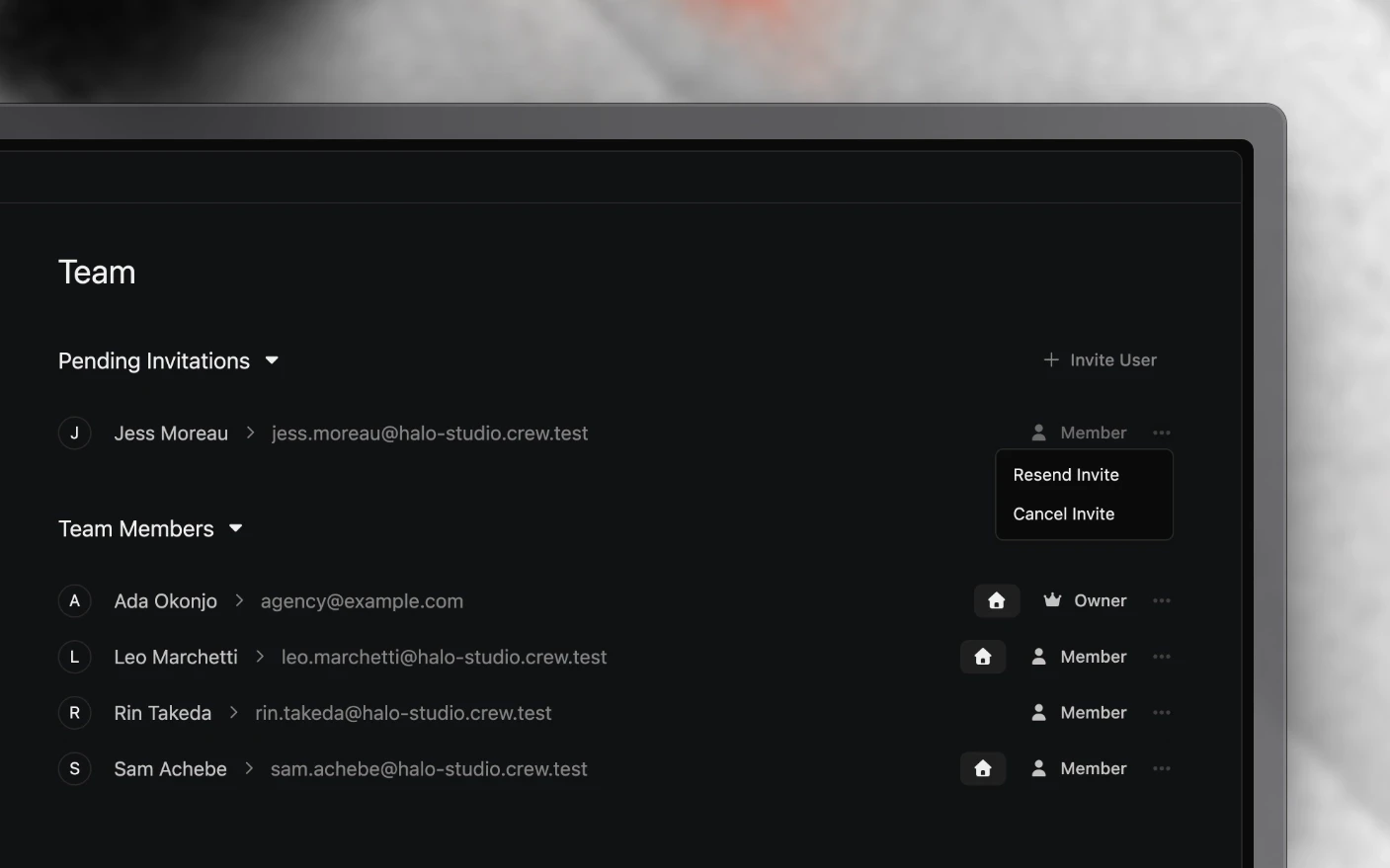
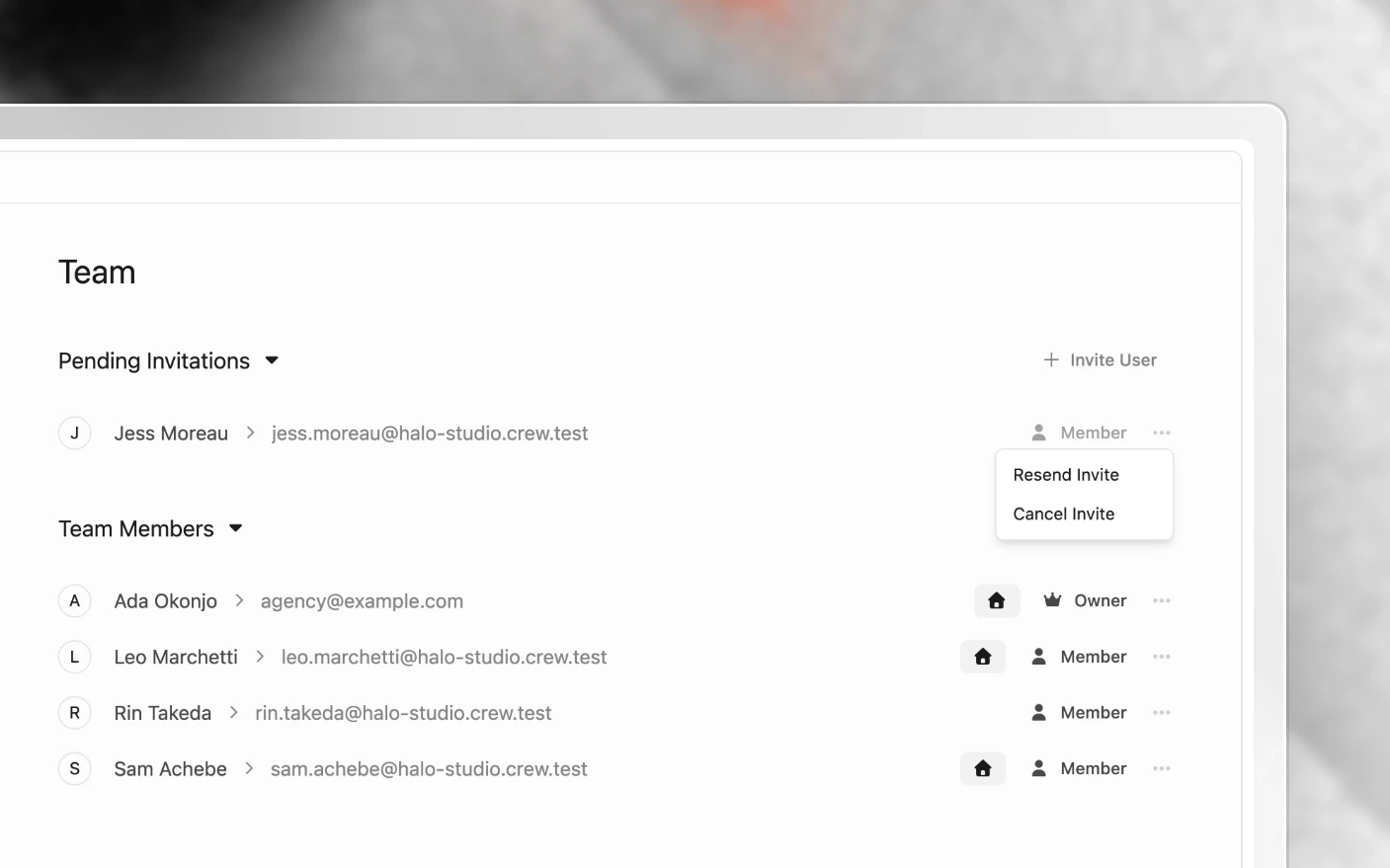
- The link is more than 7 days old. Ask the admin to click ⋯ on your row in their team list and choose Resend Invite.
- “Invite token is invalid.” You are signed in to Clipflow as someone else in the same browser. Sign out, or open the link in a private window.
- You signed up yourself before the invite arrived. Ask the admin to invite that same address, or email support and we will join the accounts up.
Signing in with Google
Continue with Google signs you in to an existing Clipflow account with the same address, as long as that account is verified. If you created an account with email and password and never verified it, verify it first. Google cannot take over an unverified account.
Addresses with a plus sign
Clipflow treats name+anything@company.com as name@company.com and ignores capital letters. If you signed up with a plus-address, sign in with the plain address.
You changed your email address
The change takes effect straight away and marks the new address unverified. The next time you sign in, a verification email goes to the new address. Verify it to get back in.
Signed in, but stuck on Billing or a list of organizations
Each organization has a 14-day trial. When it ends, the organization is locked until someone subscribes:
- Admins land on Billing with Trial has ended. Please choose a plan from the options below:
- Everyone else lands on the organizations list.
Billing, Team and the organizations list still work, so an admin can subscribe or change the team. The rest of the organization opens again once it has a subscription.
If you are an editor on a paid team and see this, the problem is usually your default organization, not the team’s plan. It is pointing at an empty organization you created at signup. Ask an admin to set their organization as your default. See Setting Up as an Agency.
Did not get a proper chance to try Clipflow? Email support@clipflow.co with the organization name and ask for a trial extension. We extend trials on request.
“We couldn’t sign you in. Please contact support”
This account has been blocked. Email support@clipflow.co from the account’s address and we will look into it.
Frequently Asked Questions
How do I resend the verification email?
Sign in again with your email and password. Each attempt sends a new verification email, at most once every five minutes.
My teammate never gets any Clipflow emails.
Check their spam and quarantine folders, and ask IT to allow n.clipflow.co. If an earlier email to that address bounced, our provider holds further emails until we clear it. Email support with the address.
The password reset link doesn't work.
Reset links last 20 minutes and only work on verified accounts. Request a new one with Forgot Password?. If you were invited and never accepted, use the invite link instead.
My invite link has expired.
Invites last 7 days. Ask the admin to choose Resend Invite from the ⋯ menu on your row in their team list.
I'm signed in but only see the Billing page.
The organization’s trial has ended. An admin needs to choose a plan. If you are on a paid team, ask an admin to set their organization as your default.
Can I sign in with Facebook, TikTok or Apple?
No. Sign in with Continue with Google or your work email and password. Facebook, TikTok and the other platforms are for connecting channels, not for signing in.
Related articles
- Creating Your Account: signing up and verifying
- Managing Your Profile: changing your email and password
- Plans and Billing: trials and subscriptions
- Cancel or Delete Your Account: leaving Clipflow
Was this page helpful?
Related articles
Cancel or Delete Your Account
Cancel a trial or subscription, download your work before access ends, delete your account or organization, and stop marketing emails.
Create Your Account
Create a Clipflow account, start a 14-day trial, verify your email, join organizations, and manage sign-in.
Plans and Billing
Manage your Clipflow trial, subscription, seats, invoices, payment method, upgrades, and cancellation by organization.
Need more help with this?
Contact support