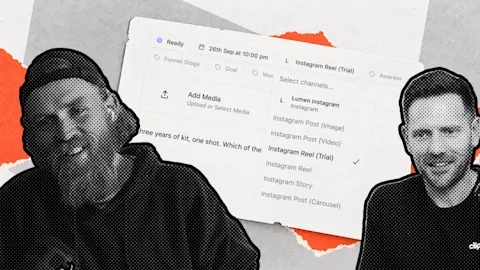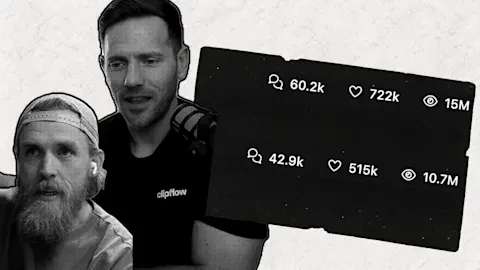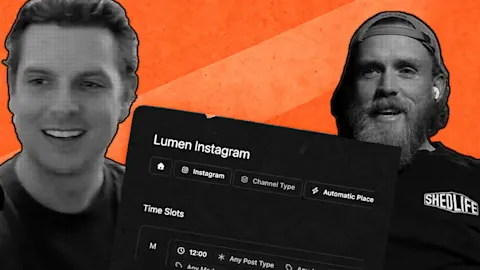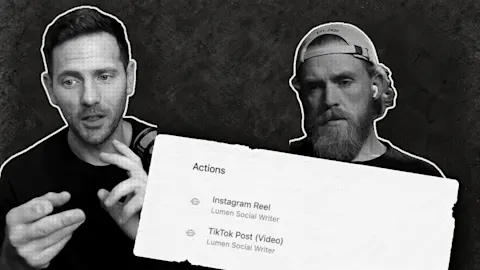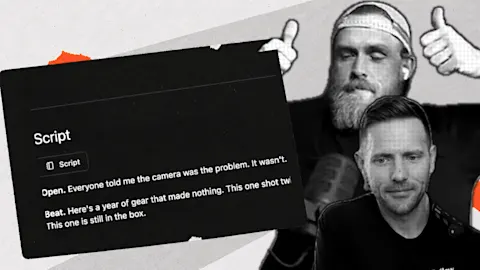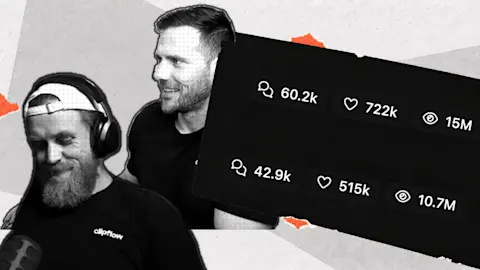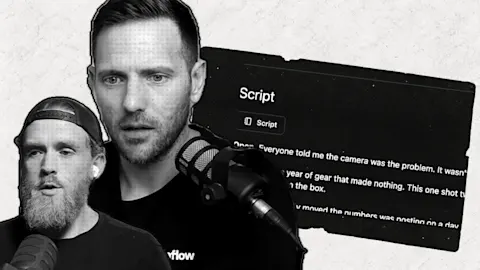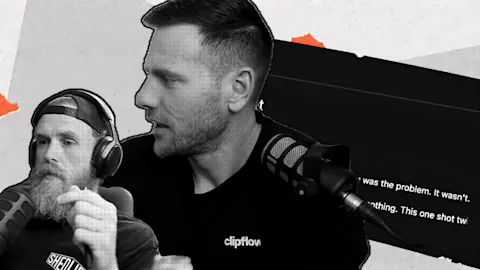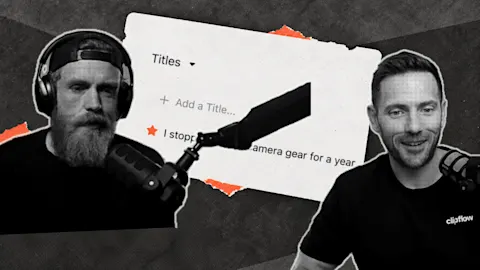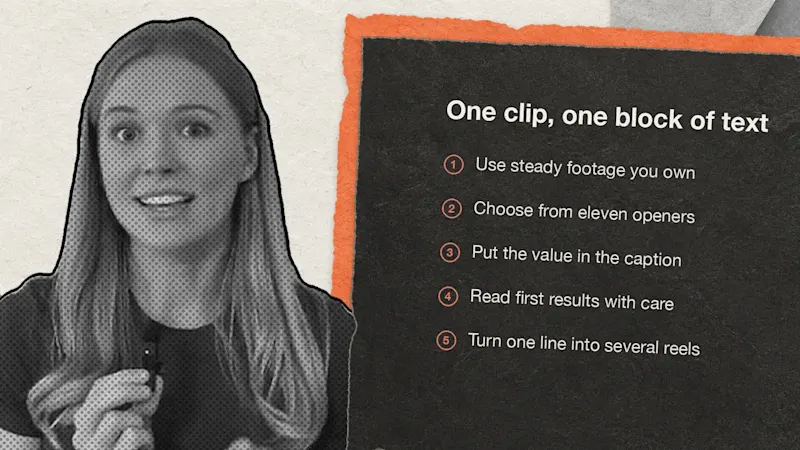
A text reel needs one clip you already own, one block of words and a caption that carries the value. In October we wrote 52 of them across @useclipflow and our two co-founders' Instagram accounts, and filmed nothing new.
Source: The format and the tactics come from reels by real estate educators, including a local one-liner from @sellingsocial.co, a seasonal reminder from @coffeecontracts and a price reel from @structure_media. The view counts on their reels are public figures. The openers, the reel results and the opinions are ours, and the results cover views counted from 8 to 30 October on @darrellgardiner and @useclipflow.
Keep each reel to one clip and one block of text
The format works because there is almost nothing to make. You don't need a script, a presenter or an edit with ten cuts, so the only real decisions are the line and the clip.
This is the spec we used:
- Vertical video at 1080 by 1920, running six seconds.
- One block of 25 words or fewer, on screen from the first frame to the last.
- Text in the top half of the frame, clear of Instagram's interface at the top.
- A plain, readable font in neutral colours. We use white text on a joined block.
- Music in the exported file, sitting under the picture at around -14 LUFS.
- No voice, so the reel has to make sense with the sound off.
The educators we studied often run longer, at 10 to 15 seconds, with text in the middle of the frame. We haven't tested their version against ours, so treat six seconds and the top half as our starting point. Give the viewer enough time to read the block twice, and go longer if your line needs it.
Use steady footage you already have
Pick a clip that holds still long enough to sit behind words. The educators agree on slow, steady shots, a clean lens and natural light, and they tell you to keep the frame simple where the text will land.
They disagree on the details. Some shoot wide at 0.5x and others at 2x, clips run anywhere from one to five seconds, and some prefer moving shots to planted ones. We wouldn't lose sleep over those choices. A clip of you at your desk, a job site or a street in your city will do, as long as nobody needs to watch it closely to follow the reel.
If you run a local business, put the place name on screen. A viewer in that city recognises it straight away, and the reel stops looking like generic stock footage.
Choose the line from eleven openers
Starting from a blank page is the slow part, so we start from a shape. Each opener below gives you a sentence with one or two slots to fill. These are the lines we wrote, apart from the first, which we've adjusted here.
| Opener | Example |
|---|---|
| Dear Instagram | Dear Instagram... please connect me with the agency owners who want more clients without adding headcount every time |
| Hills I will die on | Hills I will die on as someone who designs software for a living |
| If I only had | If I only had one day a week for content, this is what I'd do... |
| Named fear | Nobody talks about how strange it feels to sell the company and wake up with nothing to do |
| Call-out | Content teams that keep missing deadlines don't need another meeting |
| Result with a twist | The biggest thing we've learned posting 50 times a week has NOTHING to do with editing |
| Start over | If we had to build a b-roll library from nothing again, this is exactly what we'd do |
| Hindsight | Things we know two and a half years into building software that we wish we knew on day one |
| Borrowed question | "Why are you posting so much? Don't you have a business to run?" |
| Mood line | This is the stage where most software companies give up. We're still here. |
| Meme | When you design it in Figma and what ships is half of it |
Fill the slot with something only you could say. "As someone who designs software for a living" gives the line a person and a job, and "as a business owner" would give it almost nothing.
Put the value in the caption
Six seconds can only open a question, so the caption has to answer it. Ours follow one shape: a plain sentence or two, a list, then one closing line.
The hindsight reel on @useclipflow held its opener on screen and listed six lessons below it. Two of them were "Treat pricing as something you learn about early. We left it late." and "Do the support yourself before you automate any of it." It closed with "We're still learning most of these."
We suspect the caption helped the reel earn saves, though the numbers can't prove it. A viewer who wants the list has to stop and read it, and a useful list is worth keeping.
Read the first results with care
Most reels in the first batch sat near the median and a few ran well past it. The table shows the highest reels from the two accounts with complete data.
| Reel | Account | Views | Saves | Shares |
|---|---|---|---|---|
| Hills I will die on as someone who designs software | @darrellgardiner | 3,022 | 4 | 1 |
| Things I know after selling a company | @darrellgardiner | 2,238 | 0 | 0 |
| Nobody talks about how strange it feels to sell the company | @darrellgardiner | 2,101 | 9 | 4 |
| 300 developers doing the work of 3,000 | @darrellgardiner | 2,005 | 0 | 0 |
| Things we know two and a half years into building software | @useclipflow | 1,676 | 7 | 0 |
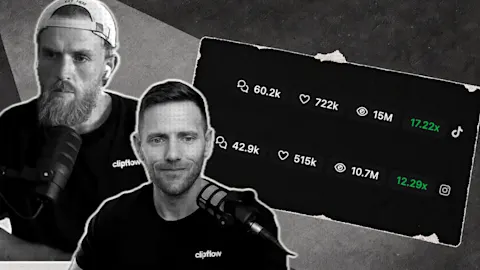
The median across Darrell's 17 originals was 245 views, and the median across the 18 brand posts was 178. Our best reel reached more than 12 times the median. Too few of Ken's reels went out for us to rank that batch.
Views and saves told different stories. The broad reel about selling a company and the developers reel each passed 2,000 views with no saves or shares, while the reel about life after selling reached 2,101 views with 9 saves, 4 shares and 3 comments. Darrell's strongest later post, a joke about automation, reached 2,581 views with 17 saves and 15 shares.
We read that as a lean towards a recognisable work moment with a small punchline, and towards a belief shown through a specific decision. Broad hindsight and motivation lines were over-represented in what we posted and did less for us per reel.
The counts are small, and they're views within a window rather than lifetime totals. We also have no retention or follower data for these posts, so this tells us what to test next and proves nothing about cause. We've made 90 follow-up reels from it, and none had run when we wrote this.
Turn one line into several reels
Once a line works, you can get several more reels from it without inventing a new idea. Each of these changes one thing:
- Swap the slot, so "as someone who designs software" becomes "as someone who runs a support inbox".
- Keep the footage and write a new line.
- Keep the line and change the footage.
- Change the audience the line speaks to.
- Move the moment to before, during or after the job.
- Add a count, such as Day 12 or Part 3.
- Change the comment word, if the reel asks for one.
- Run two edits with the same caption.
Space them out. We don't post the same tactic twice in a day, and we keep sequences of text cards to about one reel in five, with the rest as single held lines.
Judge each reel by the job it was given. Held lines are there for reach, lists and A versus B reels are there for saves and comments, and a reel with a comment word is there for comments. A list reel with modest views and plenty of saves has done its job.
Try it on your next batch
- Pick three clips you already have, each steady for at least six seconds.
- Write three lines using three different openers from the table, with a real detail in every slot.
- Write a caption for each one: two plain sentences, a list, one closing line.
- Post them on three different days, ideally as Instagram trial reels so they reach people who don't follow you.
- After a week, log views, saves, shares and comments against the opener, and make your next three from the one that earned the most saves.