When a reel answers a real customer question, the idea may deserve more than one appearance. Repurposing it well means adapting the explanation to another audience, then giving the new post a route onto the calendar. Keep the source explanation, platform version and scheduled time connected so the useful idea reaches the right audience.
Progress update from 7 August 2026. The repurposing workflow was in use, with additional publishing improvements being prepared for release. Linked help guides describe the current product.
TL;DR
Clipflow updates
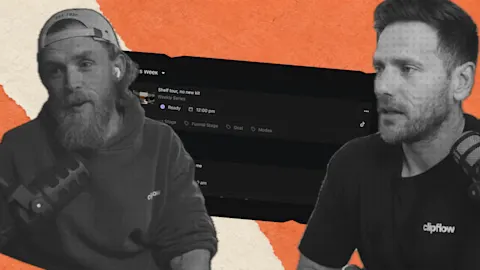
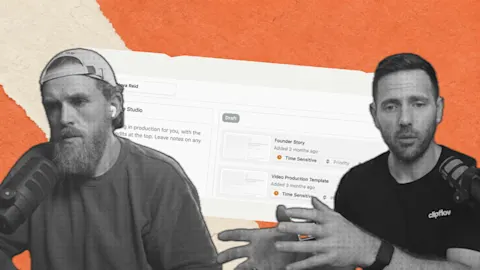
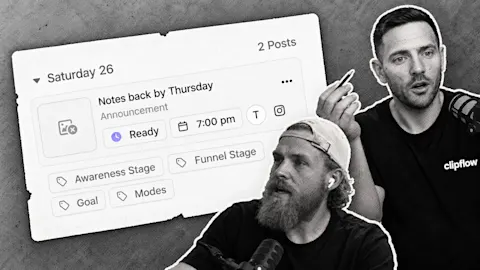
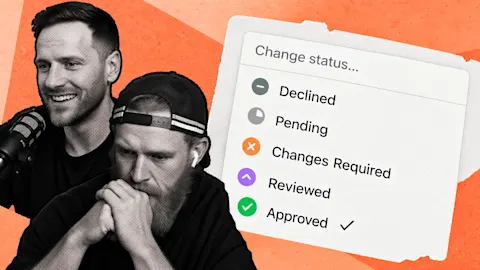
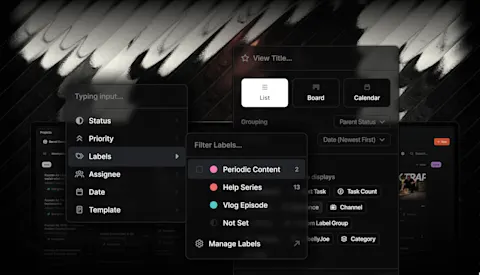
- The team was simplifying post status and adding a small planner inside post scheduling.
- Other reported work included Instagram Reel covers, converting uploaded iPhone HEIC photos into usable JPEG copies and carrying project labels into post creation.
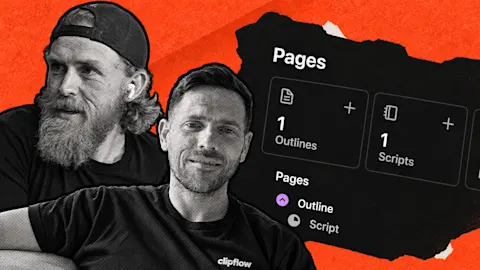
- Ken used a video's transcript to draft a LinkedIn post, added a photo and marked it ready for automatic scheduling and publishing.
Putting it to work
- Adapt one proven explanation for a second platform instead of copying the same packaging everywhere.
- Keep caption review and the final publishing decision visible, even when drafting is automated.
Keep the idea, change how you explain it
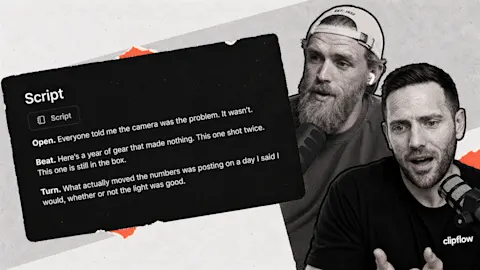
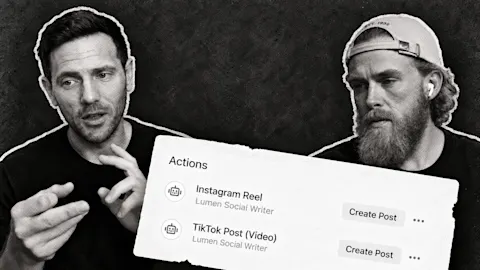
Ken took an Instagram reel that had performed well and asked the in-app AI to draft a LinkedIn version from its transcript. He added a photo and marked the post ready. The scheduling and publishing setup handled the next steps.
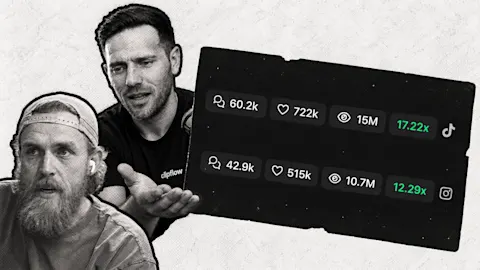
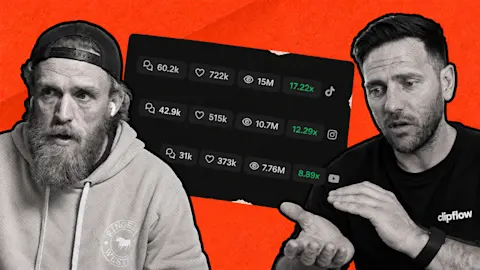
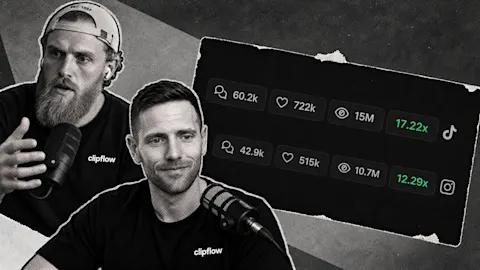
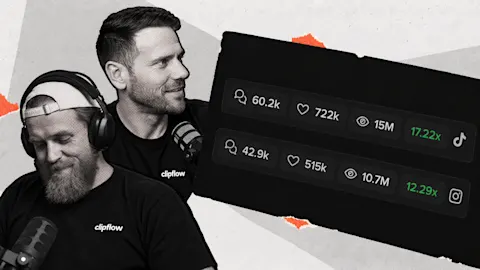
He reported 3,800 impressions on that particular LinkedIn post, compared with roughly 100 to 200 on his usual posts. That is an individual result, not an expected outcome for another account. The useful part is the repeatable workflow behind the experiment.
For a founder, the source might be a reel answering why a cheaper quote can cost more later. On another platform, expand the reasoning into a written example: what the quote includes, what tends to be missed and how a buyer can compare the options.
Give the agent that audience and purpose. Ask it to preserve the explanation in the transcript, rather than inventing a new customer story. The AI Agents guide covers the tools available for working with project context.
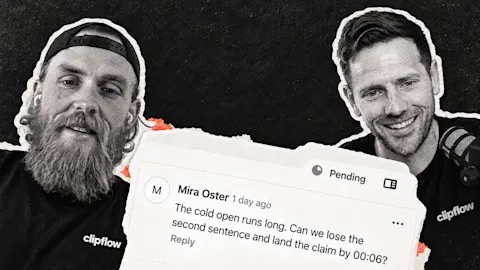
Read the draft before it goes anywhere. Check the advice, remove unsupported details and choose a photo that supports the explanation. A transcript provides source material; it does not replace your judgment about what your business should publish.
Make placement part of the same review
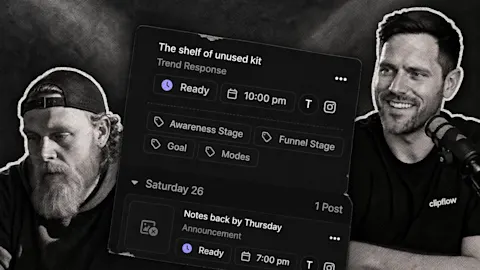
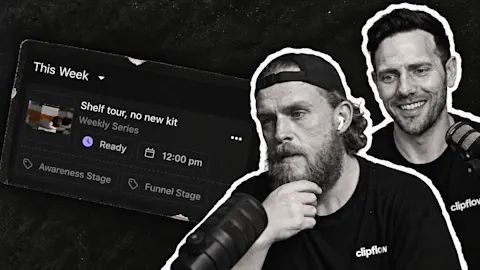
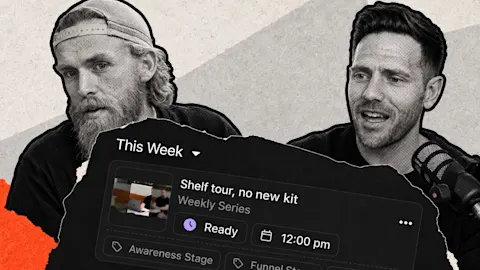
The small planner lets someone see what is already scheduled for a date without leaving the post workflow. That helps avoid putting three similar explanations together while leaving another day empty.
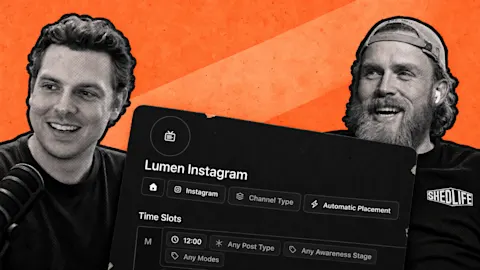
For automatic placement, channels and suitable time slots still need to be configured. The post scheduling guide explains the ready status and what happens when no slot matches.
Other improvements addressed small obstacles in that final pass. A Reel cover can travel with the post, and an uploaded HEIC photo can have a JPEG copy created for platforms that need it. The team emphasized retaining the original upload rather than overwriting it.
Try the workflow on one useful answer this week. Judge whether the adapted post serves the second audience, check the resulting schedule and only then repeat it across more of your backlog.
This week: Generating an output and deciding what good work requires are different jobs. That distinction applies to AI-assisted development and to turning a transcript into a business post: somebody still needs to judge the result against its purpose.
Subscribe to the Clipflow YouTube channel for more updates here.
Follow Ken on Instagram here.
Follow Darrell on Instagram here.