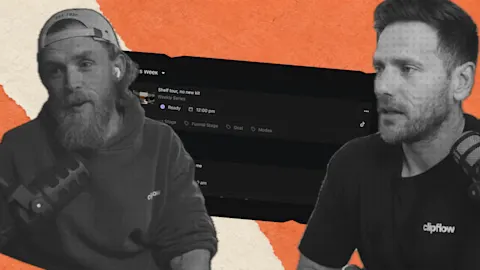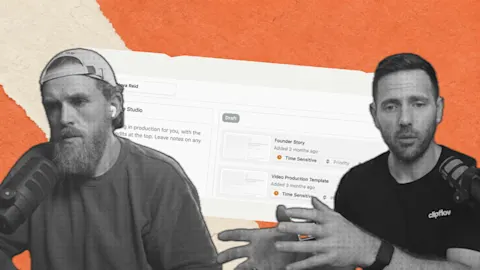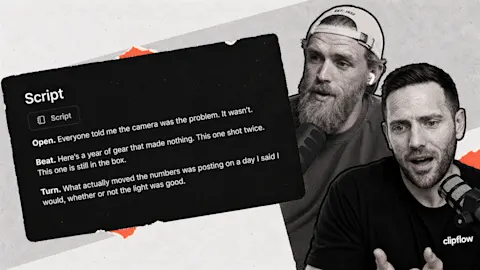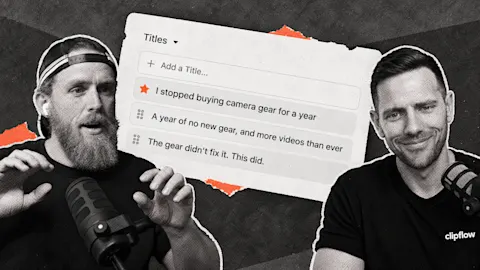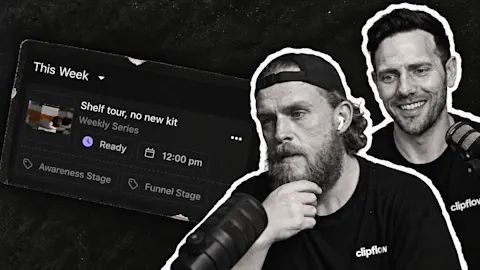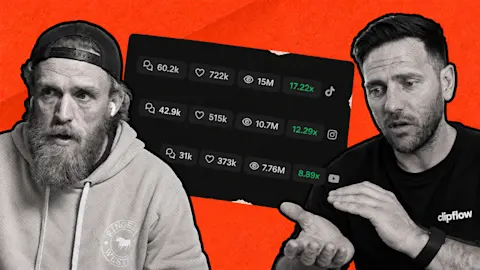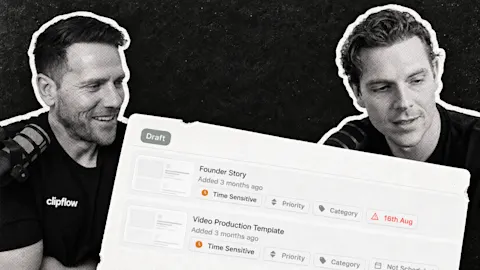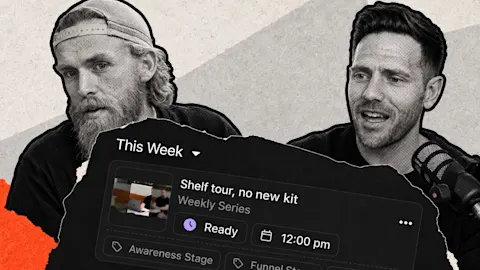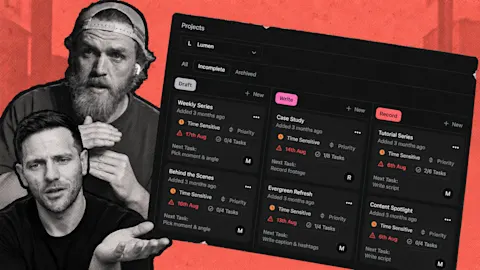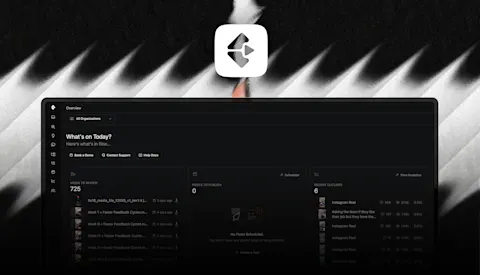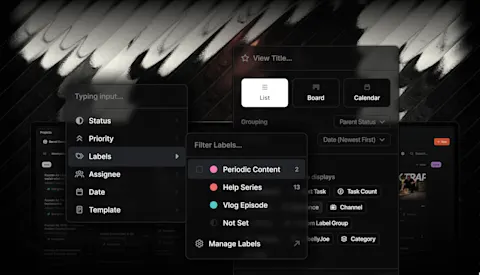
It is easy to review the calendar and the results as two separate jobs. One tells you what went out; the other leaves you searching platform accounts to remember what each number belongs to. Attaching analytics to the published post brings the result back to the work itself.
Progress update from 3 July 2026. Instagram publishing was in use, while YouTube and TikTok were still going through review. Linked guides describe current availability.
TL;DR
Clipflow updates
- Instagram automatic publishing and Trial Reels were in use.
- Post analytics were being brought into individual posts using their published platform IDs.
- An onboarding redirect was corrected to show the new overview screen.
Putting it to work
- Review the content and its performance together before choosing the next version.
- Treat one account's experience as a useful test, rather than proof of a universal reach rule.
Close the loop on one customer answer
Choose a short explanation your business posted recently. Perhaps it answers why your process includes an initial consultation. Open its results alongside the actual post, then read the caption and watch the opening again.
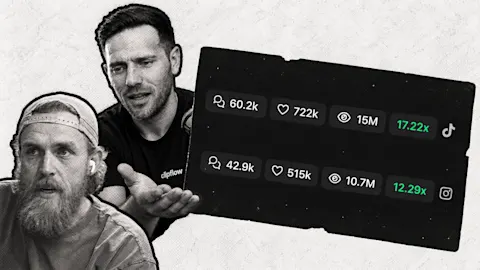
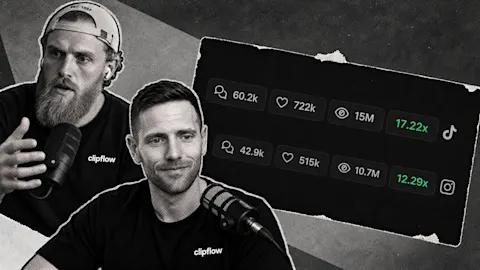
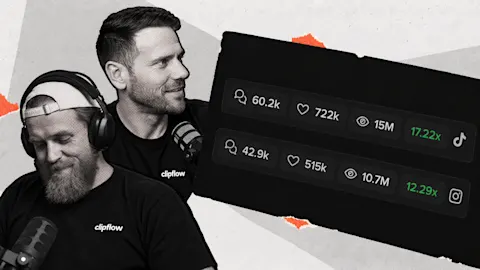
Analytics can be attached to a post after publishing, using the returned platform ID. That connection makes it easier to work from a specific example instead of comparing numbers detached from their content.
Look for a decision you can make. If people asked what to bring to the consultation, the next useful post might answer that question. If the opening is unclear, brief a new version that begins with the customer's concern.
The analytics guide explains the current views. Keep your business goal beside the platform measurements: a relevant enquiry and a broad-viewed joke do not serve the same purpose.
Test the workflow without assuming the result
Ken reported that his automatically published Instagram posts were receiving similar or stronger views than his usual posts, including some above 4,000 views. That was his account's experience during the week. It cannot establish that every publishing method has identical reach for every account.
For your business, inspect the actual outcome. Did the right media and caption publish at the intended time? Did the post reach an appropriate audience, and did that audience do anything useful? Those questions make a scheduling test more informative than a blanket assumption about the algorithm.
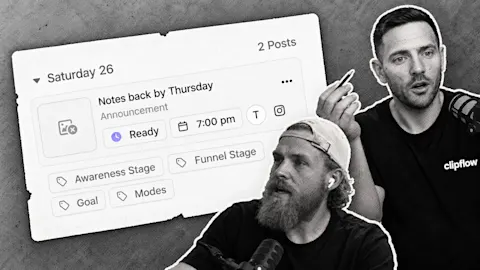
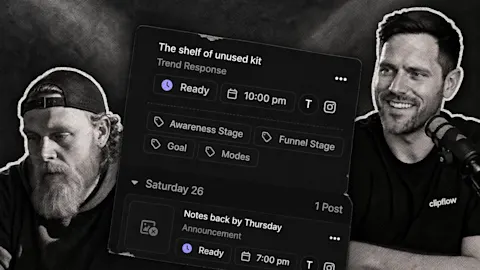
The scheduling guide covers channel slots, ready status and automatic placement. Confirm the first runs, then let the team review results on a regular cadence rather than checking every hour.
Start the next brief from what you learned about the explanation. Keep the useful answer, adjust the weak part and connect its next published result back to that decision.
Subscribe to the Clipflow YouTube channel for more updates here.
Follow Ken on Instagram here.
Follow Darrell on Instagram here.