A recorded customer answer can produce several useful posts, but they do not all belong on every channel. Your full explanation might work on YouTube while one vertical cut suits Instagram. Media conditions and project labels give those decisions a clearer place in the workflow.
Progress update from 14 August 2026. Some changes were being prepared for the next deployment. Linked help guides cover the current product.
TL;DR
Clipflow updates
- New-workspace onboarding was setting up time slots, automatic scheduling, automatic posting and a draft automation around connected channels.
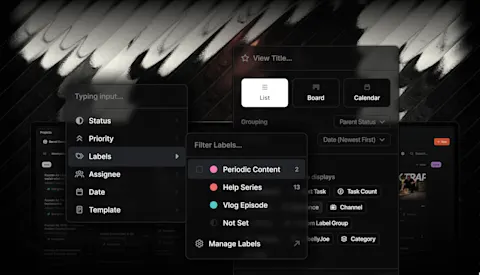
- Automation conditions were expanding to portrait or landscape media, duration and project labels.
- YouTube long-form post creation was gaining automatic titles and thumbnails; assigning a channel to a project was no longer intended to create posts by itself.
- Fixes covered media status during transfers, subscription emails and access problems for non-admin users in expired organizations.
Putting it to work
- Define which media should become each post before approving a batch.
- Test one real example against your channels and slots before letting defaults handle the rest.
Make the routing decision once
Suppose a founder records a detailed answer about choosing the right service package. The editor produces a landscape explanation and two short vertical cuts. One cut addresses a first-time buyer's question; the other speaks to existing customers.
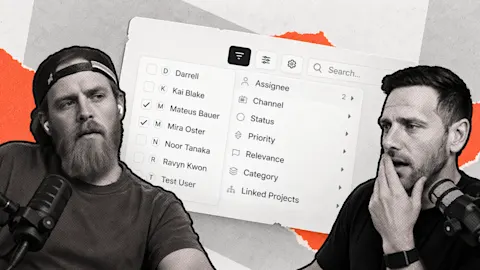
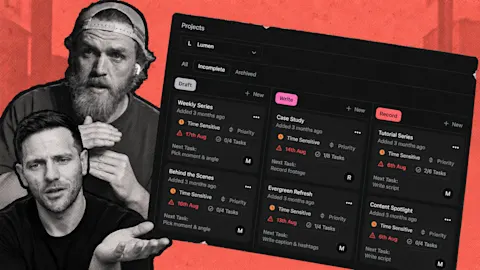
Automation conditions let media shape and duration help decide what runs. Project labels add business context. A technical property can distinguish the landscape recording from a short cut, while a label can describe the audience the project serves.
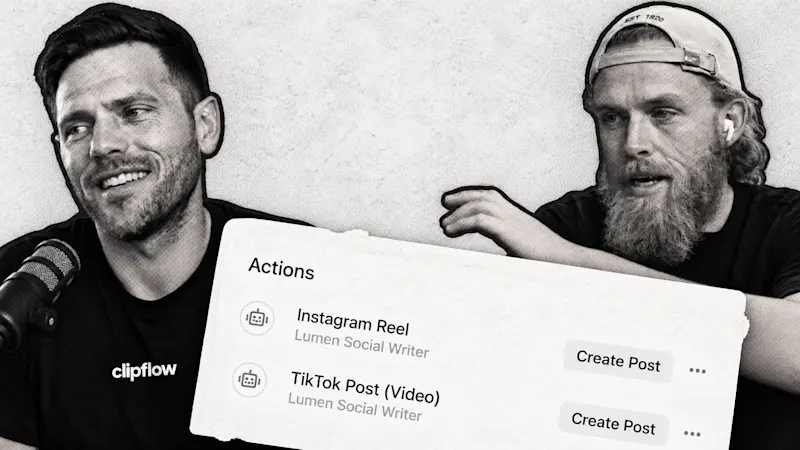
That is more useful than sending every approved file through the same instructions. Give the long explanation its own drafting action, then use a separate action for the short-form destination. Keep the caption instructions appropriate to each audience.
The current automations guide explains triggers, conditions and actions. Conditions gate the work; the agent instruction explains the result you want. Both need to be clear for the automation to be useful.
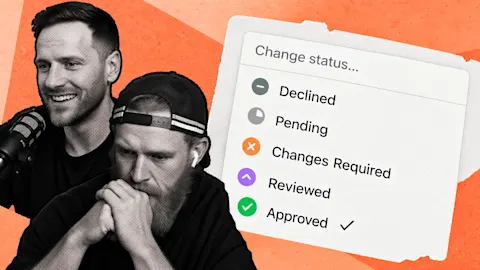
Approval remains a checkpoint. The automation creates drafts, and your team reviews the caption and media before marking a post ready. For a service business, check that a short cut still makes sense without the longer explanation surrounding it.
Check the starting setup against your actual week
The onboarding changes were intended to bring new users closer to a working publishing flow. Connecting channels early gives Clipflow enough information to establish useful defaults rather than presenting an empty workspace.
Defaults still need a business decision. Check which channels are included, what their time slots accept and how often you can sustain useful content. The scheduling guide explains what happens when a ready post has no matching slot.
Assigning a channel to a project no longer automatically created a post. Channel selection can express an intention; an automation handles drafting. Keeping those jobs separate makes it easier to understand why a post appeared.
Start with the service-package recording. Confirm which drafts were created, correct the instructions if needed and review the first published result. That gives your editor a dependable next step after approval without asking the founder to route every file manually.
This week: AI-generated content detection raises questions for businesses using those tools. Our onboarding sessions provided a more immediate test of usefulness: watching where people hesitate can reveal a confusing handoff that a feature list would miss.
Subscribe to the Clipflow YouTube channel for more updates here.
Follow Ken on Instagram here.
Follow Darrell on Instagram here.