You can hire an editor and set aside time to record, then still find yourself pulled back into every post. The footage is ready, but someone needs a decision about the script, the example, or which version to use before they can continue.
Progress update from 2 October 2026. Feature availability reflects that episode.
TL;DR
Clipflow updates
- Most of the week went into fixes, while larger feature work continued in the background.
- A customer comparing Clipflow with other products highlighted the care in the interface.
Putting it to work
- Find the interruption: look at the moment an editor needs your decision to continue.
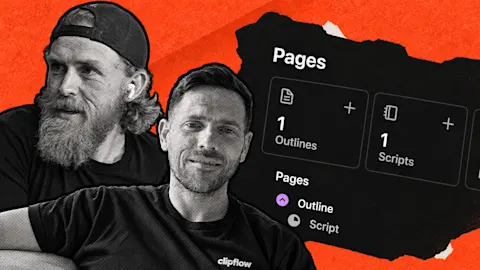
- Keep the reasoning with the work: use project pages for scripts, production notes and review.
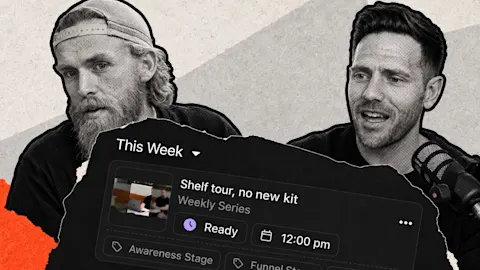
That's the kind of daily use we need to think about while building Clipflow. Most of our work this week was fixes, with larger features continuing in the background.
Then a customer comparing us with other products told us they noticed the care in the interface.
It was good feedback to hear because Ken had spent the week wrestling with that same interface. We were looking at everything that still needed work, while the customer was noticing what it already felt like to use.
Both views matter when you're building something a team will rely on every week.
Look at the moment someone has to stop
Picture an editor preparing a video about a question your customers keep asking. You've recorded the answer, but there are two versions of the opening and they don't know which one you want.
They send you a message, you listen to both, and the edit waits until you've made the call.
The next video can run into the same problem even if the editor is good and the software works. The decision is still in your head.
Giving them the latest script is useful, but so is explaining why you chose that opening: it names the customer's problem before introducing the product, which is what you want this video to do.
Now the editor has a decision and the reasoning behind it. When they come to the next cut, they have something to work from before asking you again. You may still need to review the result, but the team has more direction for getting there.
That puts the customer's feedback in context. Ken had been looking at the rough edges, and the customer was noticing the care in the product as a whole.
Asking where someone gets stopped is one way to turn that broad feedback into something you can act on.
Put the answer where the next person needs it
For your own content team, start with the last post that needed your help to move forward. Ask the person working on it what they were missing, then follow the answer far enough to understand the interruption.
If they couldn't find the script, give the current version a clear home. If they found it but couldn't tell what had been approved, make that decision clear.
If they understood the words but missed what you were trying to say, add the customer example or the reasoning that would have helped them make the edit.
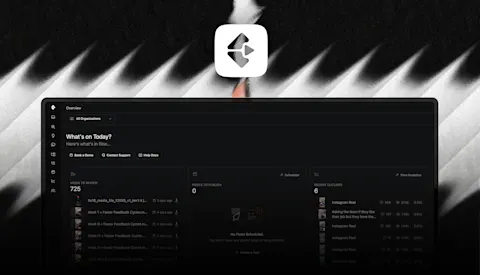
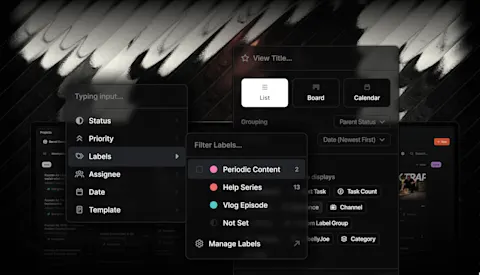
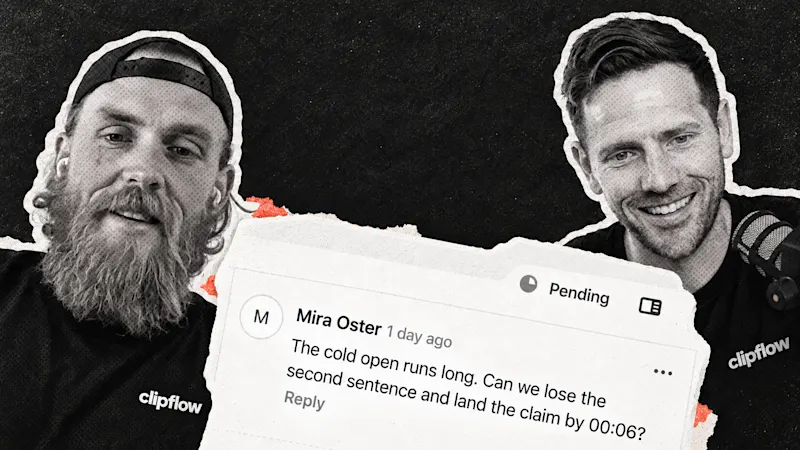
Those are different problems, and another reminder to "check the brief" won't solve all of them. In Clipflow, project pages let you keep scripts and production notes with the project, with comments and a review state.
That's a useful place to put the answer when it belongs to a specific video.
The customer's feedback doesn't mean we've finished the interface. It gives us a reason to keep paying attention to how the details fit together.
If your team can find the direction, understand the decision, and continue with the work, content has a better chance of staying part of the week while you're running the business.
This week: We also discussed AI model costs, native apps and responsibility when agents write code. Our view was to choose tools that help you make progress, keep talking to customers and understand the product well enough to answer their questions.