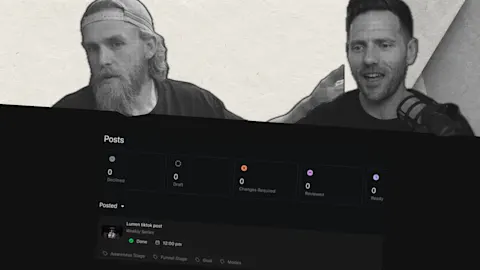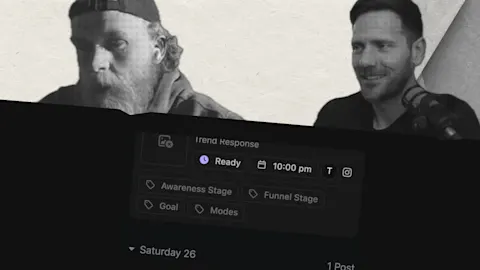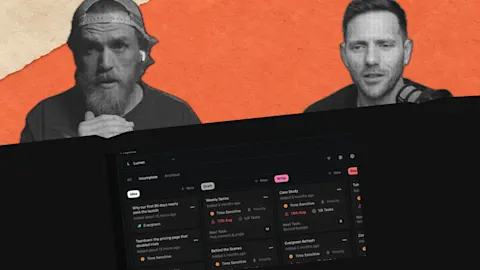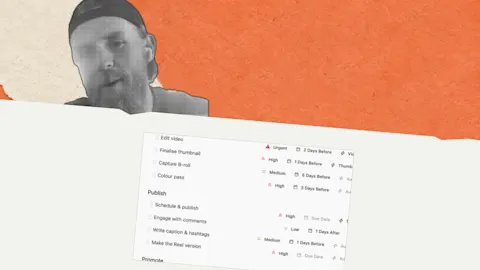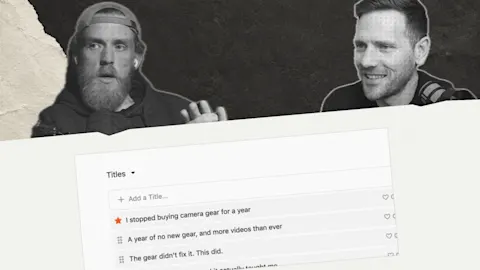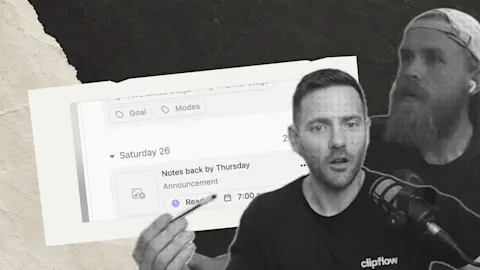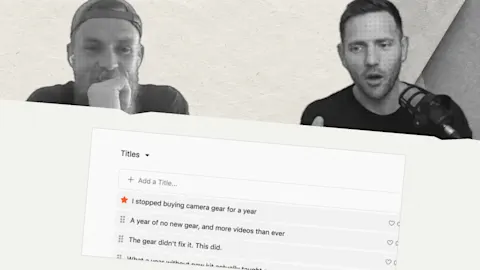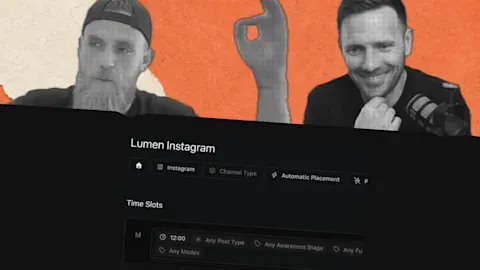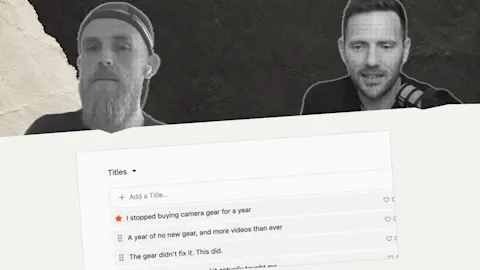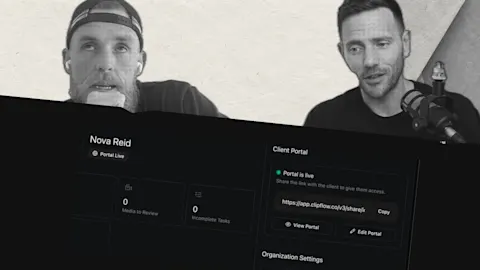
Writing a caption inside a social platform can leave the work scattered or lost when the page changes. Prepare platform posts beside their source project so the caption stays connected to the video and its publishing plan.
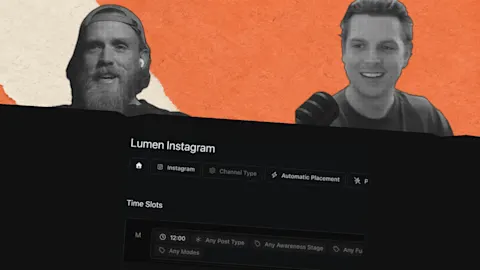
Progress update from 6 December 2025. The scheduler was for planning posts; automatic publishing had not launched yet.
Update, 4 October 2026: Automatic publishing is now available for supported connected channels. See the current scheduling guide for setup and platform prerequisites.
TL;DR
Clipflow updates
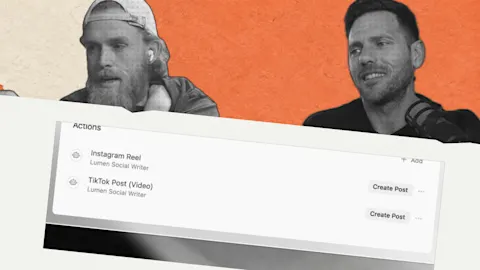
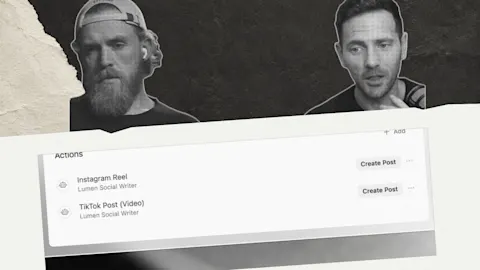
- Posts and the scheduler gave platform-specific writing a home with the source project.
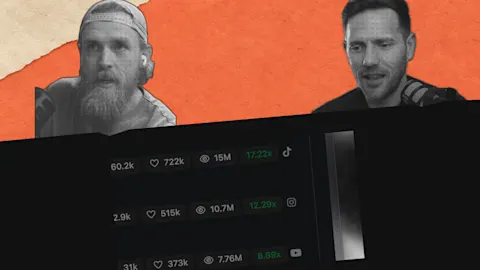
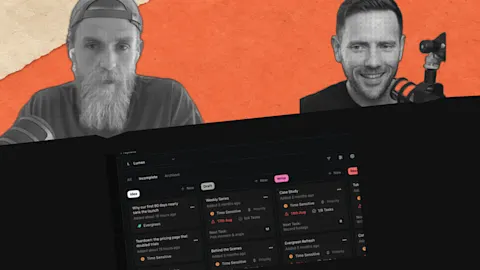
- The team was refining how a high-volume publishing plan could be displayed.
- Analytics and file-storage work were future development priorities.
Putting it to work
- Prepare the media and caption together before opening the platform composer.
- Keep the platform version connected to the explanation it came from.
Prepare the post where the context lives
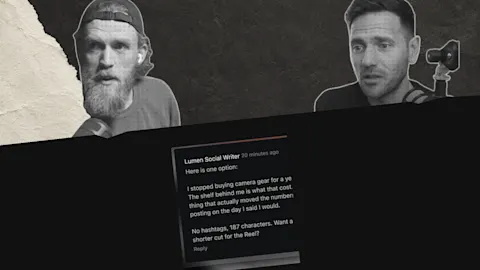
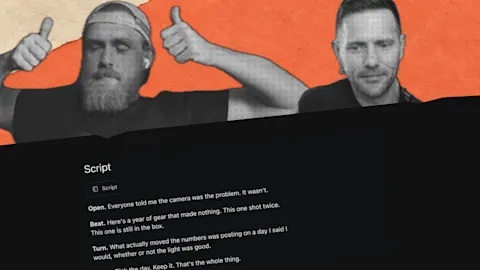
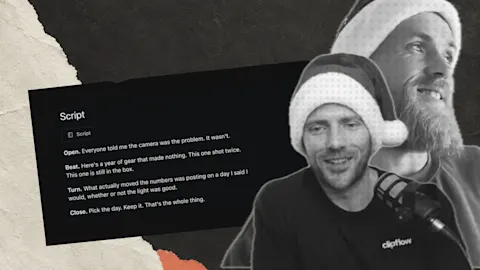
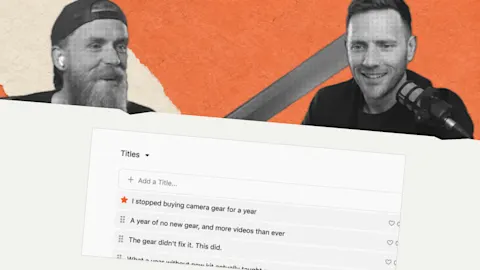
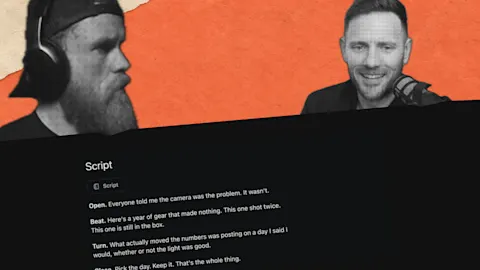
For a feature explanation, the source project may contain the finished video and the key lesson. A LinkedIn post can expand that lesson in writing while an Instagram caption gives the short cut its immediate context.
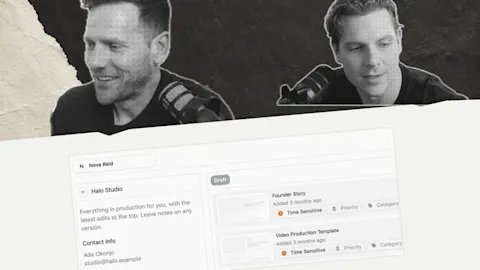
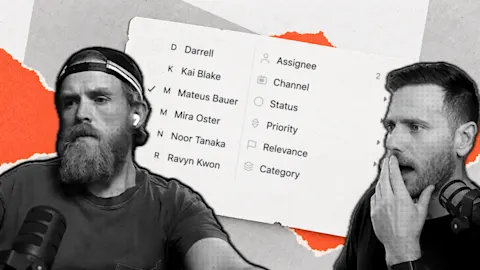
Darrell kept that writing beside the project instead of risking a lost platform draft. The current Working with Posts guide explains that relationship today.
Check that each caption adds what its audience needs. Copying the same opening everywhere can lose the difference between a detailed written explanation and a short video introduction.
Plan the finished versions together
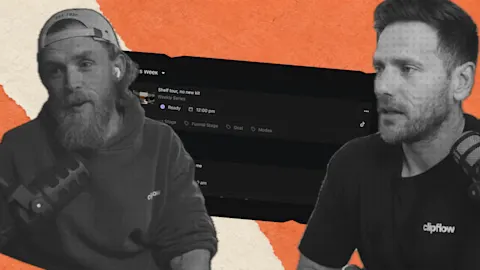
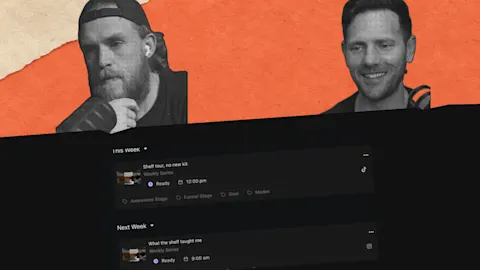
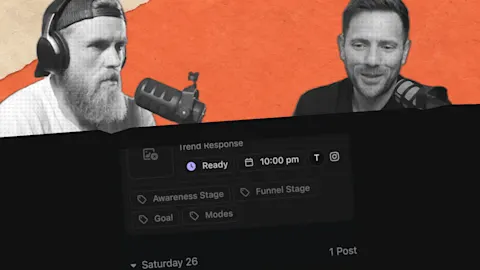
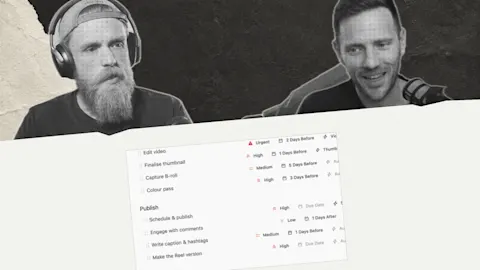
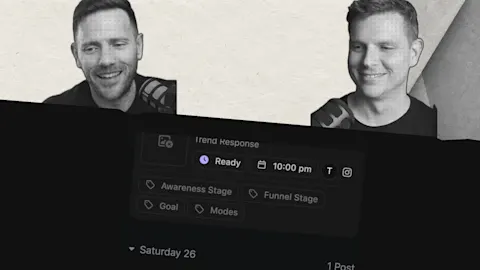
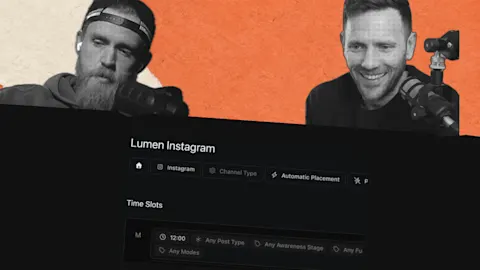
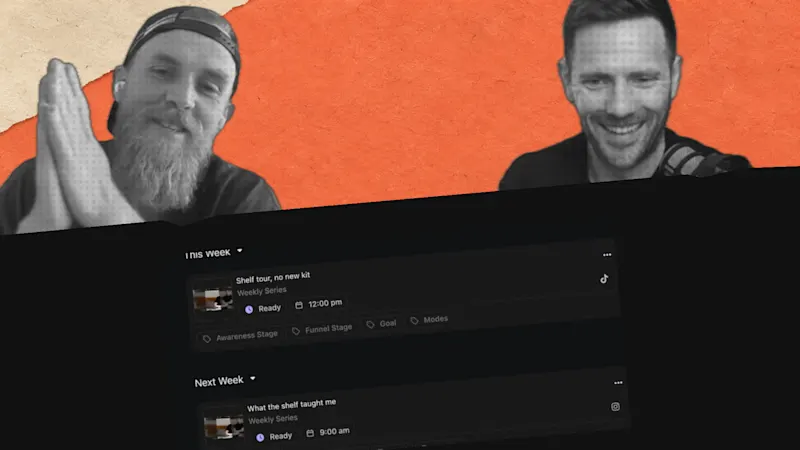
A weekly view keeps the intended rhythm visible without losing track of individual posts. Use the current scheduling guide for today's capabilities, including features added since December 2025.
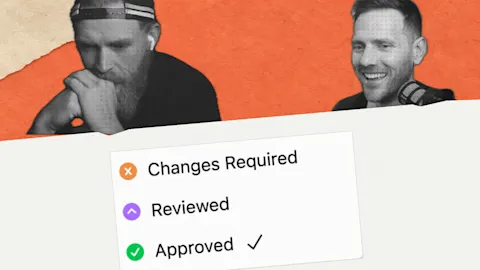
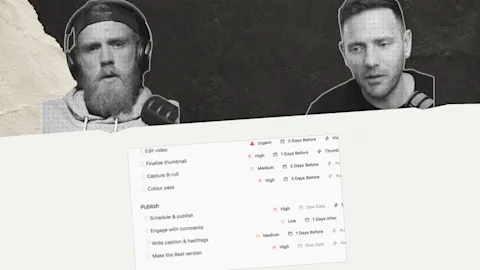
Keeping each version with its source makes the final review easier. The person preparing publication can inspect the explanation, caption and media as one piece of work.
This week: Our origin documentary required keeping the context behind the finished piece, not just producing a video file. Preserve that context when adapting work for another platform, including material made with AI tools.
Subscribe to the Clipflow YouTube channel for more updates here.
Follow Ken on Instagram here.
Follow Darrell on Instagram here.