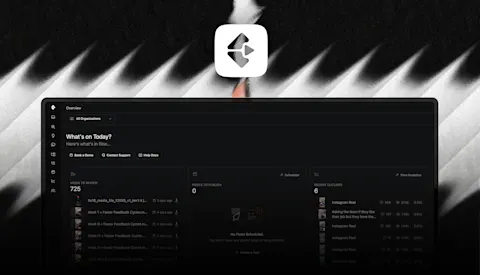
When you're editing a post, you're deciding what to change or repeat. Until this week, the numbers that inform that decision lived in a separate Analytics tab, and the media that got you here often lived in a separate project. Both are fixed.
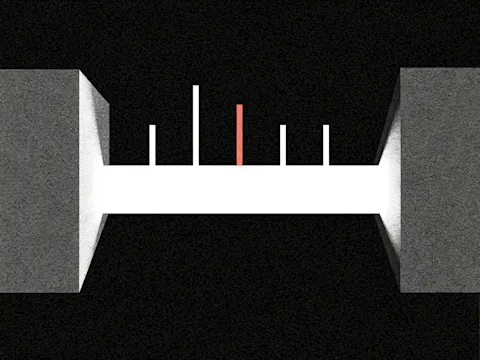
See how a post performed while you're editing it
Every post now shows an Analytics section directly on its edit page. Views, engagement, saves, accounts reached, average watch time, and outlier score, all visible next to the caption and media you're working on.
One thing worth knowing about the outlier score here: it's scoped to the post's own organization. When you view the main Analytics dashboard across every organization you're in, the outlier number there can differ from what shows on the individual post. The post-level score is answering "is this an outlier for this org?" rather than "is this an outlier across everything I run?"
If you look at your best-performing posts to plan the next batch, this shortens the loop.
Copy media from one project to another
A clip you filmed for one project often has legs in another: the same interview cut two different ways, or a thumbnail concept that works across a series. Getting it there used to mean re-uploading.
You can now copy a media file to another project straight from the actions menu, on the review page, project media tiles, and anywhere else a media file lives.
Pick the destination organization and project. The copy queues with a pending status while it moves. The original stays put in the source project, so you keep both.
Trial Reels on Instagram
If you're using Instagram's Trial Reel format, the one that shows to non-followers before you decide whether to publish to your feed, Clipflow now auto-publishes to it. Same flow as any other Instagram post from Clipflow, with the trial parameter set for you.
Hook rate on Reel statistics
Instagram Reel stats now include hook rate: the percentage of viewers who didn't skip in the first three seconds. It's the number that says whether your opening earned its keep, and it syncs automatically alongside the other Reel stats.
Smaller changes worth knowing about
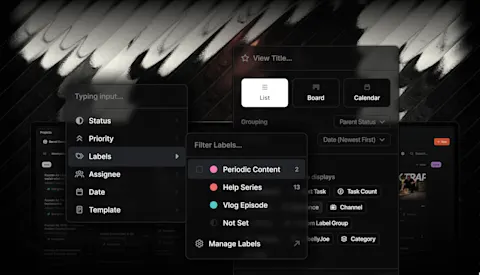
- Post labels carry over. Duplicating a post (including Duplicate As) now copies its custom labels to the new copy. Labels also show on unscheduled posts in the Post Scheduler, matching the week view.
- Cleaner date/time picker. The time input only appears after you pick a date, so setting a time first no longer means losing it when you save.
- Bulk delete sample projects. The project tile in the Kanban manager has an option to clear all sample ideas and projects, useful once you're past onboarding.
- Polish. The Post Scheduler holds its scroll position when you delete a post. Destination project pages load correctly after a media copy. Onboarding screens on mobile align cleanly.
What's next
This week's pattern is measurement closer to the decision: analytics on the post you're editing, hook rate on the Reels you just published, media you can pull across the projects that need it. More of the same is coming.