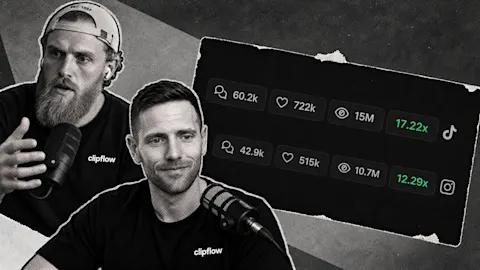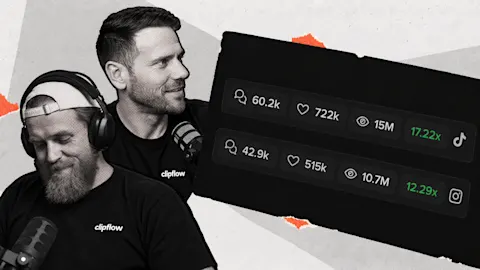
Posting more gives you more to learn from, but a long list of results can make the next decision harder. A trial reel, a customer explanation and a broad awareness post each have a different job. Analytics filters help you look at the part of your strategy you actually want to improve.
Progress update from 28 August 2026. Linked guides explain the current product.
TL;DR
Clipflow updates
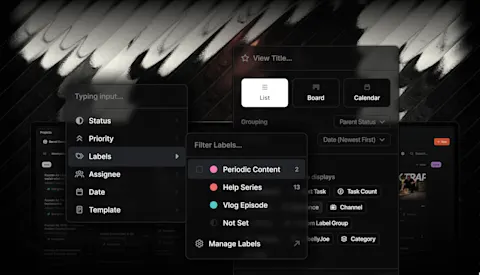
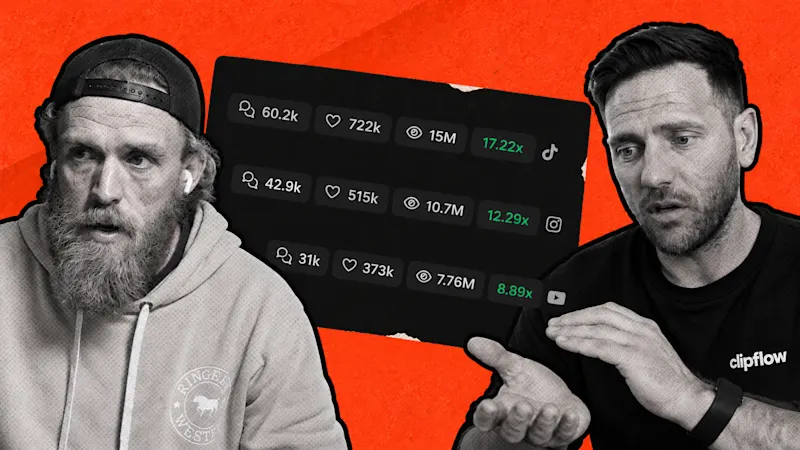
- Analytics adds channel, post-type and custom-label filters, with post performance comparisons using the matching selection.
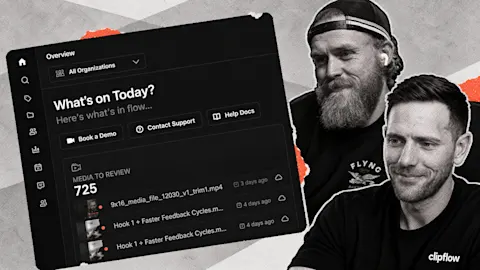
- Expanded navigation shows clearer labels and saved views under Posts and Projects.
- Facebook and LinkedIn integrations opened to all users. Creating a project from a filtered view can carry that view's attributes into the project.
- A longer recent-post list was still a future improvement.
Putting it to work
- Label content by the question or stage it serves so you can review a useful group later.
- Repeat a promising approach within that group, then check whether it helps the business as well as earning attention.
Ask a narrower question of your results
Suppose a founder publishes quick answers for people discovering the business and more detailed demonstrations for people considering a purchase. The most-viewed post across both groups might be entertaining, but it gives you little direction for the next demonstration.
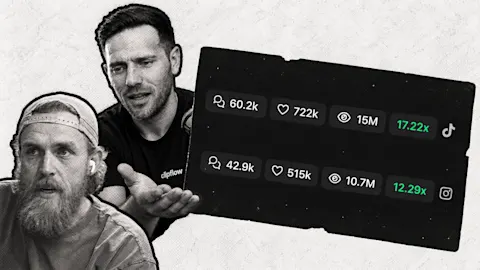
Start with the channel and date window you want to review, then narrow the posts by type or label. In this release, a channel selection narrows the page, while post-type and label selections narrow the post modules. Performance comparisons for those posts follow the selected group, rather than comparing every format together.
Look at Instagram trial reels to find openings worth testing again. Then review a label for product explanations to see which questions earned attention there. Keep the question consistent while comparing results, and record why a particular post is worth another attempt.
The analytics guide walks through the current filters and performance measures. A strong result is a clue for your next test. Connect it to the enquiries, conversations or other progress you want from the programme before turning one successful post into a whole production plan.
Put the useful grouping into the work early
Custom labels become more valuable when the team uses them while planning. If a video answers a purchase objection, apply that label when writing the brief so its purpose is clear during the monthly review.
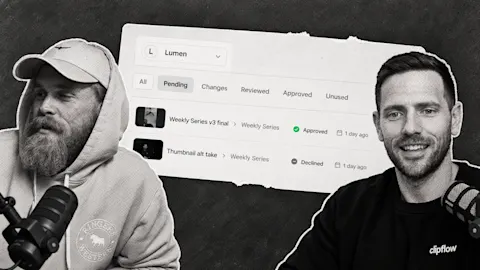
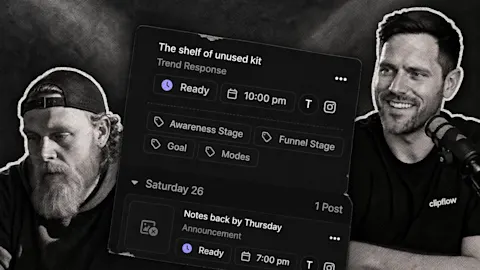
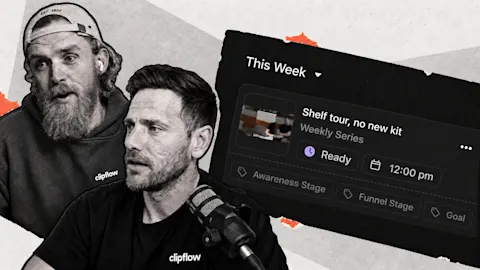
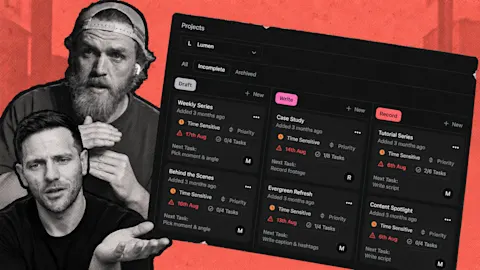
This week's project-view improvement supports that habit. Creating a project from an active saved view or filter can prefill its relevant attributes, keeping the new project in that view. The expanded navigation also puts saved Posts and Projects views within easier reach.
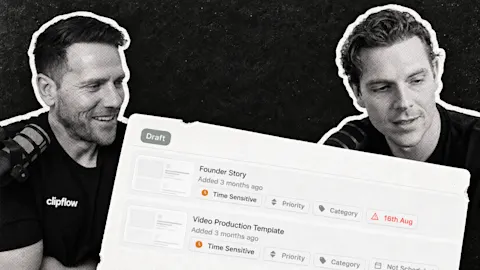
For a small team, that could mean a view of customer questions awaiting recording, followed by an analytics review of the answers already published. The labels guide explains how to organize those groups. Choose a few labels that support real decisions so the team can apply them consistently.
We also needed a longer recent-post list as our own output grew. That was still a request for future work. The filters shipped first, giving us a way to focus the results already available and choose the next useful thing to make.
This week: Large AI valuations offer little guidance for a team's next content decision. A specific posting experiment is more useful evidence: look at what happened before deciding where to put more time.
Subscribe to the Clipflow YouTube channel for more updates here.
Follow Ken on Instagram here.
Follow Darrell on Instagram here.