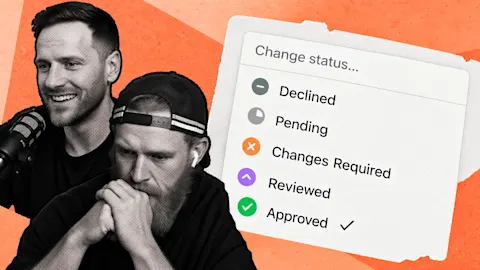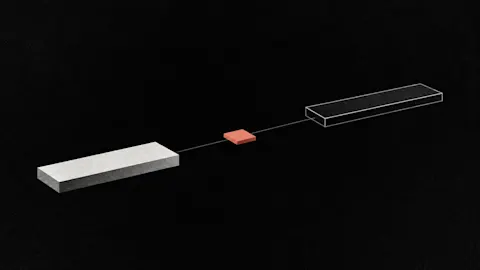
Your editor finishes a useful video, you approve it, and then nothing happens until someone remembers to write captions and create the posts. Approval-triggered automations connect those steps, giving approved media a route into draft posts without another manual reminder.
Progress update from 10 July 2026. New automation work and platform testing were underway. YouTube, TikTok and Facebook publishing were not all available at that point; linked help guides describe the current product.
Update, 4 October 2026: Event-driven automations are now generally available. The current automations guide explains triggers, conditions and actions.
TL;DR
Clipflow updates
- Event-driven automations were connecting media approval and transcription to post drafting through in-app agent tools.
- Instagram publishing and Trial Reels were in active use, with other platform integrations at different stages.
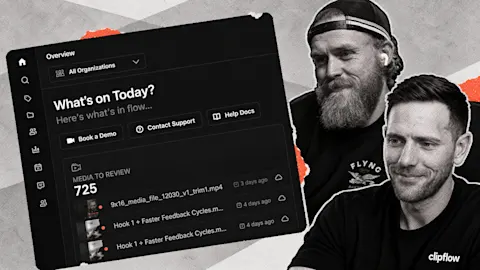
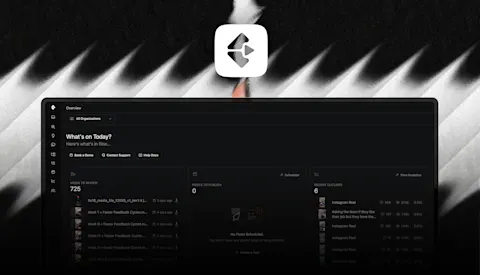
- The team corrected an onboarding route that had been missing the new overview screen.
Putting it to work
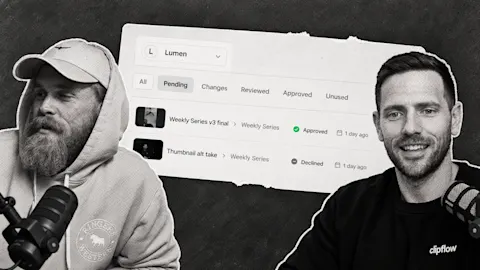
- Make media approval the start of a defined drafting workflow.
- Keep a person responsible for reviewing the resulting posts before they are marked ready.
Connect the next job to the event that starts it
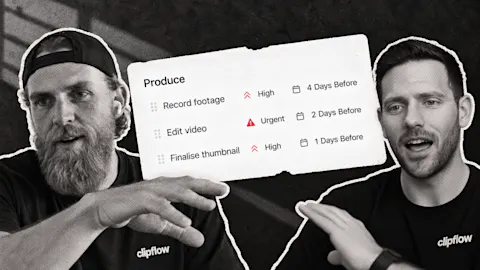
Take a founder's answer to a common buying question. Once its edit is approved, the next jobs are predictable: use the explanation as source material, create appropriate platform drafts and prepare captions for review.
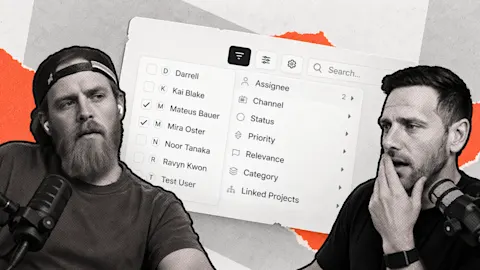
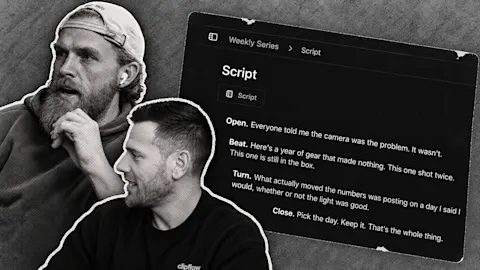
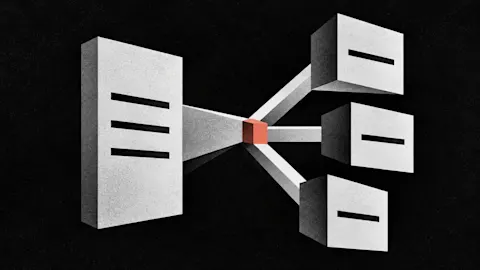
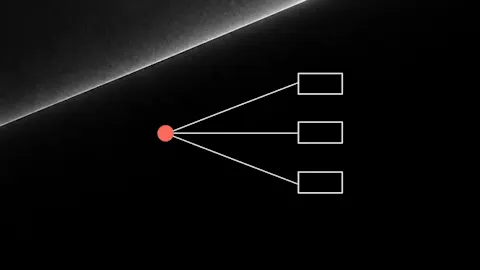
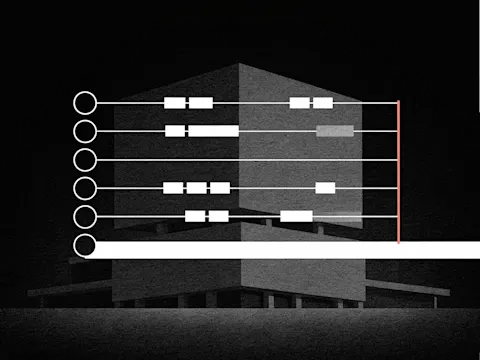
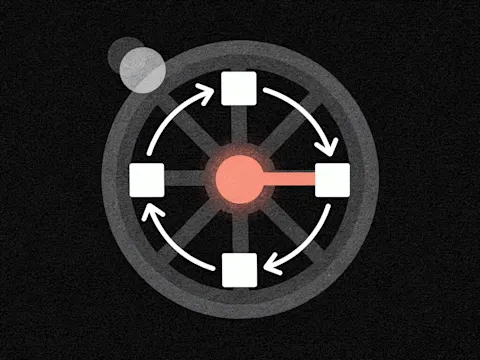
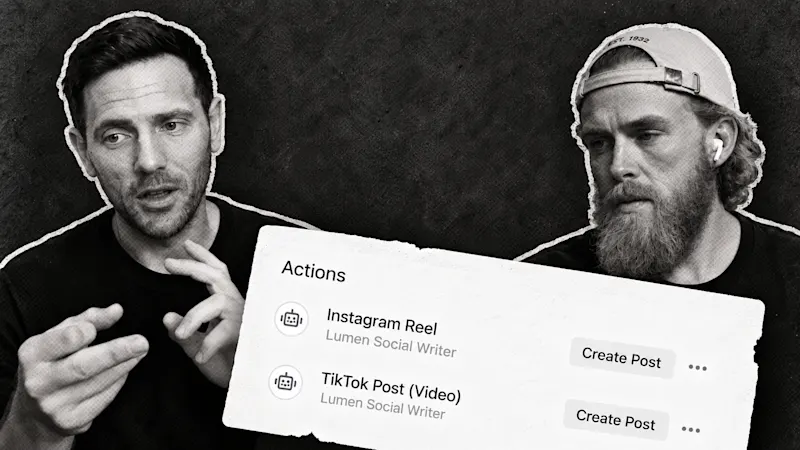
Automations use events inside Clipflow to run agent actions. Approval and a completed transcription can start further work. The transcript gives the draft language from the actual recording rather than asking someone to reconstruct the explanation from memory.
The current automations guide explains how triggers, conditions and actions work today. Begin with one media file and one destination before adding every connected channel.
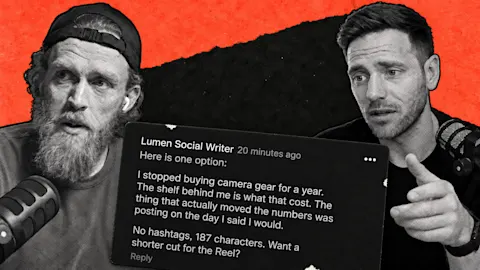
For the caption instruction, explain who the answer is for and what the post should help them understand. A short video for a prospective buyer needs different context from a detailed explanation for an existing customer. One generic instruction can flatten that distinction.
Keep the publishing decision with the team
An automation producing a draft is evidence that the handoff worked. It is not evidence that the advice, caption and destination are all correct. Read the result, check the media and then mark the post ready.
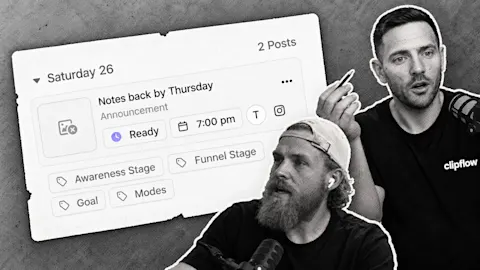
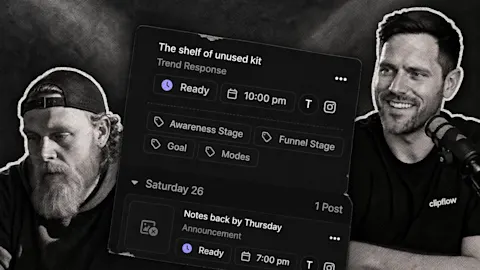
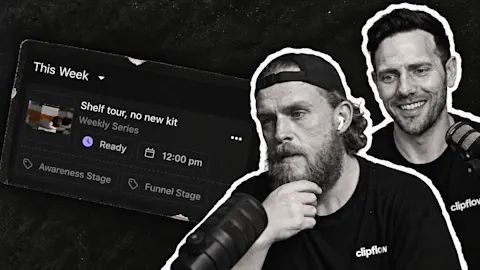
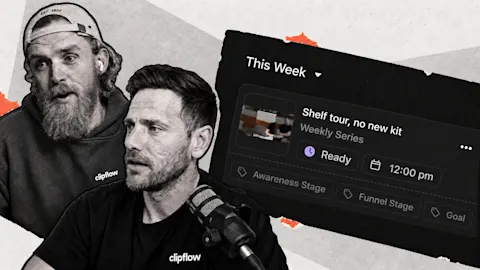
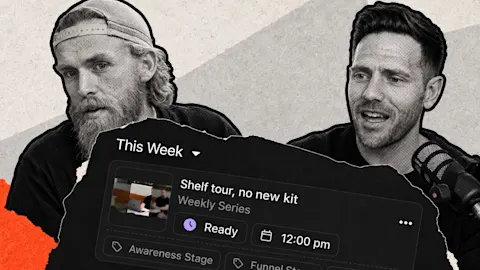
Use the scheduling guide to confirm how that ready post enters its channel slots. If the automation produced the wrong draft, fix the instruction or condition before repeating the same approval across a batch.
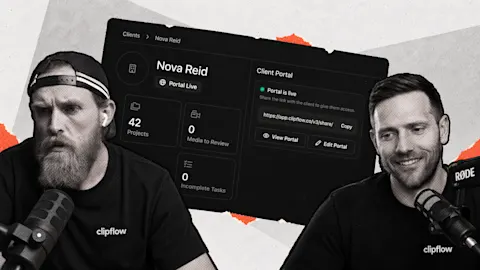
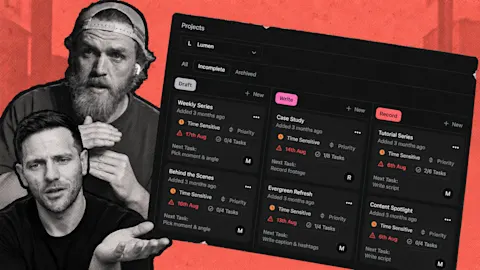
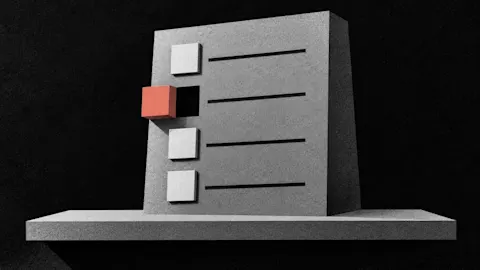
A working feature still needs a clear route into it. A new overview screen existed, but one onboarding route still sent people to the old starting point. For your own process, follow the entire route once: approved file, generated draft, review, scheduled time and published result.
That checked example gives your editor a next step they can rely on. The founder can return to answering customer questions, while the routine drafting handoff moves forward without another message.
Subscribe to the Clipflow YouTube channel for more updates here.
Follow Ken on Instagram here.
Follow Darrell on Instagram here.