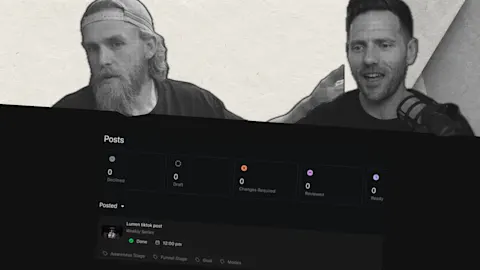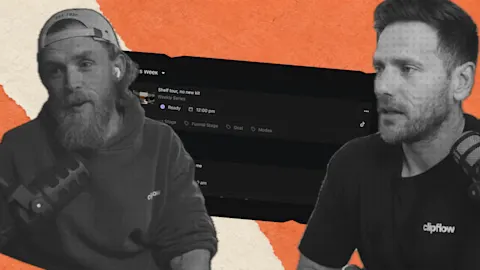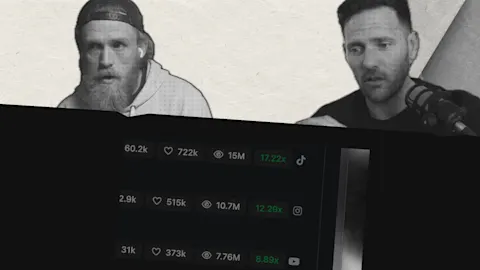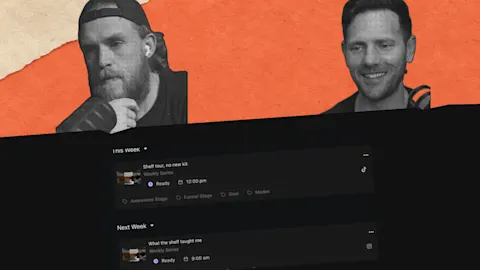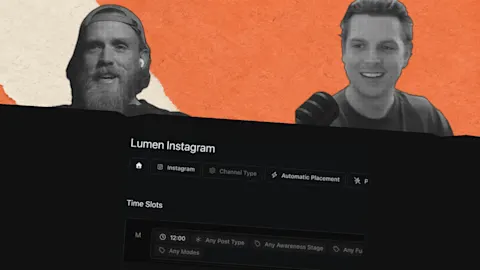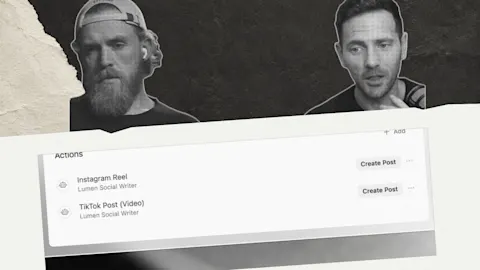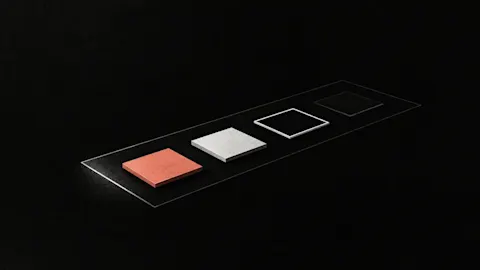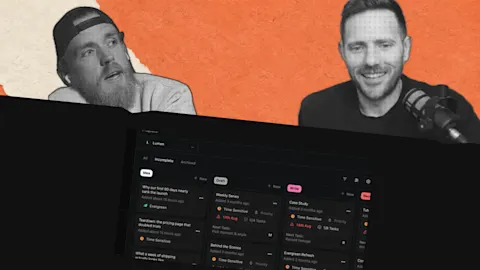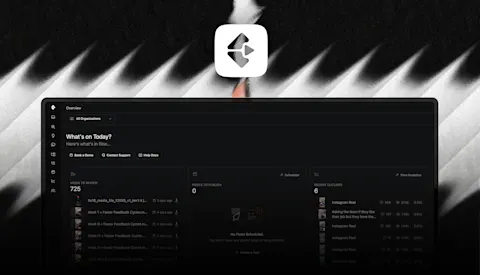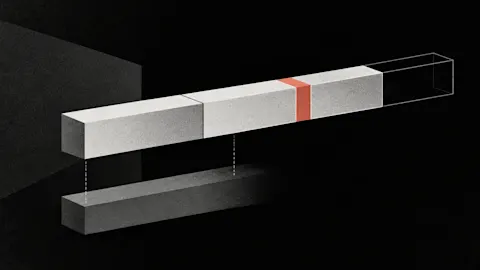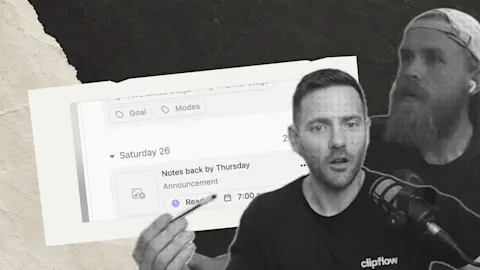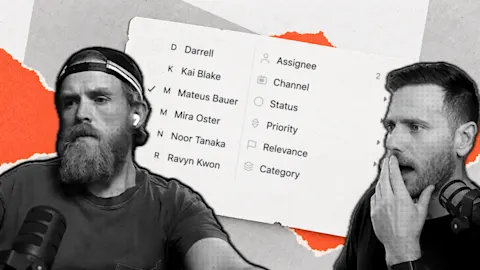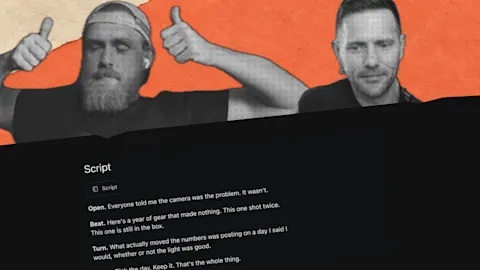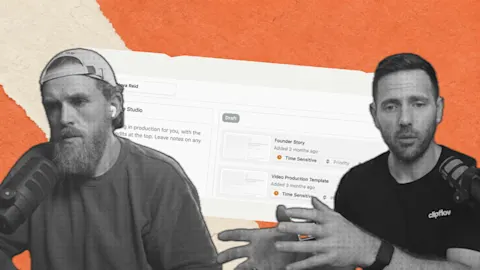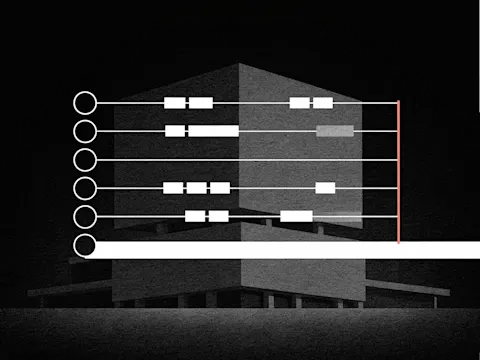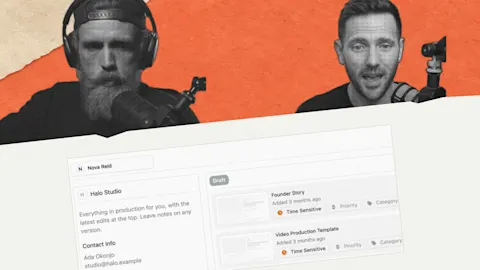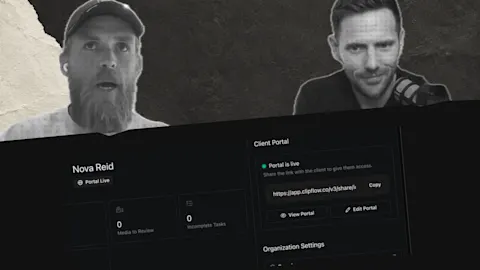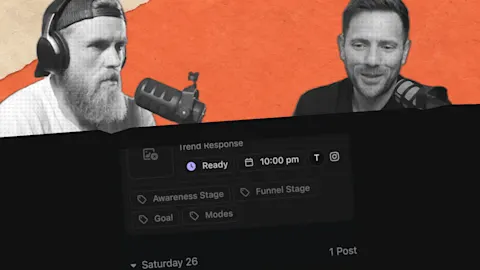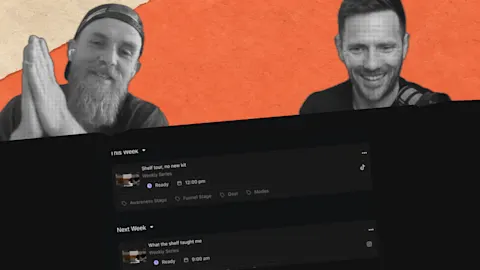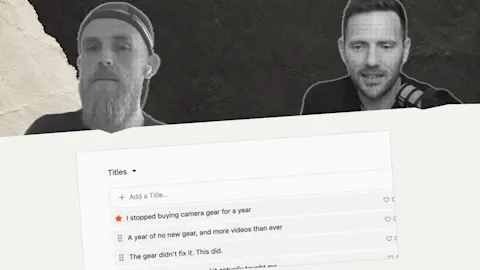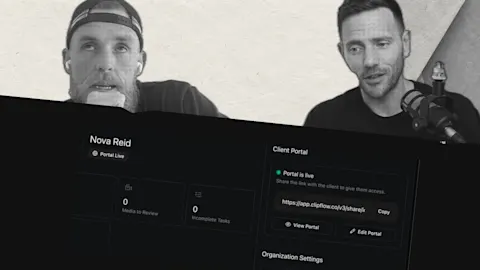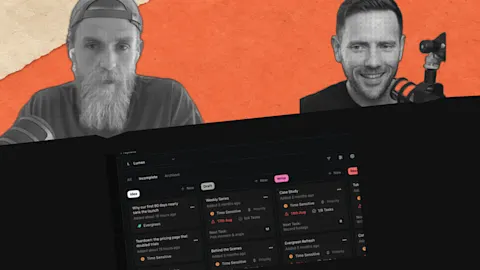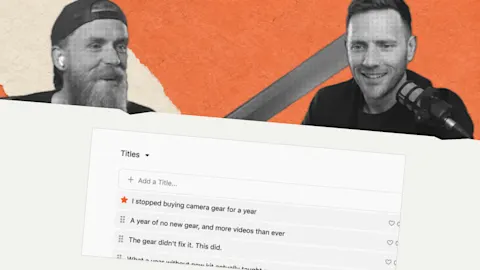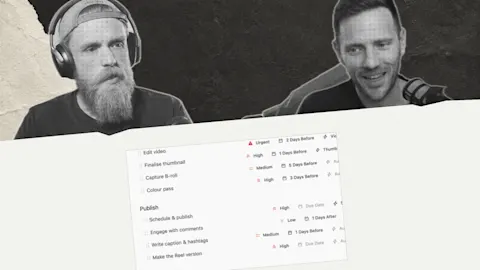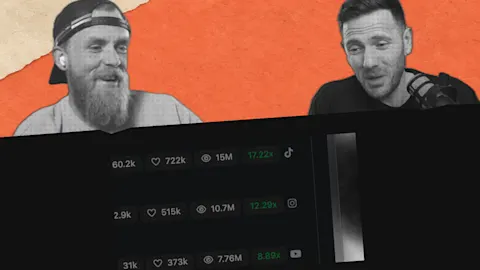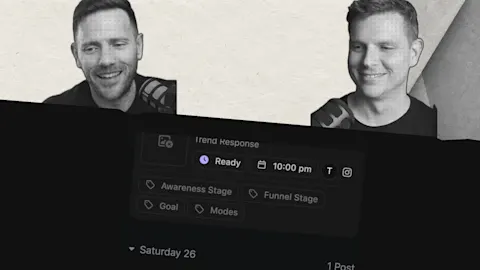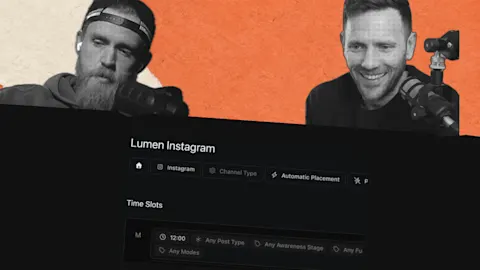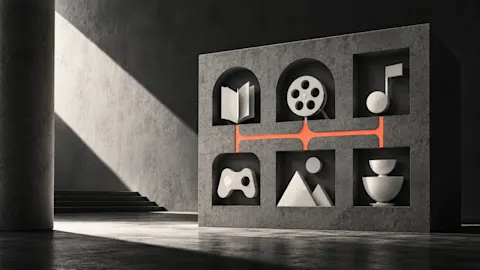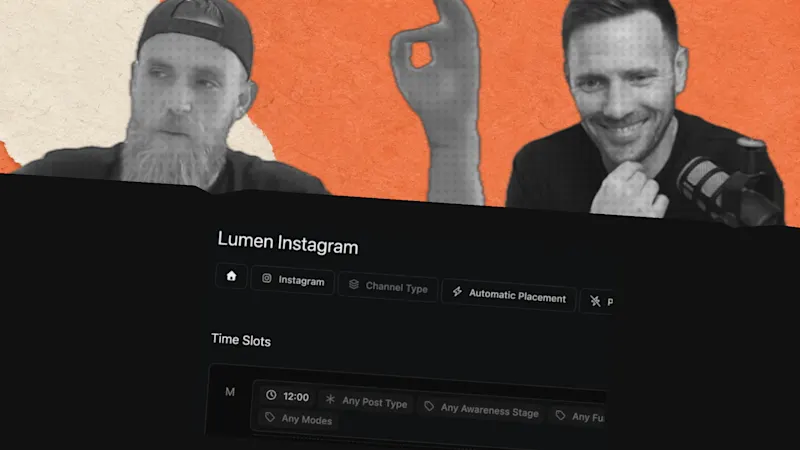
When one video becomes several posts, deciding where each version goes can interrupt the creative work. The post scheduler gives that plan a home, keeping the intended destination and timing visible.
Progress update from 29 November 2025. The scheduler was for planning posts; automatic publishing had not launched yet.
Update, 4 October 2026: Automatic publishing is now available for supported connected channels. See the current scheduling guide for setup and platform prerequisites.
TL;DR
Clipflow updates
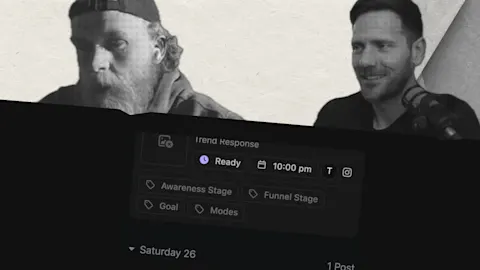
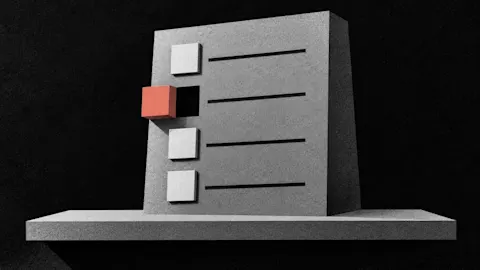
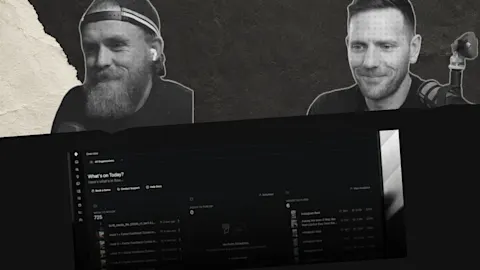
- The post scheduler gave upcoming platform posts a shared planning view.
- The interface was simplified from a more complicated prototype.
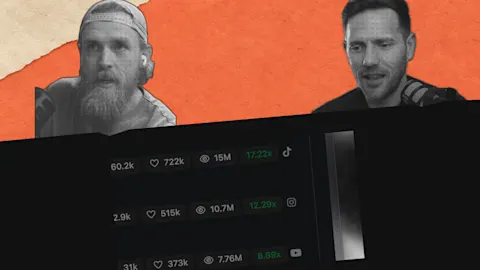
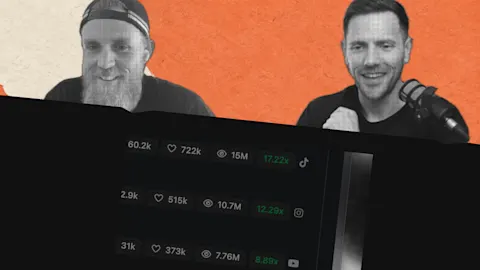
- The team was reviewing advertising and organic-content work that was bringing in more relevant leads.
Putting it to work
- Decide the destination and timing without losing the post's source context.
- Keep the team's publishing view simple enough to use consistently.
Separate making the version from placing it
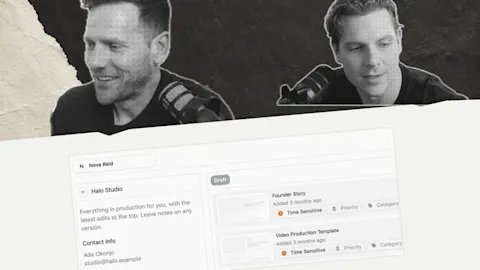
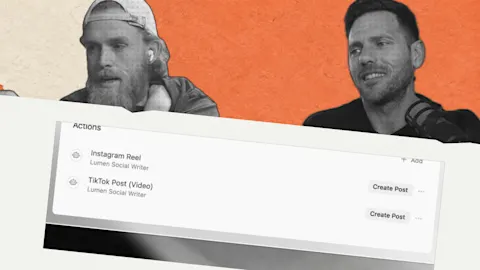
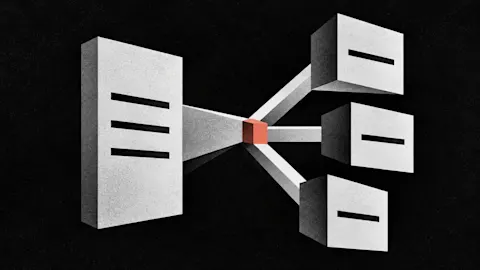
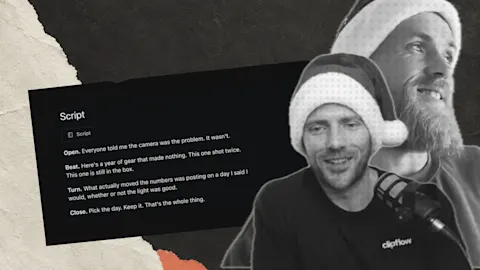
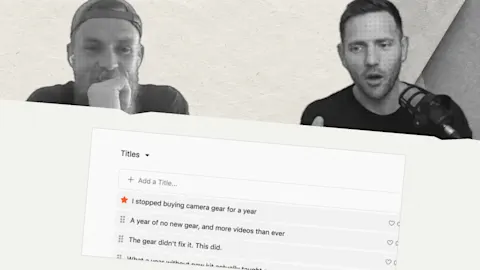
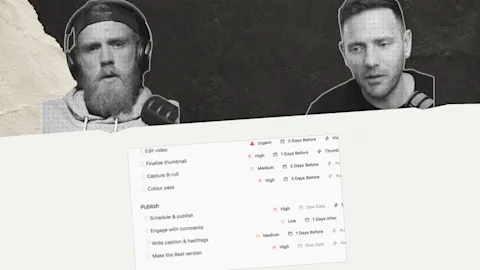
For a founder interview, the editor might prepare a main video, two short cuts and a written explanation. Give each version a purpose and destination, then place it in the plan. The recording session does not need to solve every scheduling detail.
A useful post intended for two weeks later can stay in the plan instead of disappearing into a folder. The current Working with Posts guide explains preparing those versions with their projects.
Make the review view usable
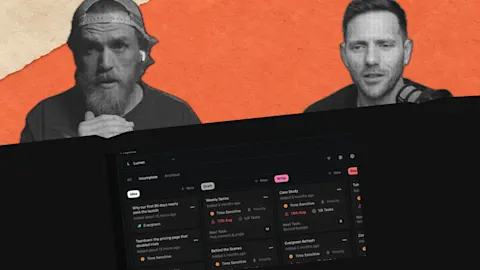
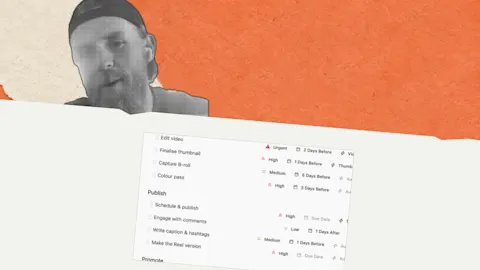
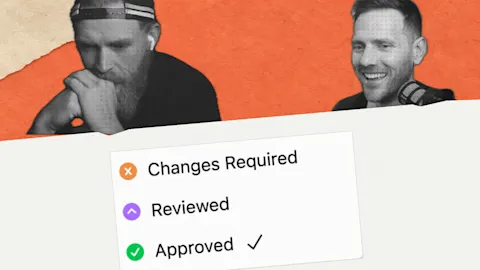
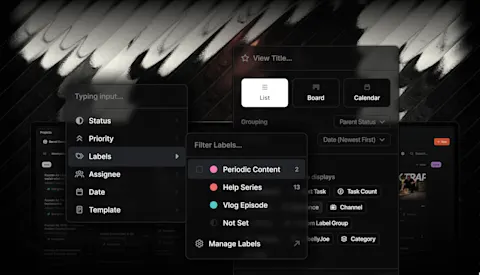
Our prototype offered many controls, while the final approach removed some of that complexity. For your own planning routine, show what the team needs to decide: the version, channel, readiness and timing.
Use the current scheduling guide for today's workflow. Keep its newer automation capabilities distinct from the historical planning demonstration.
Review one upcoming week together and resolve gaps or repeated topics. A clear plan helps the team keep useful material moving without turning every creative discussion into another calendar meeting.
Subscribe to the Clipflow YouTube channel for more updates here.
Follow Ken on Instagram here.
Follow Darrell on Instagram here.