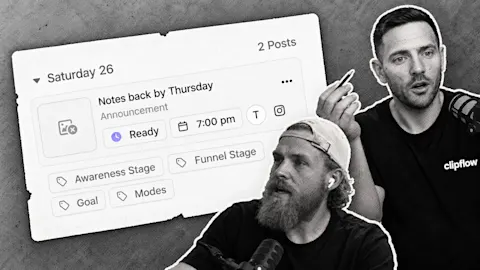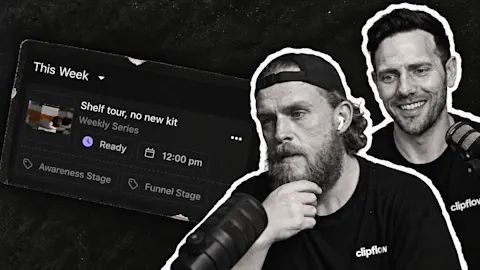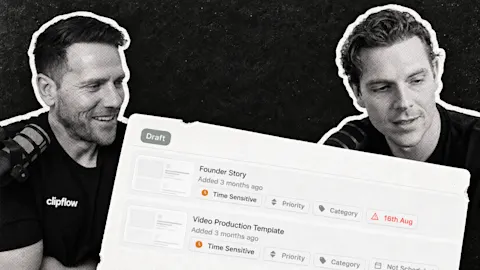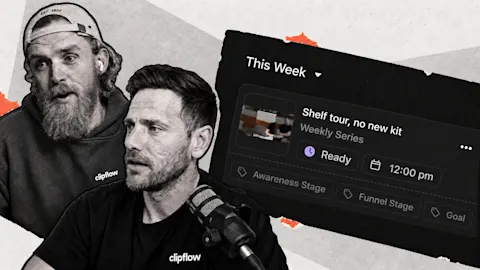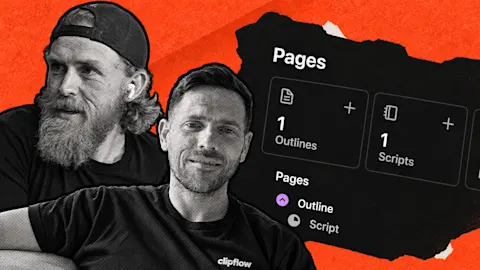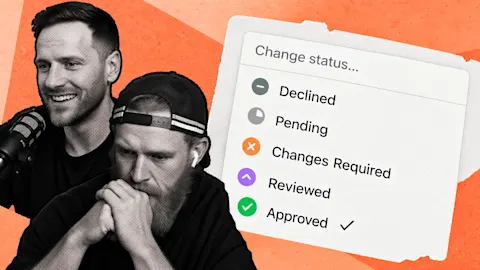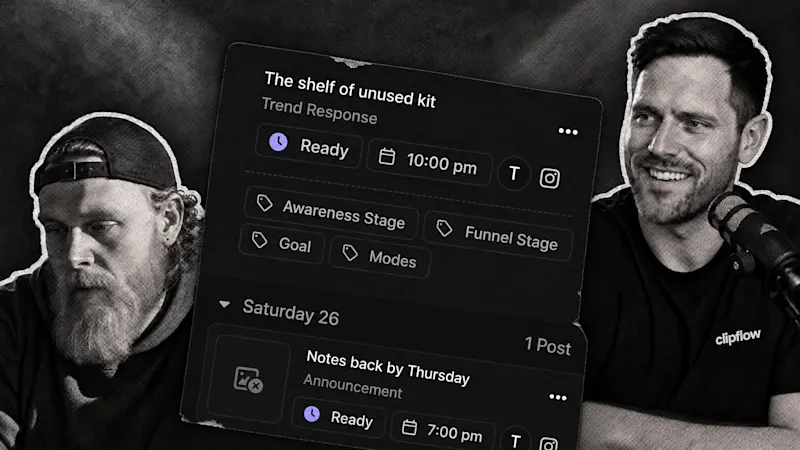
Automatic publishing can feel surprisingly uncertain the first time you use it. The post is ready, but nobody pressed a final publish button. A clear post status can reassure the team without adding another notification for every successful post.
Progress update from 31 July 2026. Onboarding and interface refinement were in progress; a new notification system had not shipped. Linked guides cover the current workflow.
TL;DR
Clipflow updates
- The team was refining the route from connecting a channel to uploading media, creating drafts and scheduling posts.
- Clearer post-status communication was a design focus.
- Notifications for successful posts were being considered, rather than available as a new feature.
Putting it to work
- Follow one real post through approval, drafting, placement and publication.
- Agree who checks failures so the founder does not need to watch every successful handoff.
Build trust from a visible example
Choose a short answer your business is already comfortable publishing. Connect its destination channel, check the available time slots and upload the edited media. That gives you a complete example rather than an empty calendar to configure in the abstract.
The scheduling guide explains the prerequisites. A ready post needs a matching slot and a channel configured for automatic posting. Ready on its own does not guarantee that a publish time has been assigned.
Check the draft's caption and destination before marking it ready. Then confirm its time in Scheduling and look at the result on the platform after that time. You are establishing what a successful run looks like for this business.
Reassurance can become noise when every successful post creates a message. New users want evidence that the system worked. Once a team is publishing regularly, a message for every success can become another thing to clear.
Give that checking responsibility a home. An editor or content coordinator can review the schedule and investigate exceptions, while the founder focuses on the next useful recording. A clear owner is more reliable than assuming everyone will notice a problem.
Test the handoff before scaling the batch
The onboarding work also aimed to show what happens when approved media generates draft posts. The current automations guide separates the triggering event, conditions and drafting actions.
For your first example, inspect the drafts that appear. Do they target the intended channels? Do the instructions produce captions that fit? Correct the setup before approving twenty more files, while the cause of each result is still easy to follow.
The goal is a familiar publishing routine: the team knows what ready means, where to check placement and who handles a failed handoff. Confidence comes from a checked workflow you can repeat.
This week: Trusting AI agents with business tasks requires clear instructions and observable results. Apply the same standard to publishing automation, especially while people are learning to rely on it.
Subscribe to the Clipflow YouTube channel for more updates here.
Follow Ken on Instagram here.
Follow Darrell on Instagram here.