Content Operations for Creators With Teams
More views. More growth. Less of your week lost to admin and operations.
Every long-form video drags 80% admin behind it. Ideas, Packaging, Scripts, Captions, Shorts, Scheduling. Better videos come out of focus and creativity. Better Operations come from the team in Clipflow.







Join 4,000+ Businesses Today
High-output creator teams trust Clipflow







Who is it for
Channel Growth is more than the next 15 minute video.
As a channel grows you naturally bring on a team. Output should go up but you watch the team rely on you for every decision, you spread across more tools and spend more time managing than creative time making the video.
Built for creator teams where
Your team is waiting for you
Your editors, writers, strategists are all working across tools
You're publishing cross platform and can't keep up
You want channel growth, without losing focus
Packaging, Video Production & Scheduling falls on you
Probably not for you yet, if...
You're creating solo with no team
You publish once monthly and never miss a post
You're not posting cross platform
You're 100% happy with your results and workflow
You want to hire even more people
You're just starting or still figuring it out
Inside the creator team workspace
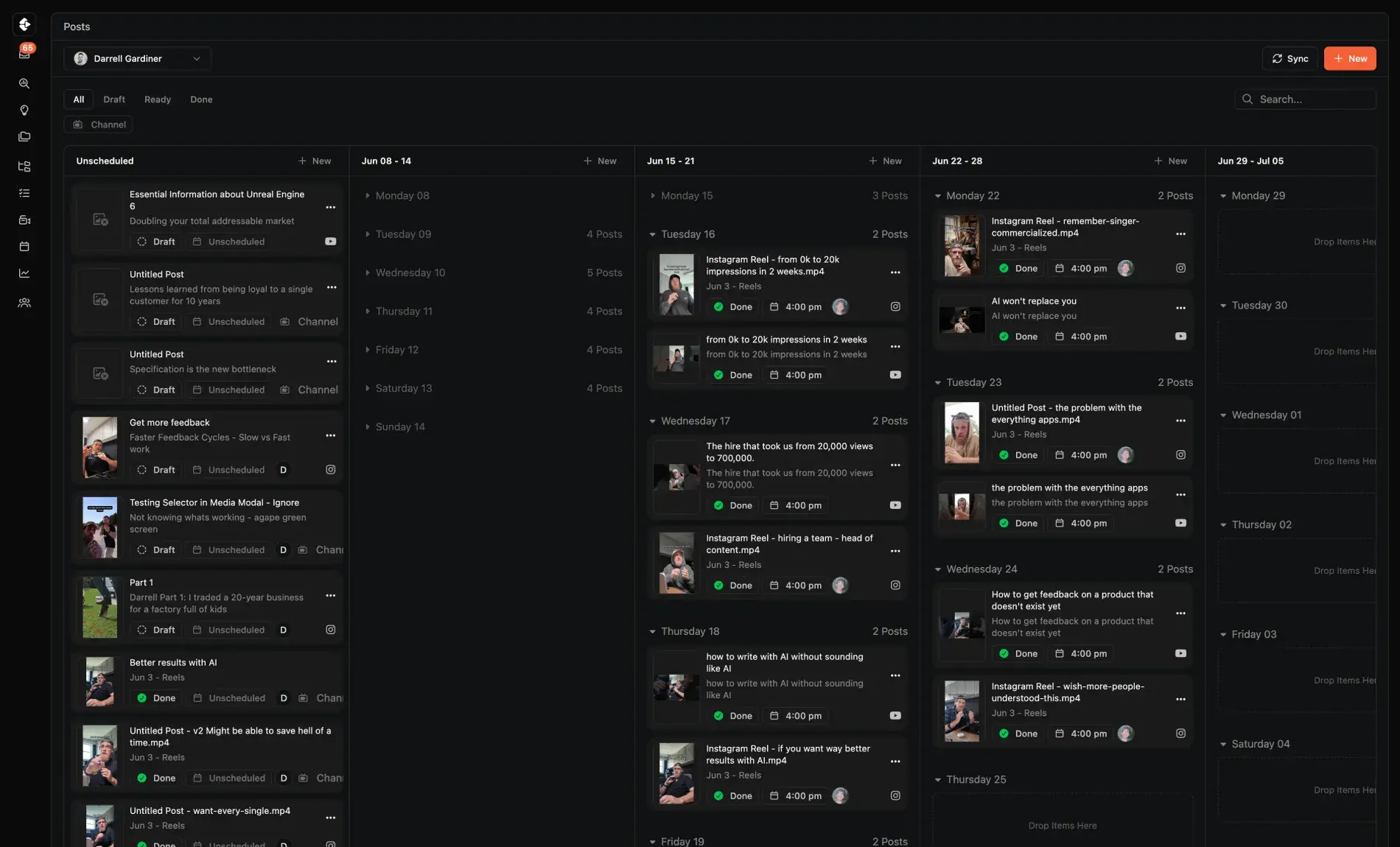
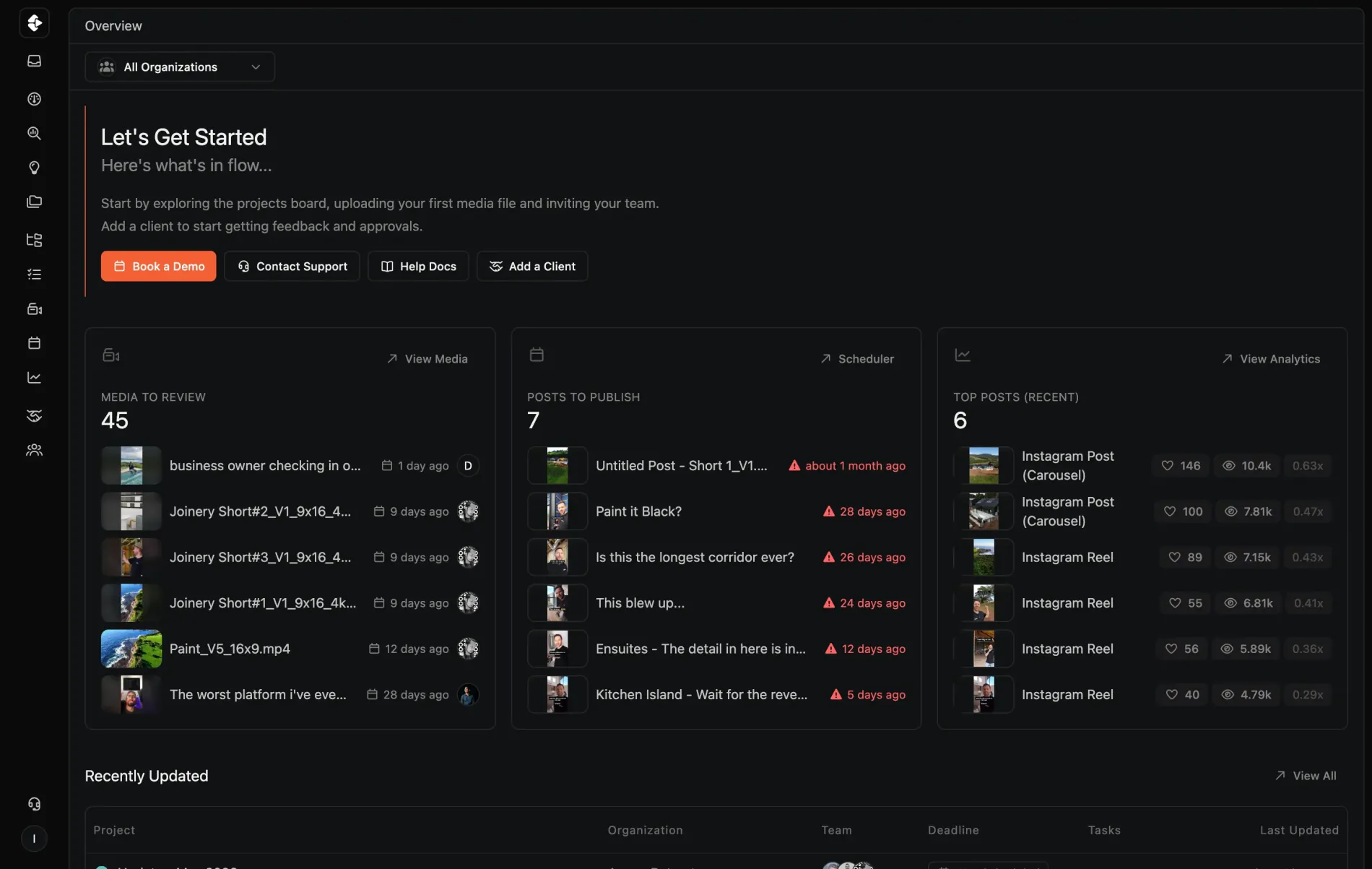
Every video, every channel, one workspace
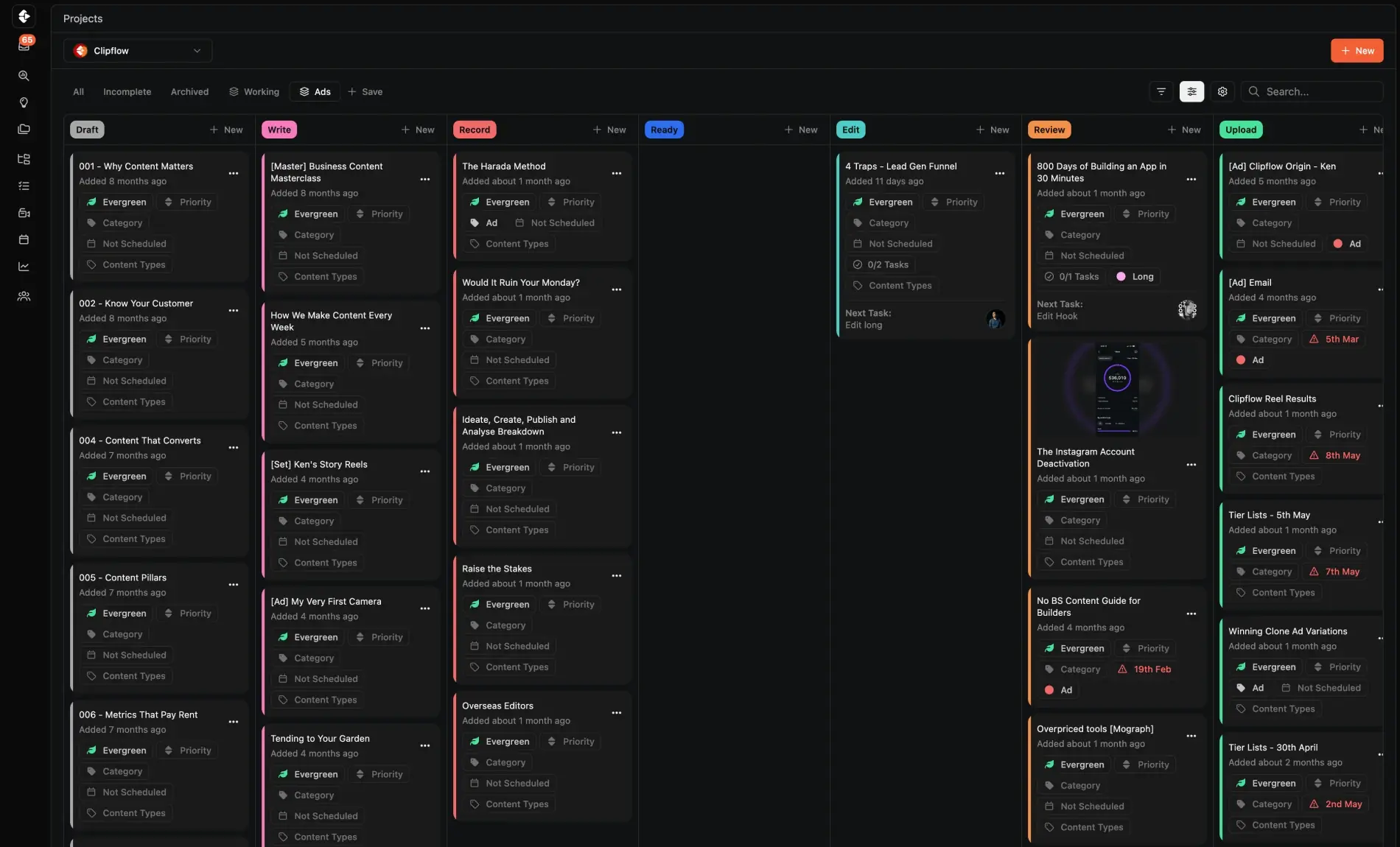
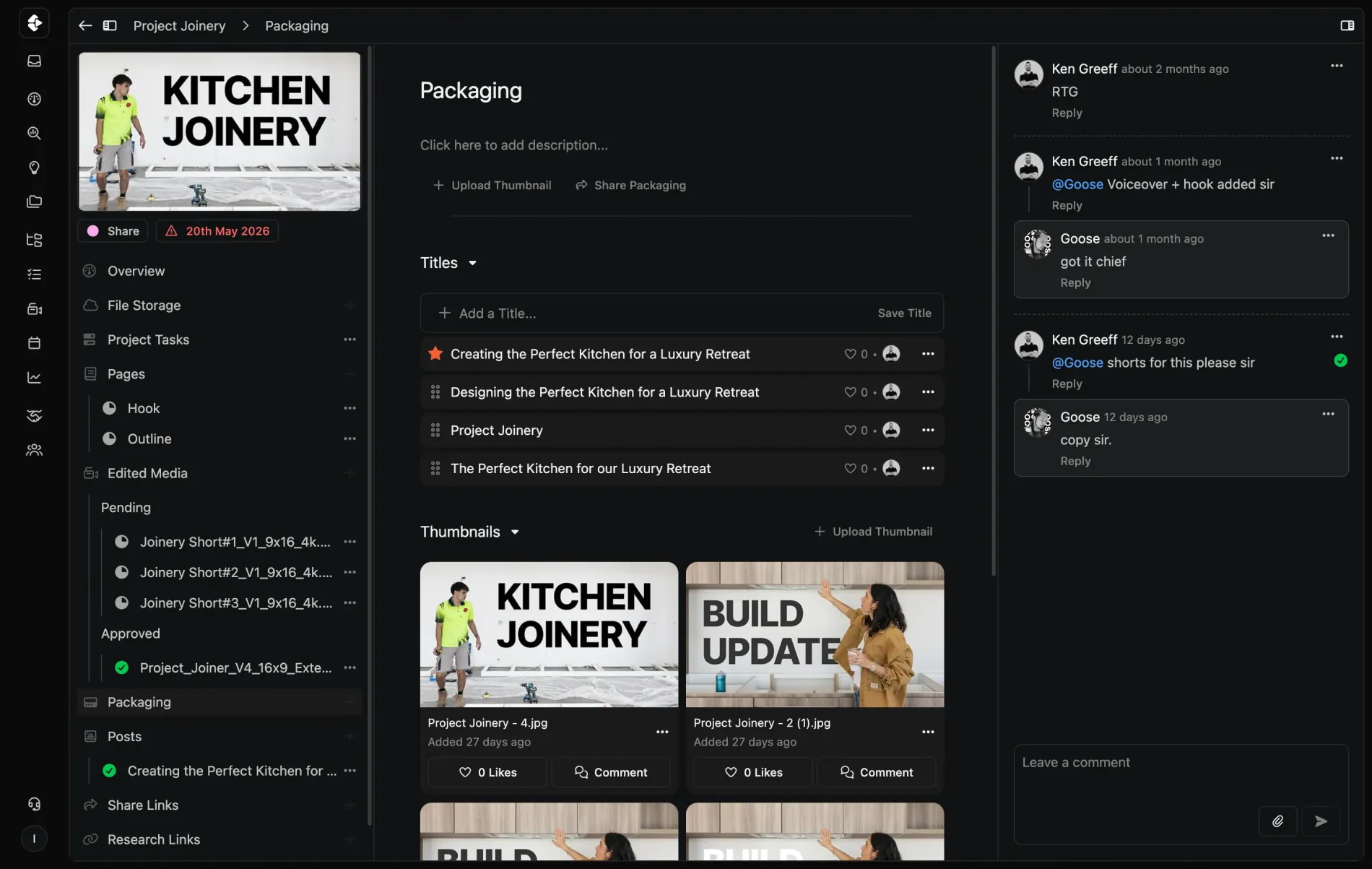
From the project board to the thumbnail to the post going out, your team runs the operation in one place. Nothing falls through, nobody waits on you to find it.
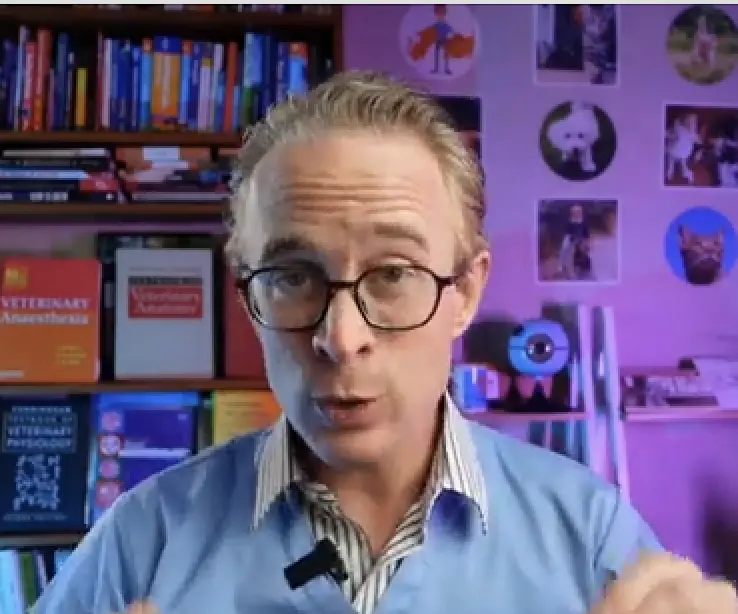
The time it's saved me is absolutely crazy. It is honestly one of the best things I have invested time in this year.
Hannah Martin
@hannahmartinRG
Why we built this
No sustainable channel grows alone.
Clipflow was built first and foremost for untangling the team ops problems so Ken could focus on his educational YouTube channel. Nothing was built, ready to go out of the box and all in one. So we took everything we learned building project management software for our business doing $40M revenue a year and applied it for content teams.
Your time and focus is precious. Save it for making the best video.


Darrell Gardiner & Ken Greeff
Clipflow co-founders
Run every video in one place.
From editor handoffs to multi-channel publishing, one workspace runs the channel.
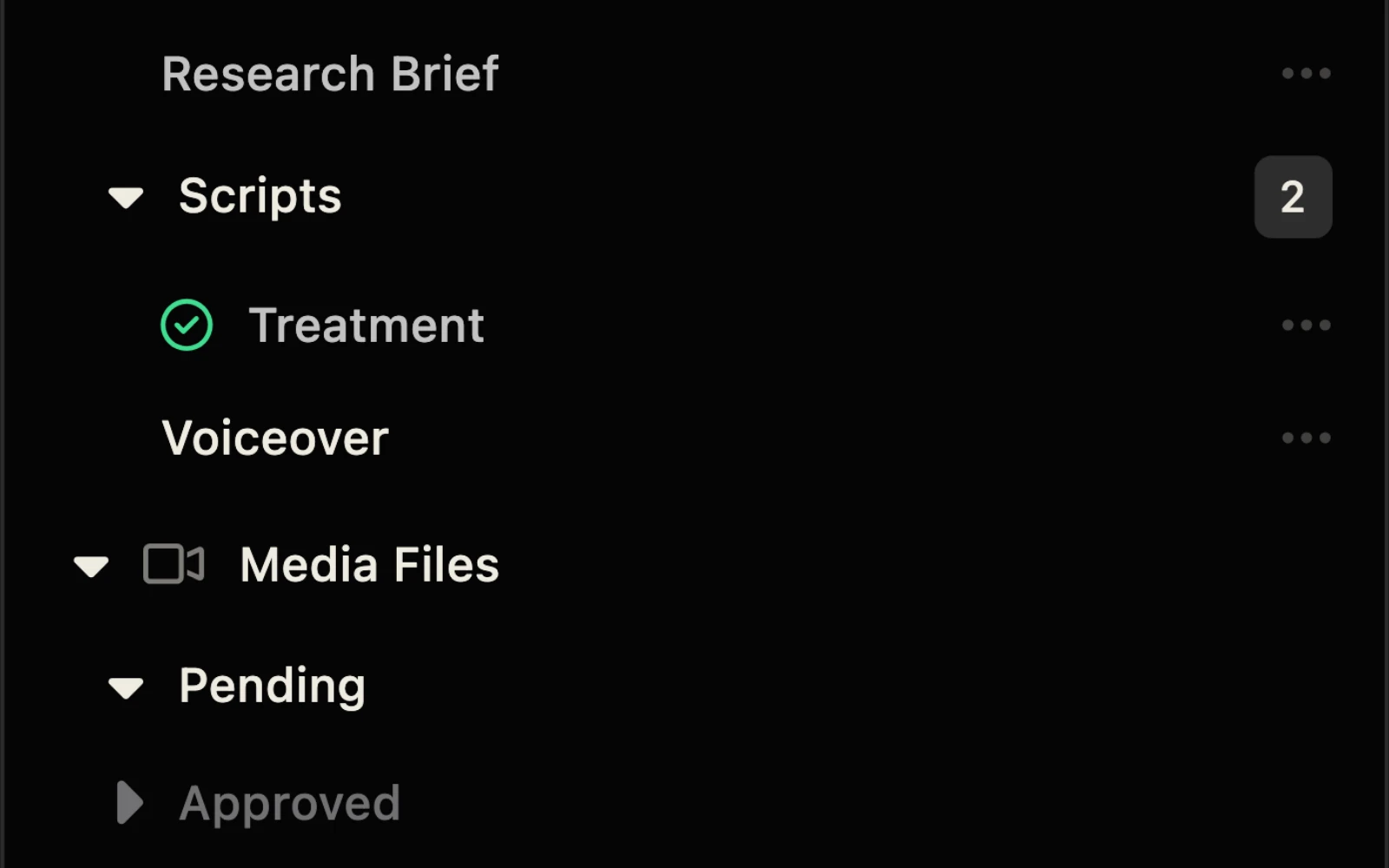
Project Templates
Every video starts from the same workflow that made the last one a success. Never from a blank slate.
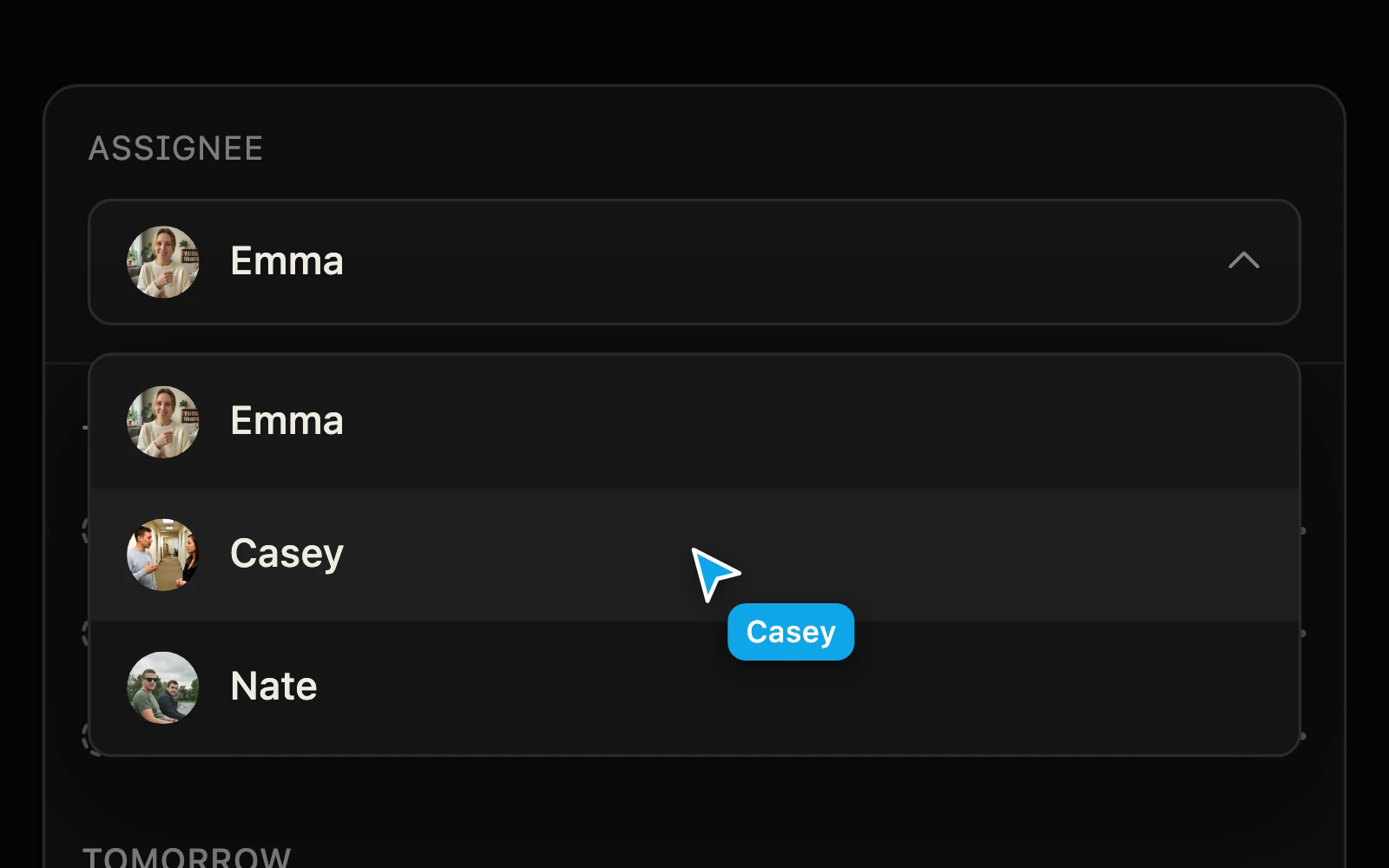
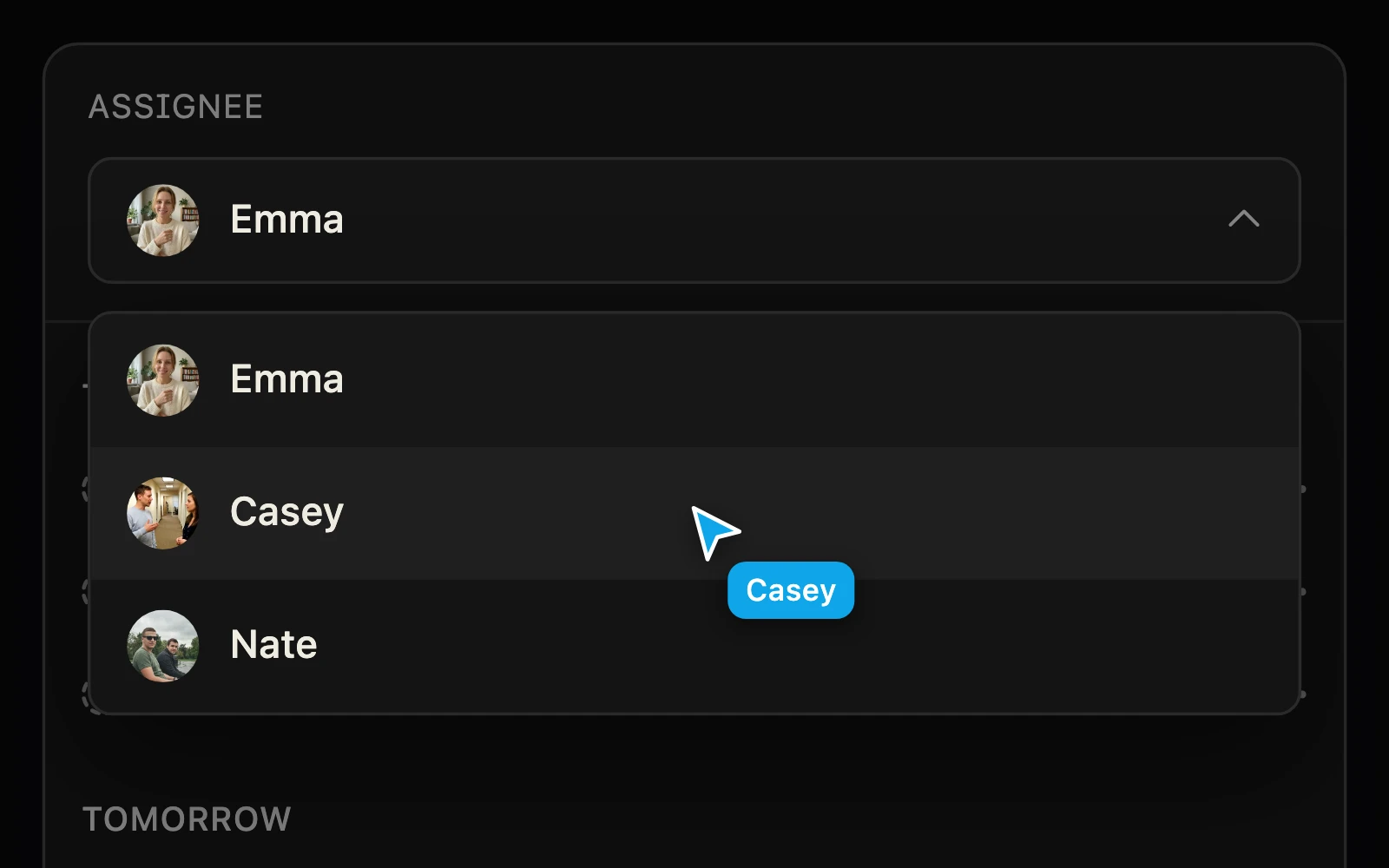
Team Clarity
See who's doing what, what's next and where you have gaps or delays. Assignments and instructions are clear and in the context of the process.
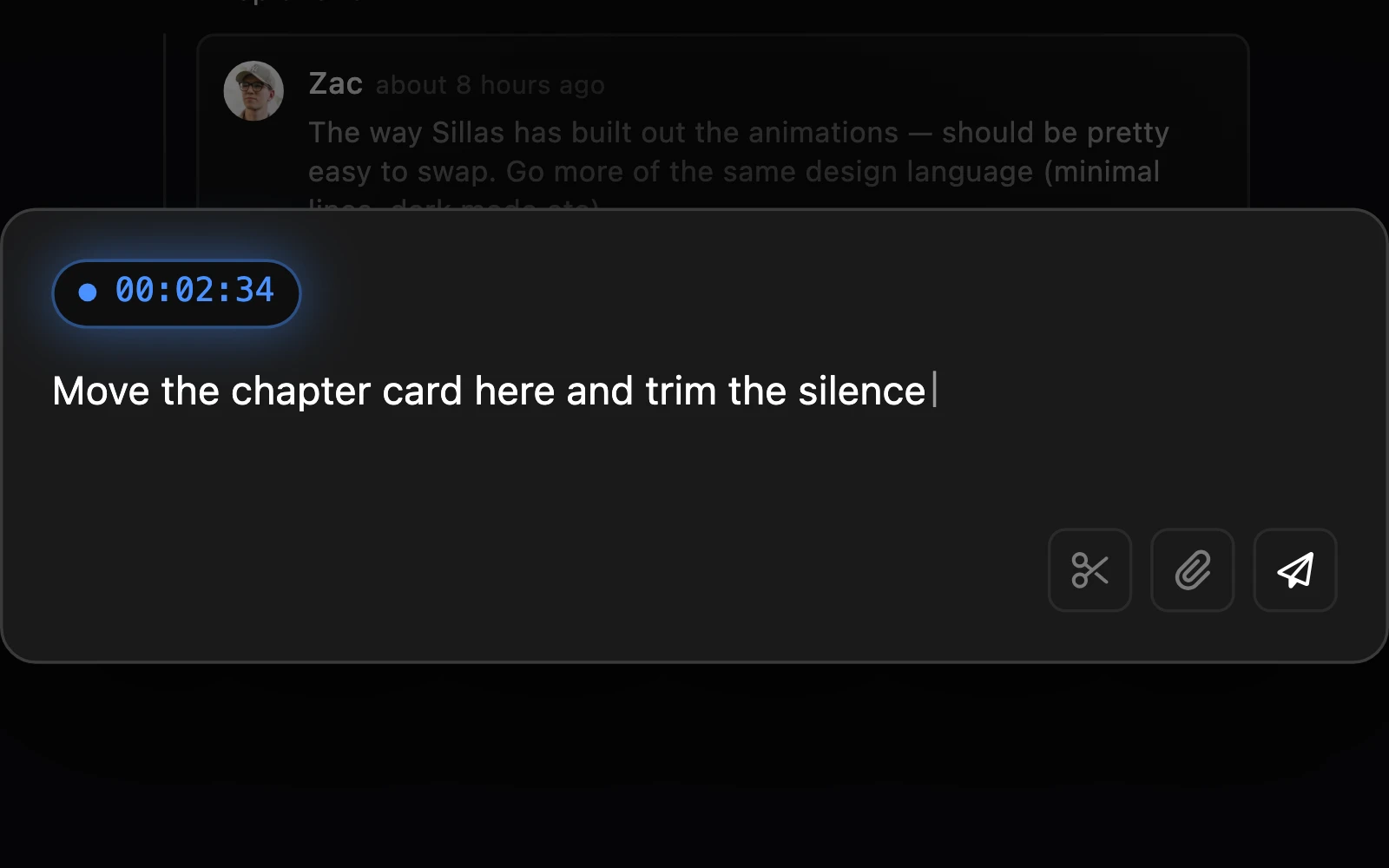
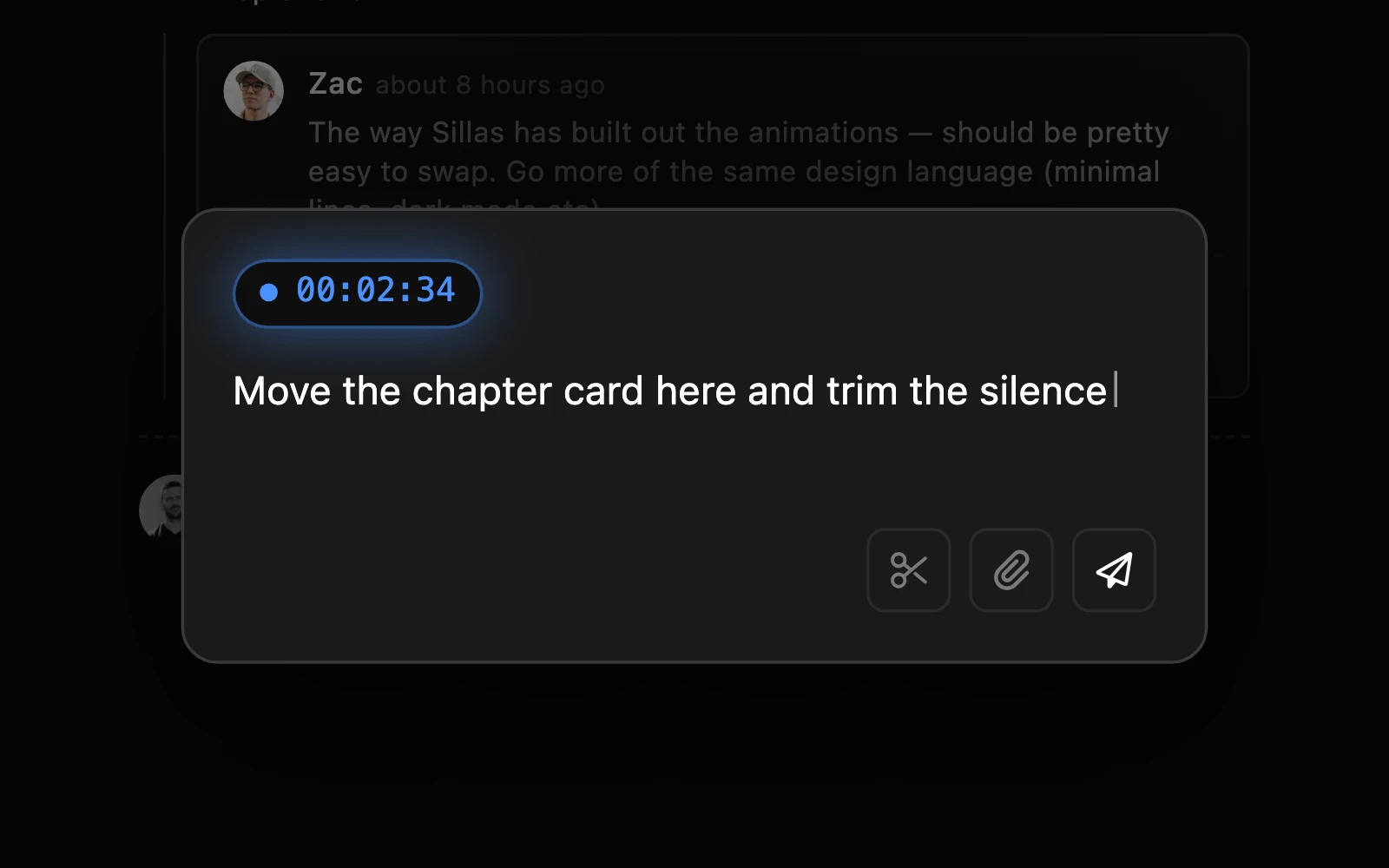
Frame-Accurate Review
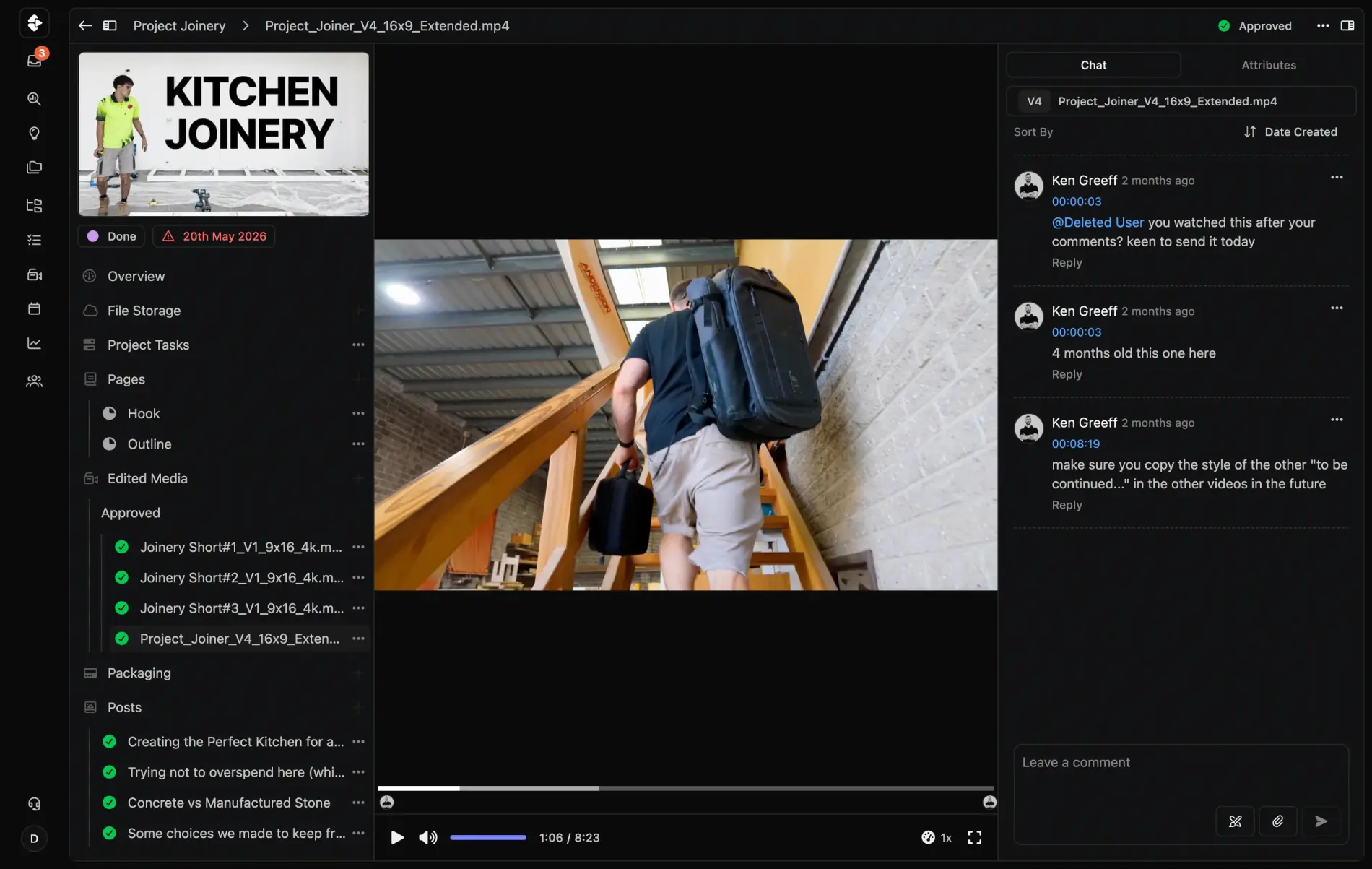
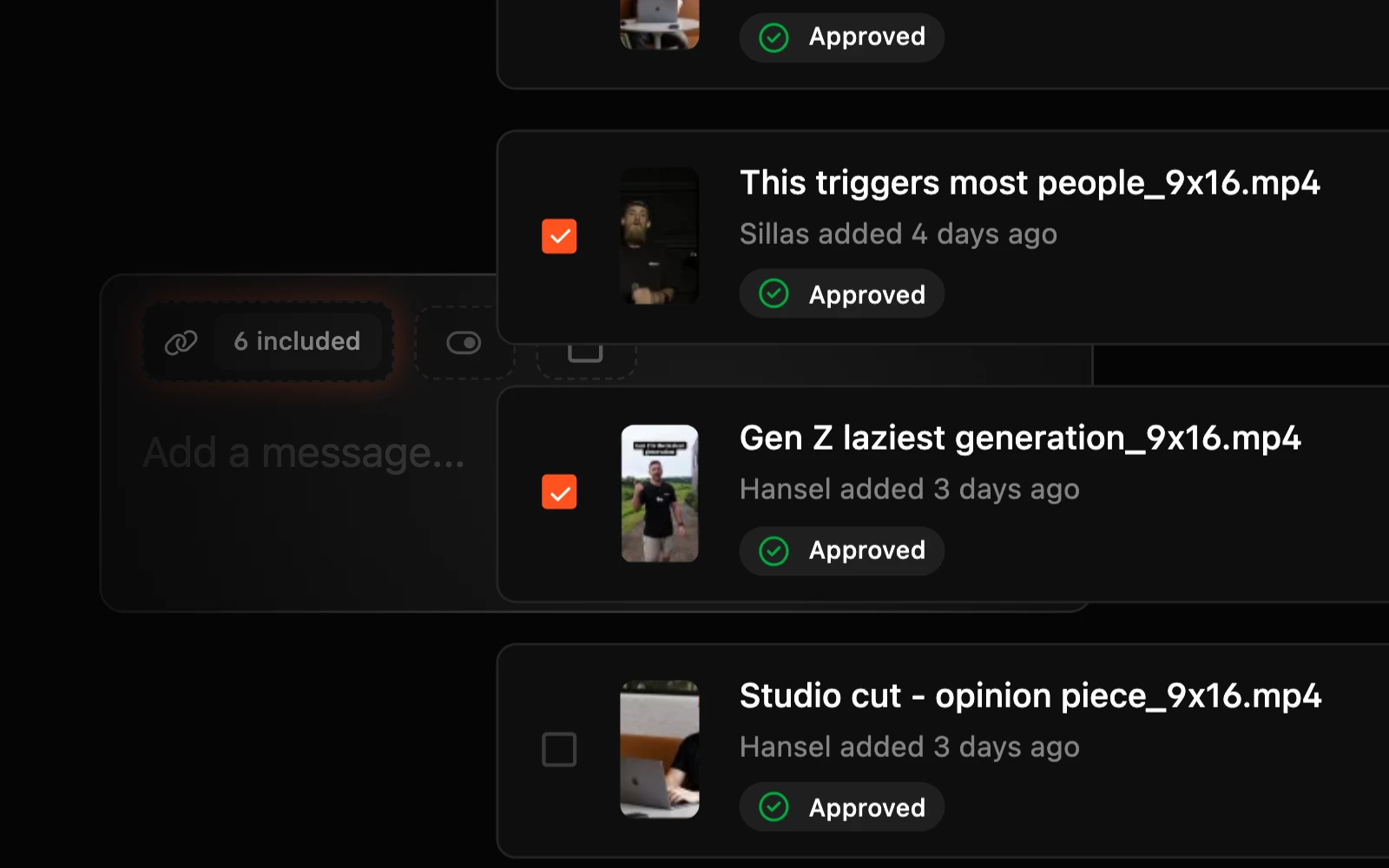
Time stamped notes on every cut, editors work from the same project with all of the context without extra seats, logins, debates or missed chat threads.
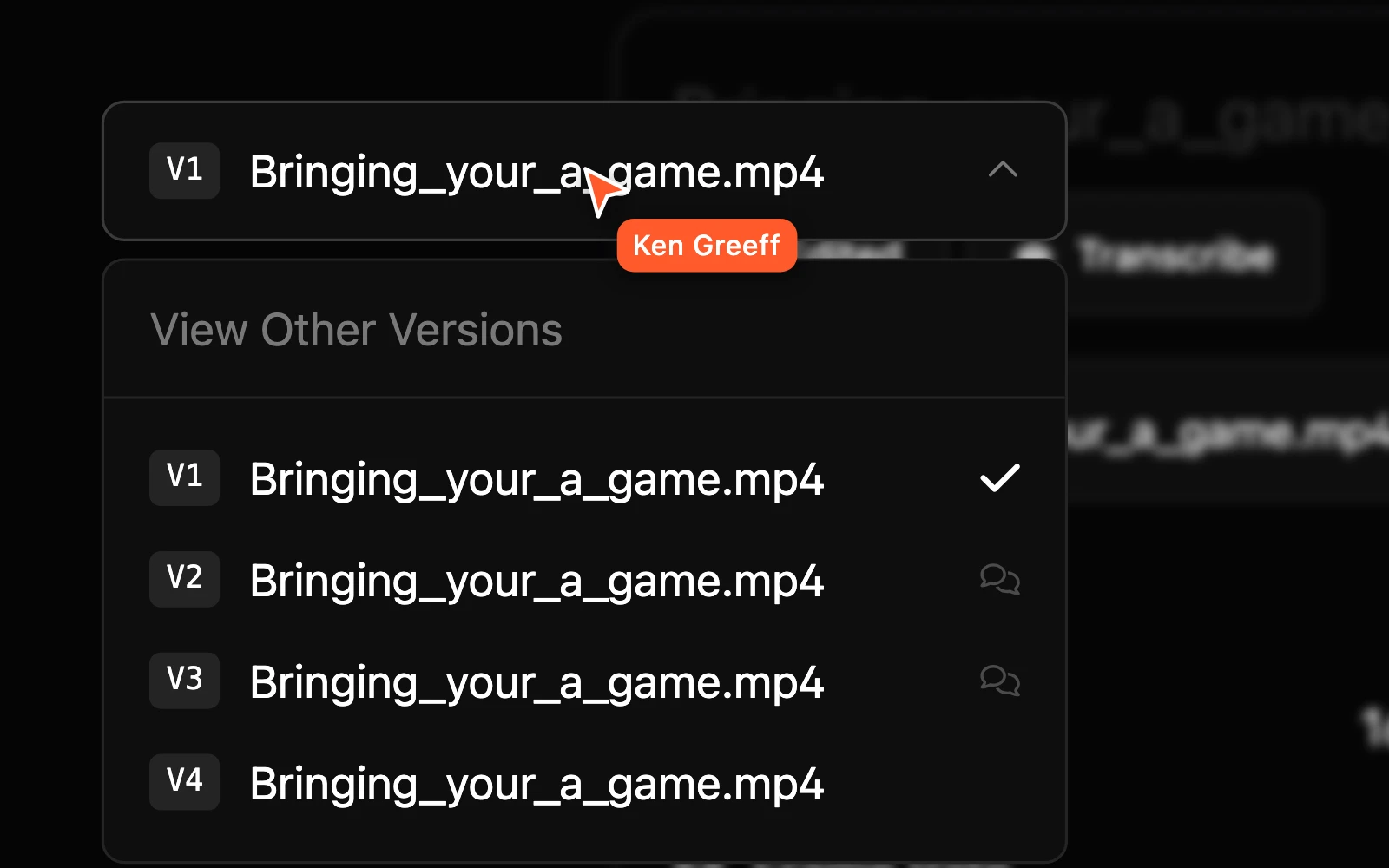
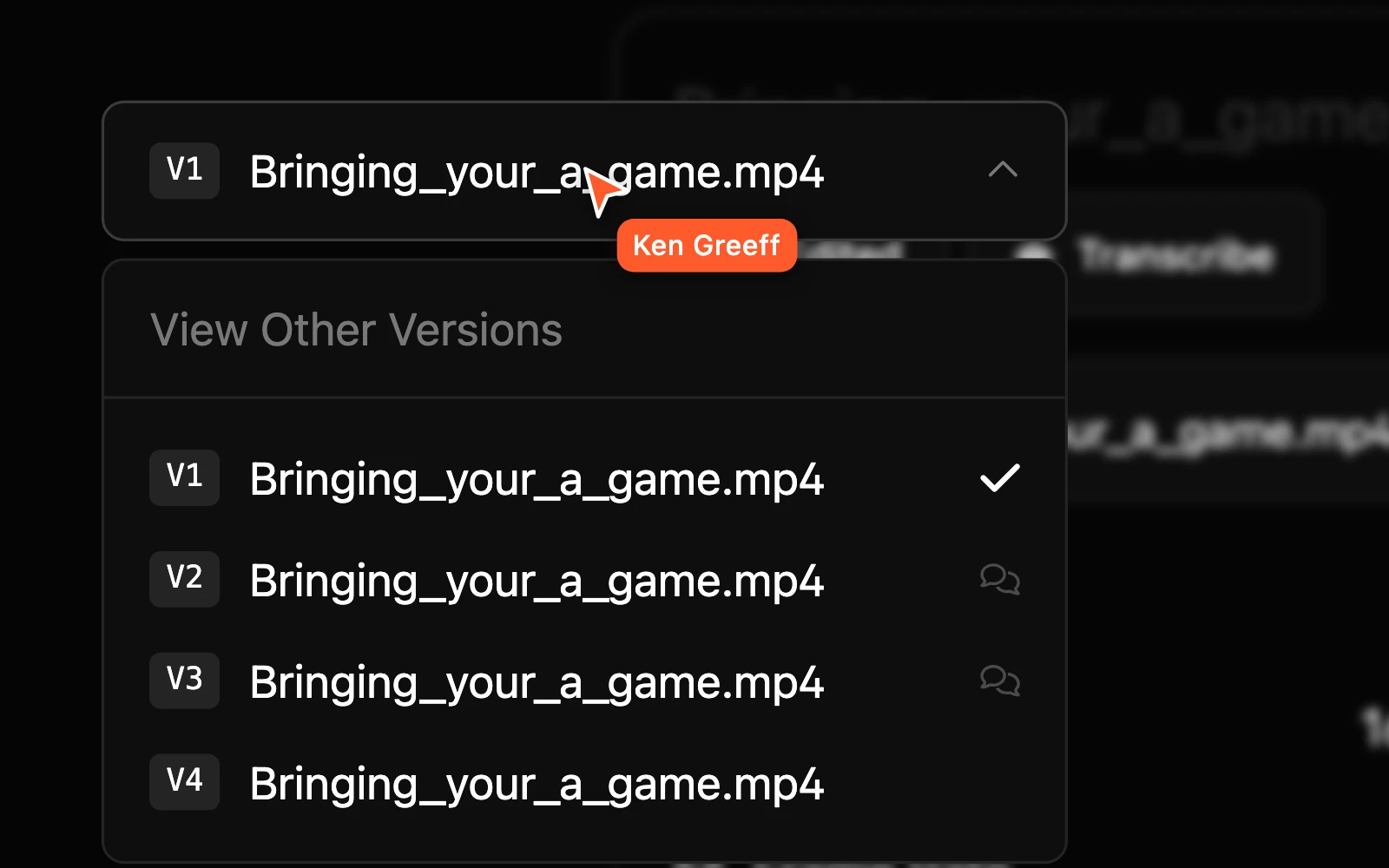
Version Control
Every edit, revision and repurposing cutdown lives together without files disappearing or posts getting missed.
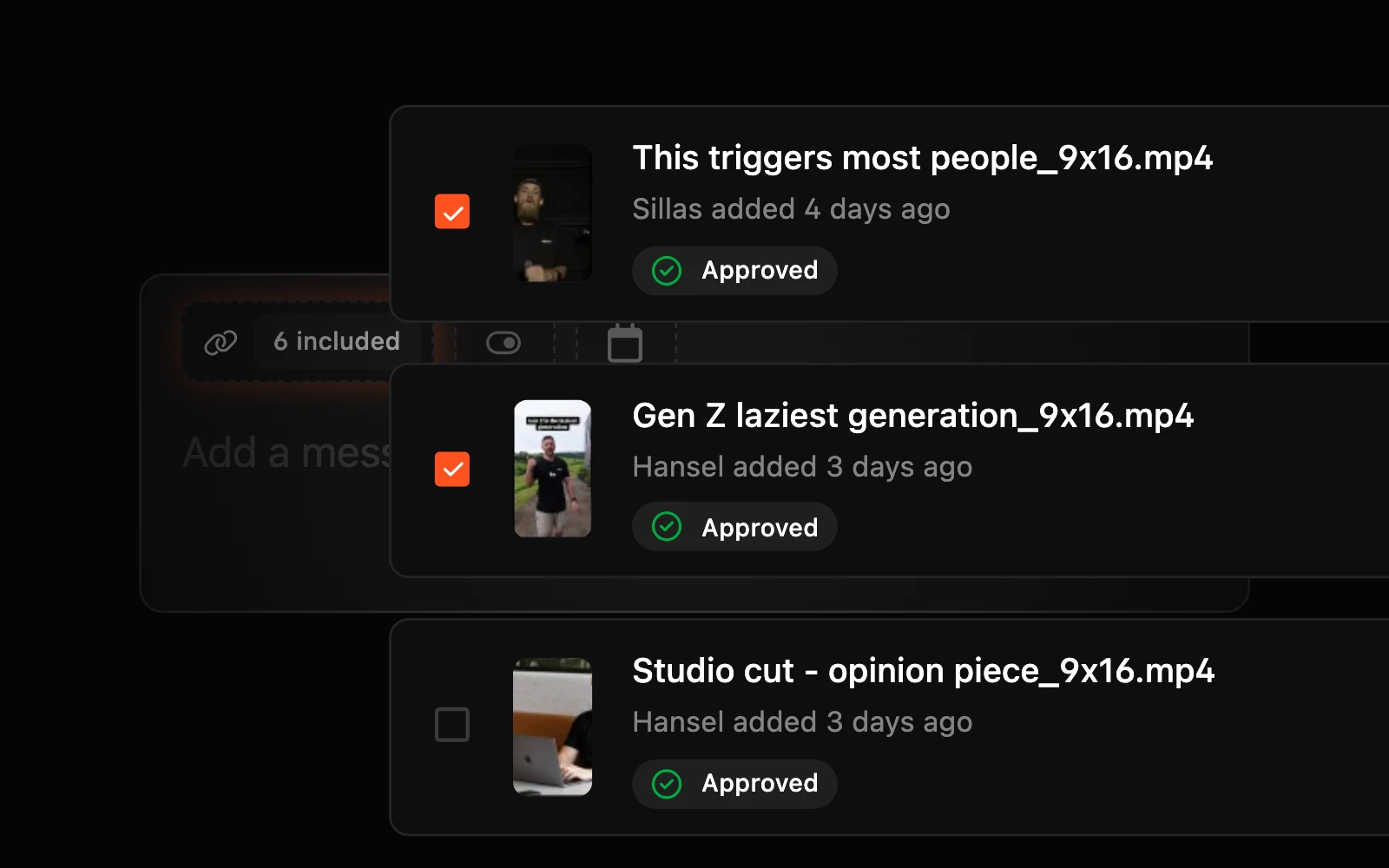
Public Sharing
Send rough cuts to talent, sponsors or guest contributors in a click. No accounts, no logins, just the link.
Packaging
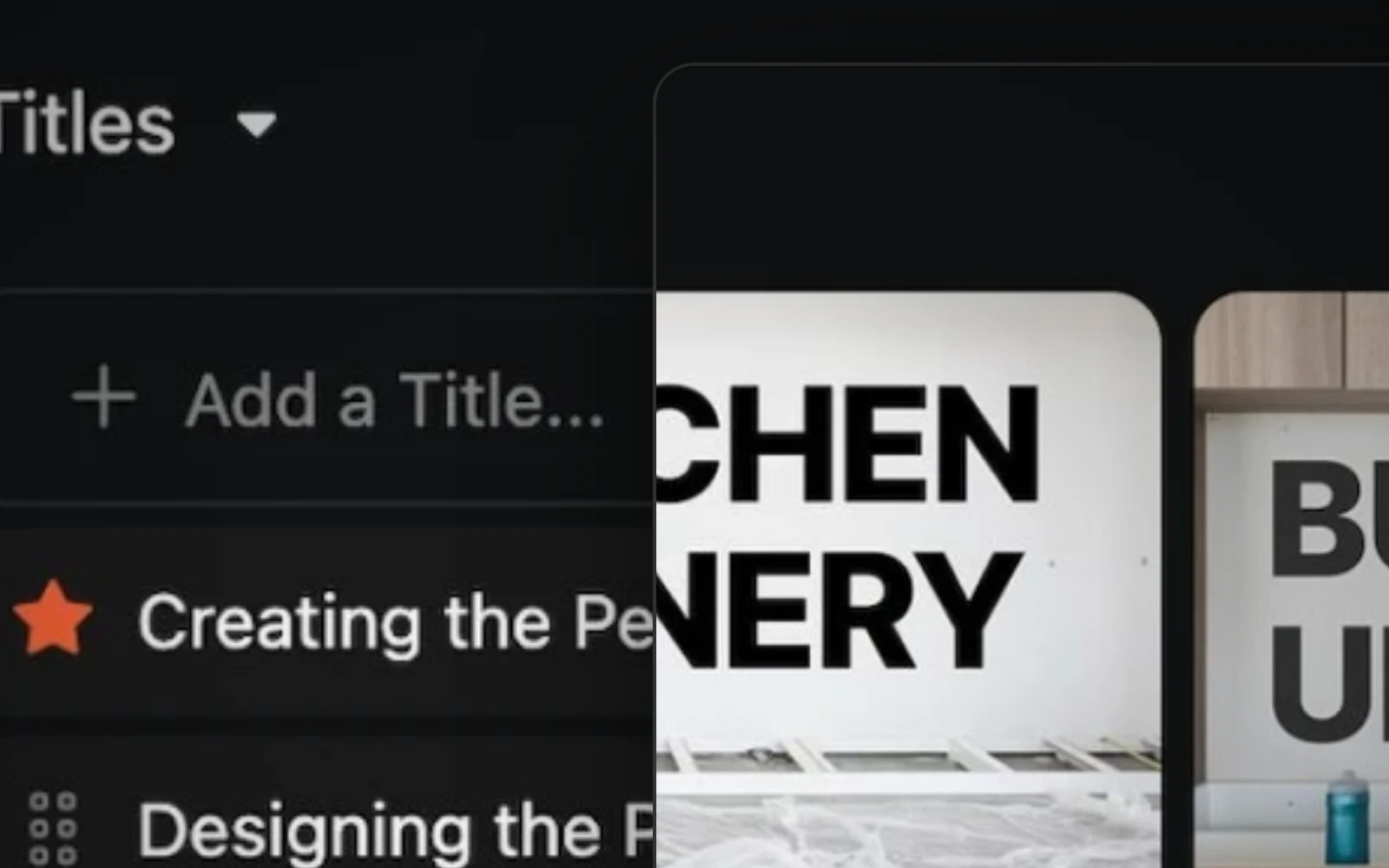
Titles and thumbnails live in the project where the edit was approved. Your team votes, comments and picks the packaging without a separate doc or Slack thread.
It really helps us not only deliver quality edits faster, but also stay in line with our creators every day.
Naomi Porter
Creator Service Co.

How creator teams use Clipflow
Every 1 of 10, every platform, every short. Through the same process.
Purpose-built for teams that publish long-form as the core, then spin off everything around it. The same workflow runs every video, so the team isn't reinventing the wheel every week.
- 1
Planned to
PerfectionIdeation, Research, Scripting, Shooting, Editing and Distribution across any team structure keeping everyone on the same page. Literally.
- 2
Bottleneck Free Production
Tasks that auto-assign by role and magically work backwards from scheduled date. Footage and edits land together with the full context of planning, writing and reviews.
- 3
Shorts, Multi-Channel, Multi-Edit
Cutdowns, captions, titles and thumbs are tasks on the same Project. The team can see what's been done for every platform without asking you.
- 4
Ship and track across every channel
Schedule to every channel from one view even multi-handle for clips channels etc. The next video's plan picks up the loose ends instead of starting from a blank page.
What changes for the channel
Your team operates.
You create.
When the coordination layer is purpose-built, the things you've been pushing off start happening on their own.
More time on the videos that grow the channel
When the team self-serves work, you're back in the studio and finding outlier ideas instead of triaging slack threads.
The team ships without waiting on you
Editors, producers and social managers see what's next, who owns it, and where to find the assets without a back and forth.
Hires are productive in a week
Onboarding becomes effortless and swapping out resources per project is possible. Nobody gets lost in your constantly changing set up.
Output scales without operational drag
Your channel can comfortably go from one video a week to three without tripling co-ordination headaches. The processes set you free to increase revenue.

It's probably 80% admin, and Clipflow just lets you go, 'you know what, let's drop that down to about 20 to 30%.'
Oscar Mitchell
True Cut Media

The source of truth for multi-channel organisations.
Build from day one for multi-team multi-org processes. Grow beyond one brand.
All assets in one place
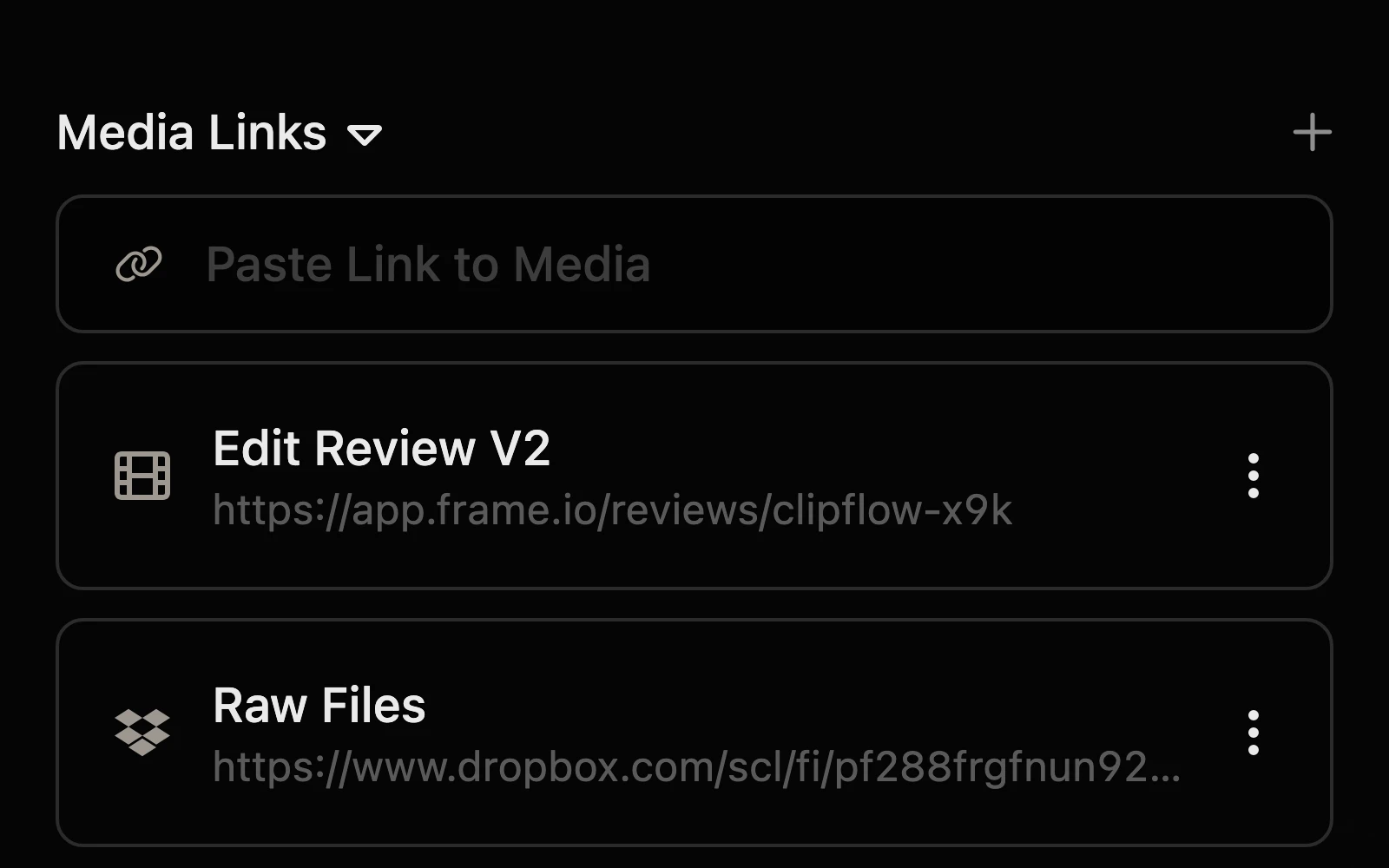
Raw footage, B-roll, scripts, references and briefs live in the same workspace as the team. No hunt for the drive link, no parallel docs.
Idea to production
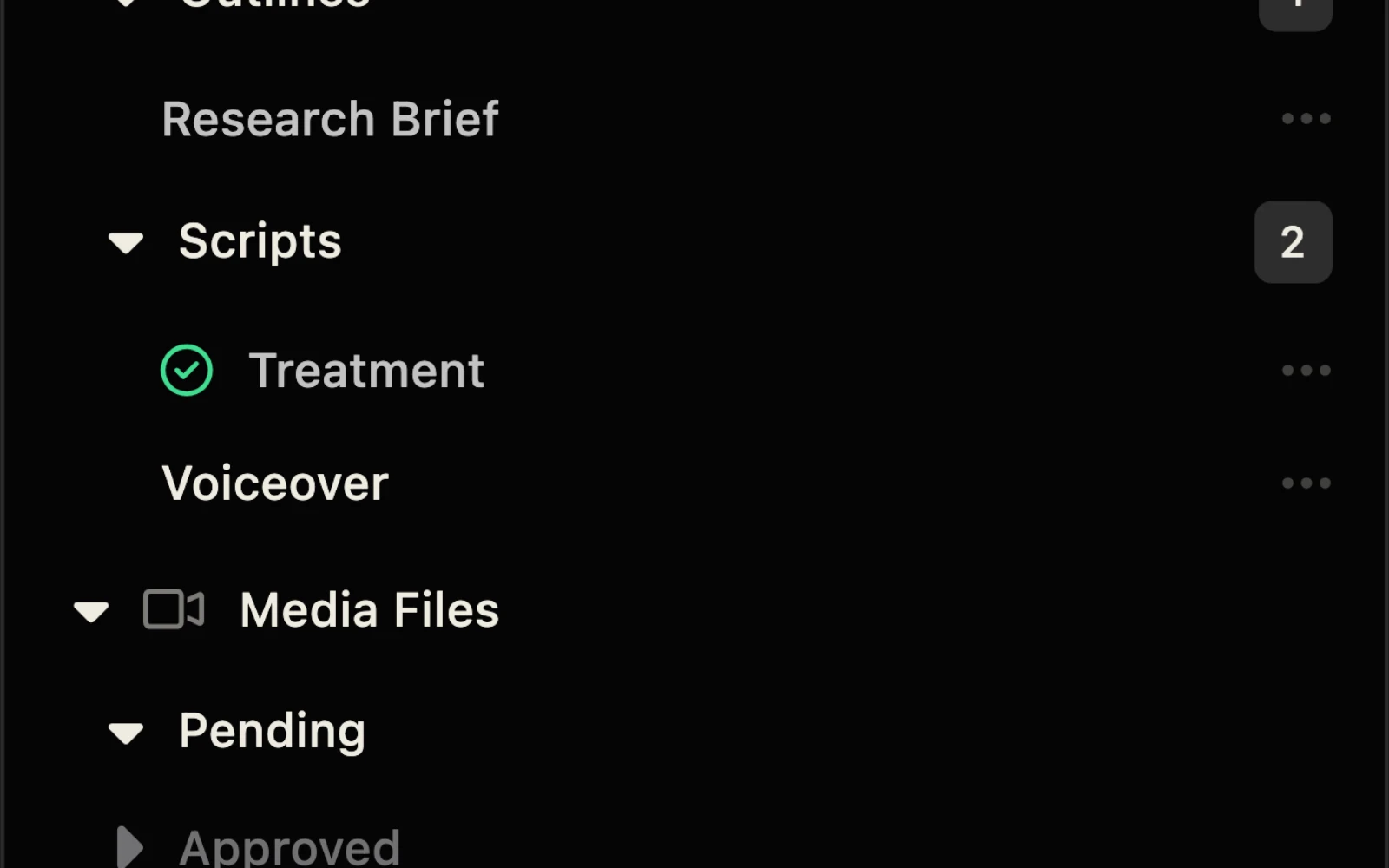
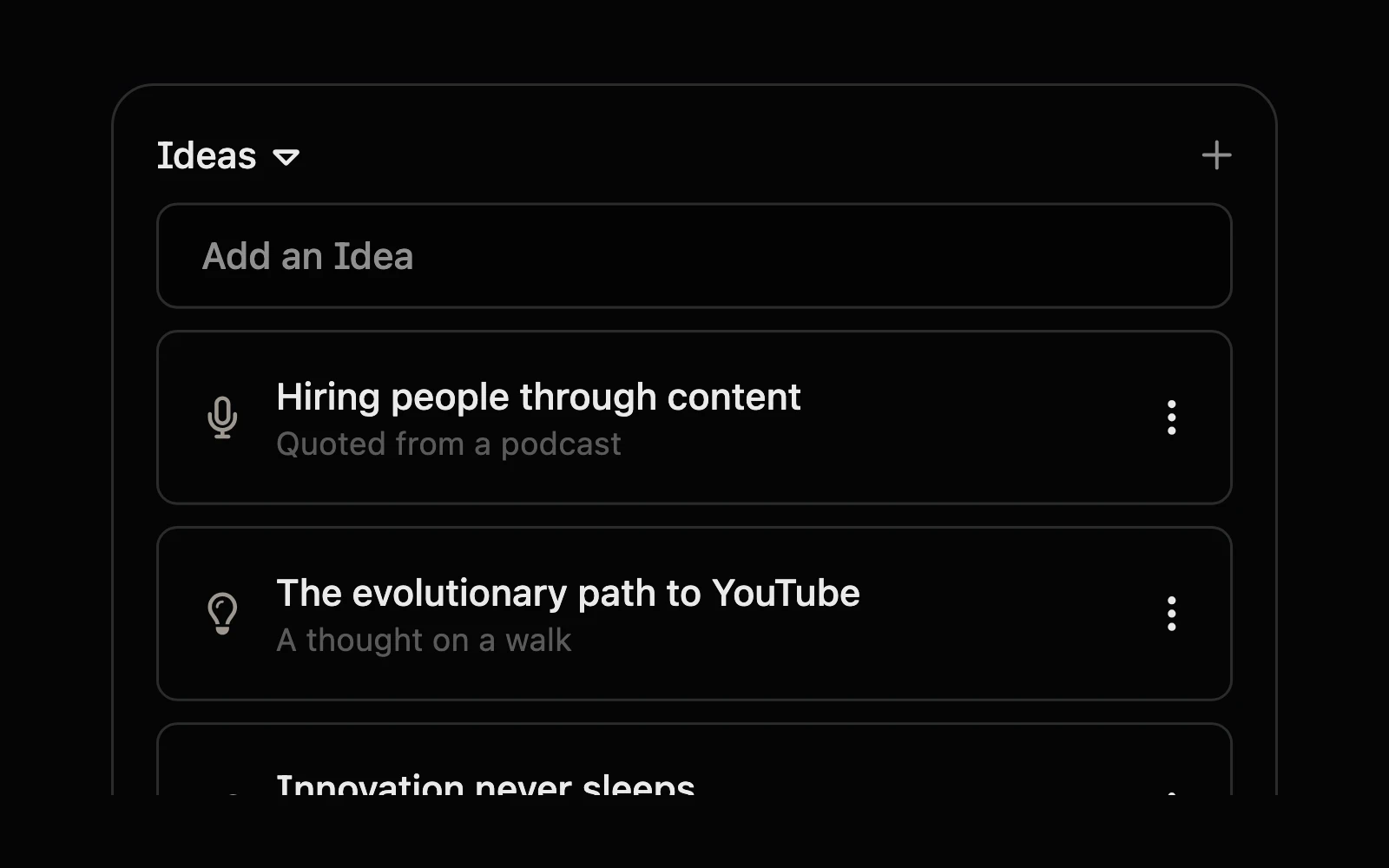
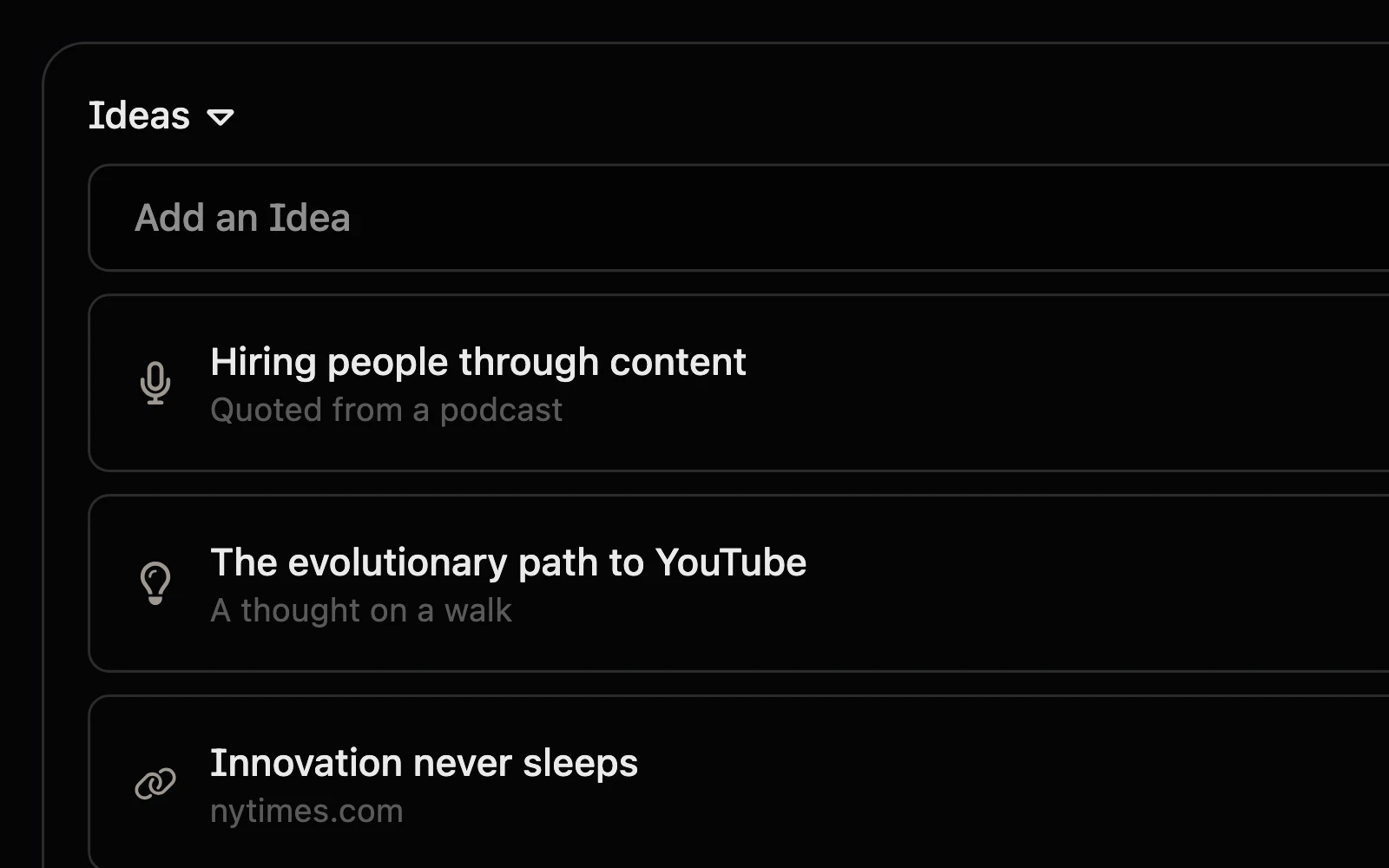
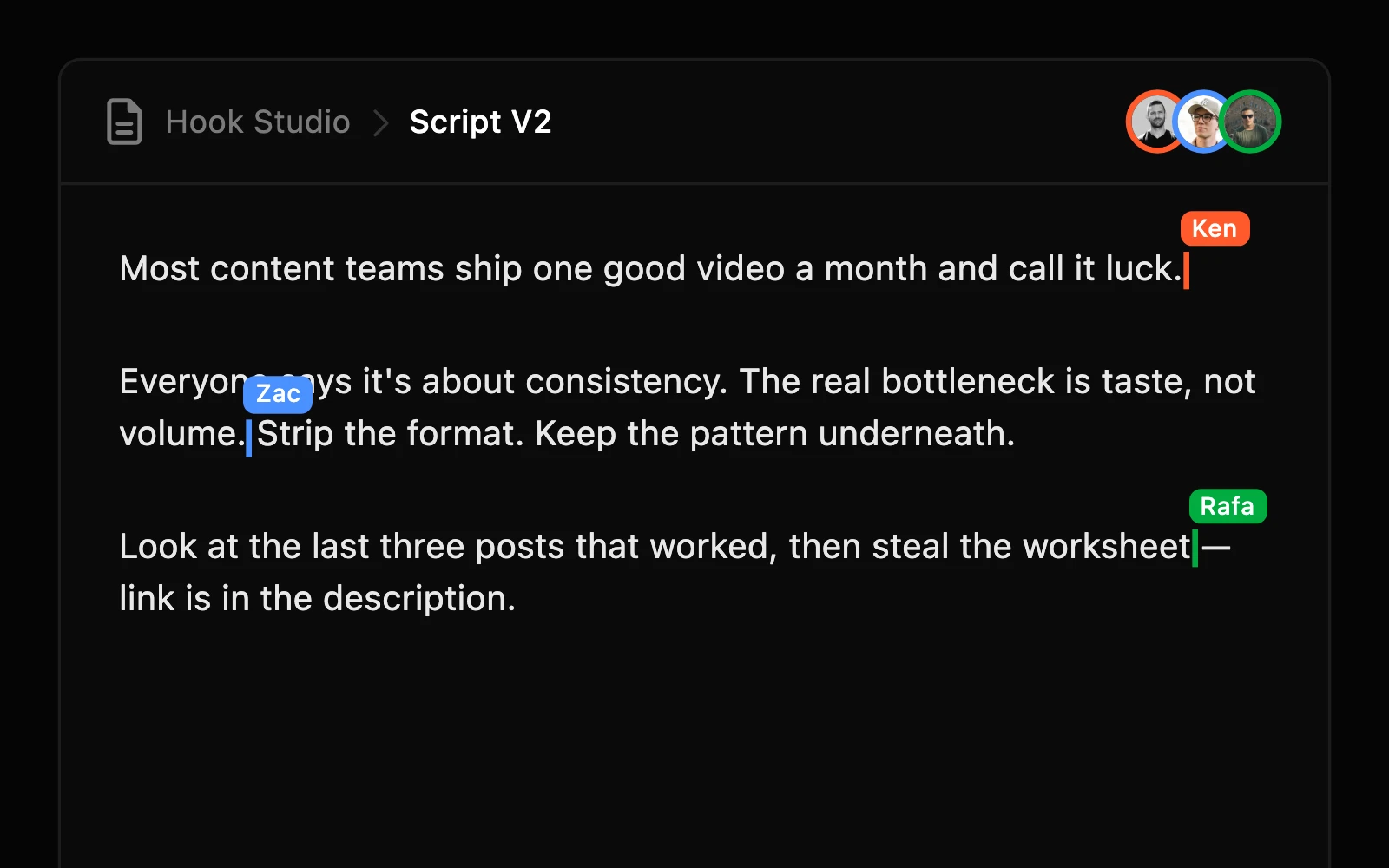
Capture the idea the moment it lands. Brief it, script it, hand it off to the producer and editor without ever leaving the workspace.
Write, plan & review
Scripts and outlines live in line with the edit, not in a separate Doc. Revisions track against the cut they're attached to.
Multi-channel planning
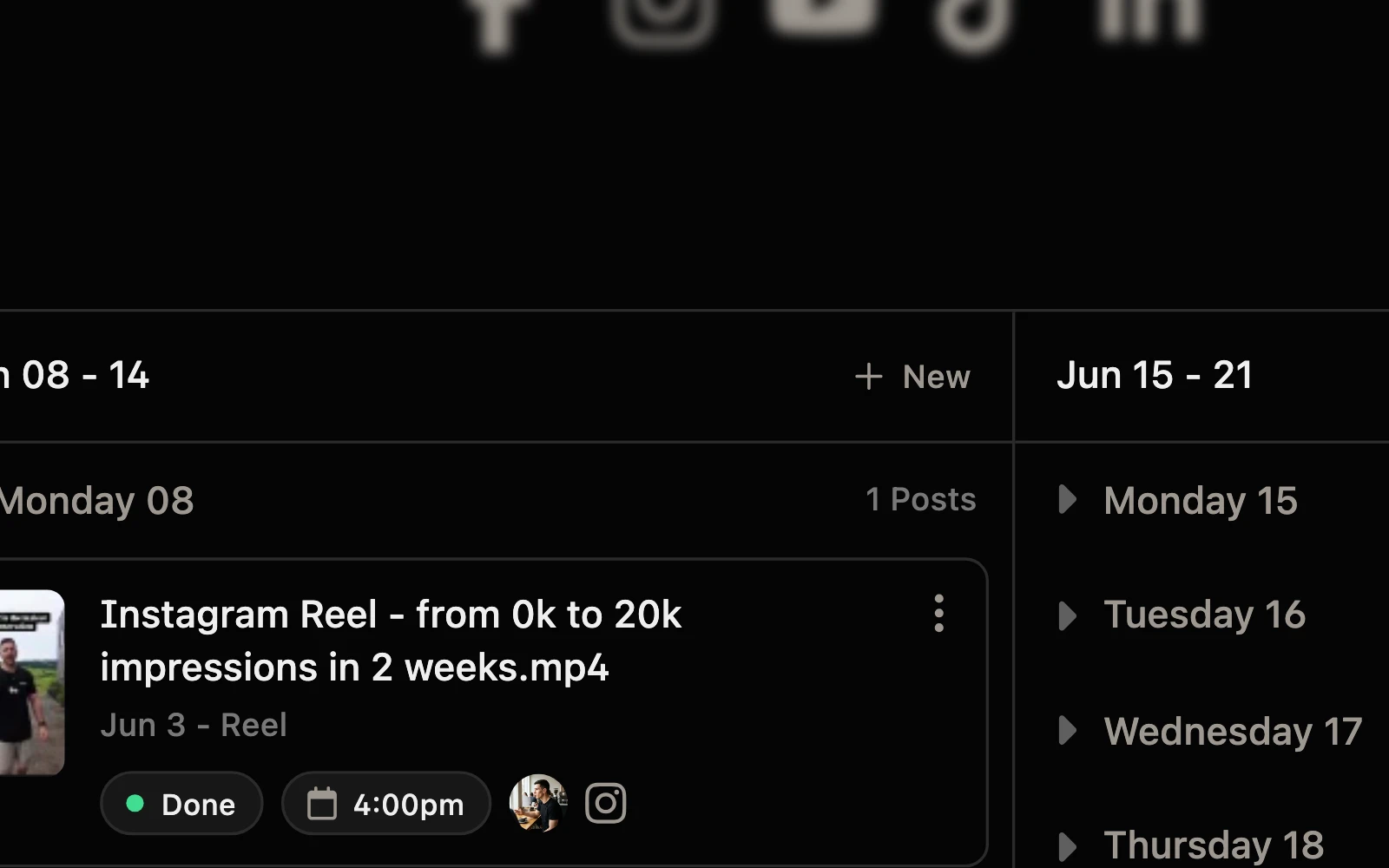
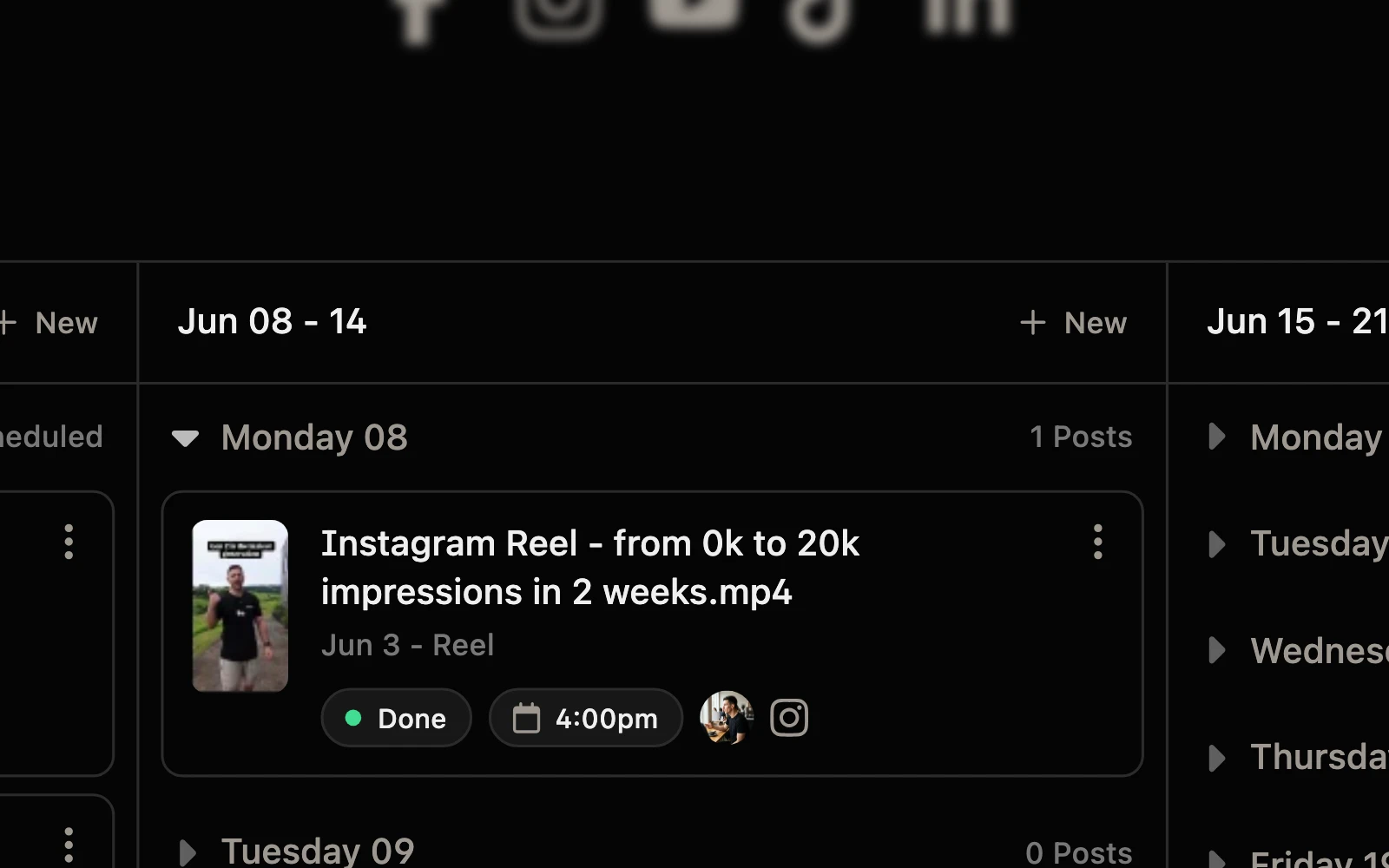
Plan the YouTube upload alongside the Instagram, TikTok, X and LinkedIn variants. One source of truth for the whole release.
Publish in a click
Schedule YouTube, Instagram, TikTok, X and LinkedIn from one view. Titles, thumbnails, descriptions and timing already done in the project.
Insights that close the loop
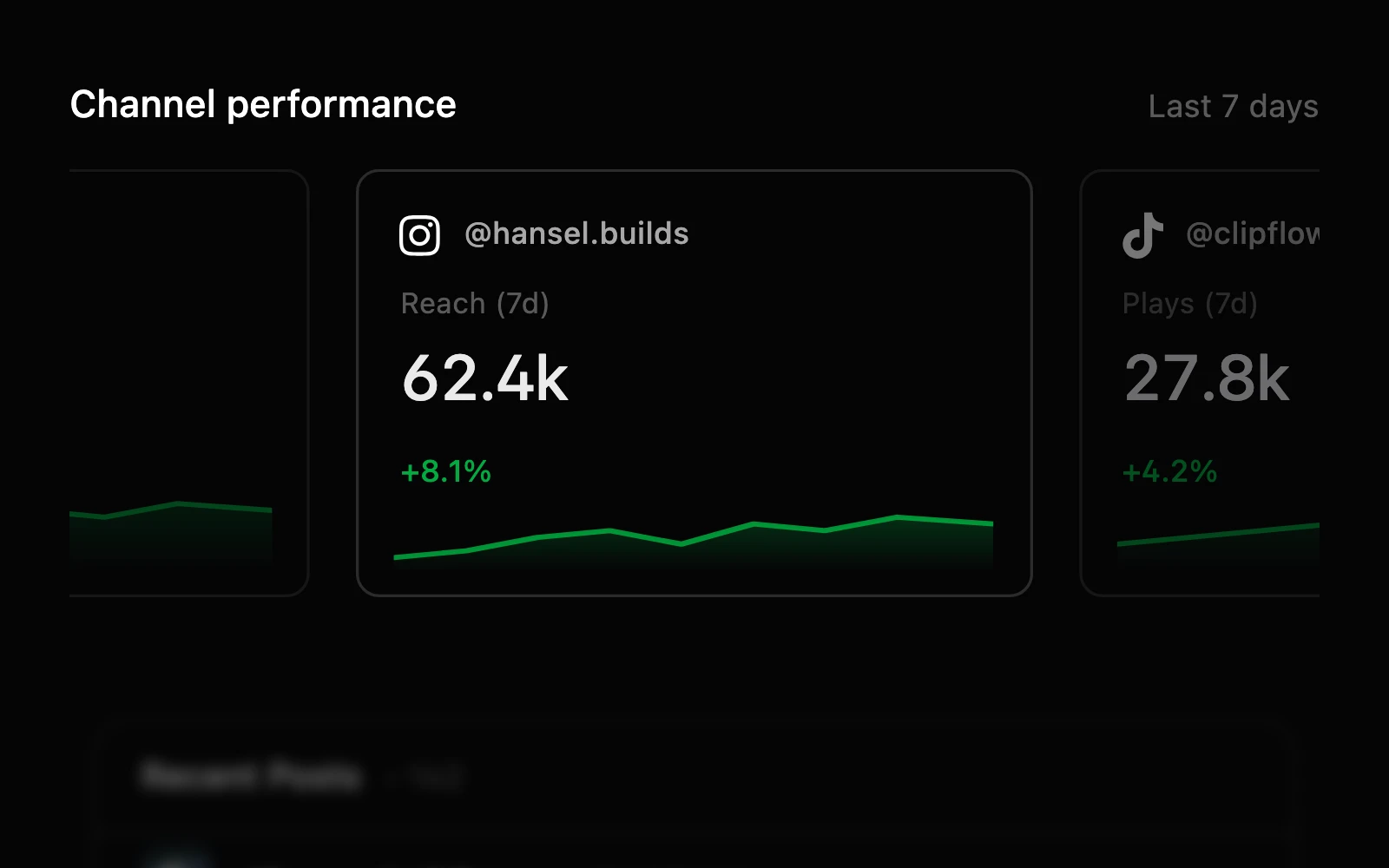
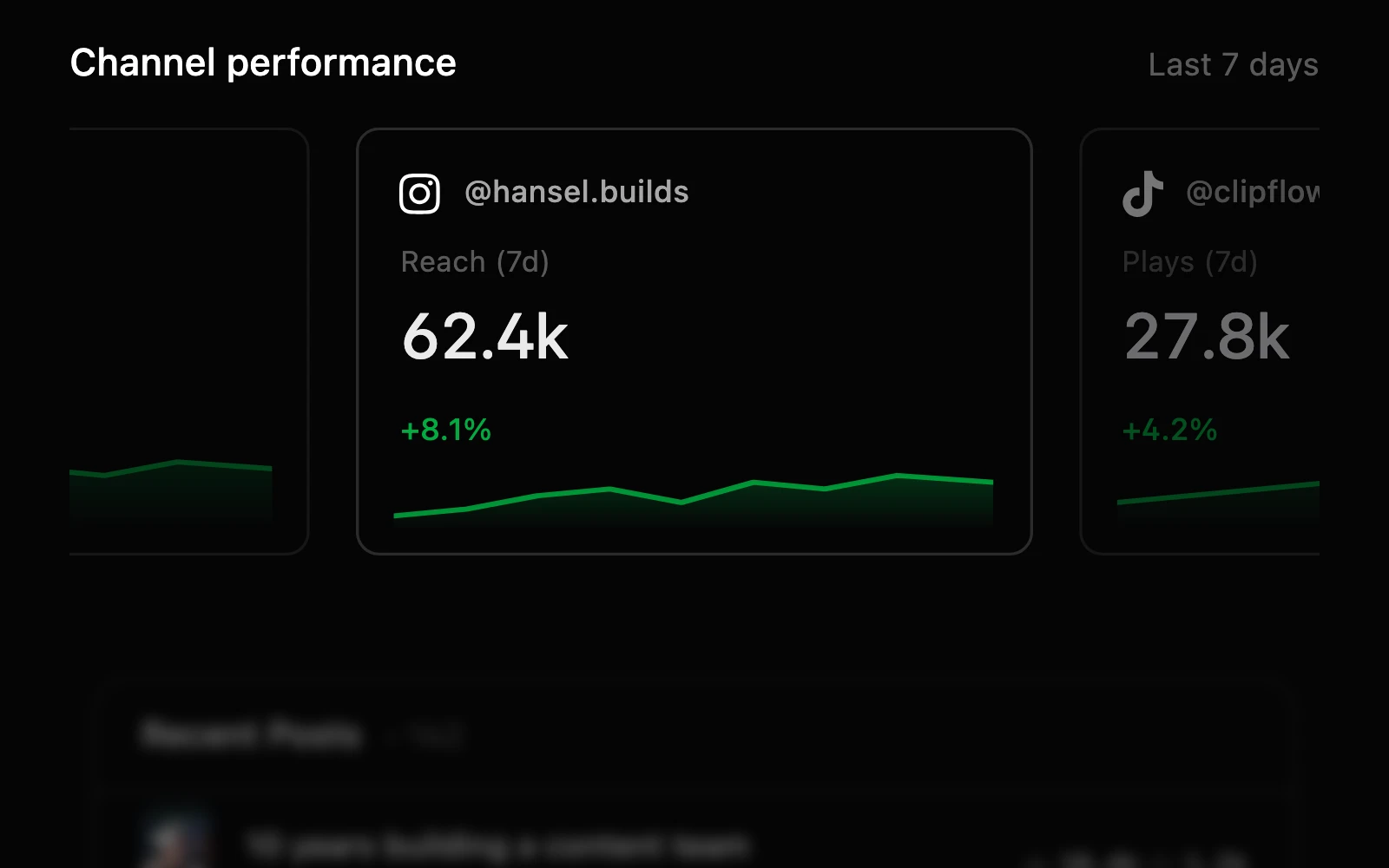
Past results inform the next month's plan. The team sees what's working without leaving the workspace the work lives in.
The 80% problem
One video takes weeks to make. The operation around it takes the rest of your team's life.
Long-form is the part you're known for. Everything around it, the part your team actually spends most of their week on, runs in a stack that was never built for it.
Pre-production handoffs
Scripts in Docs, shot lists in Notion, talent prep in DMs. Your editor and producer never see the same version of the plan.
Review loops with your editor
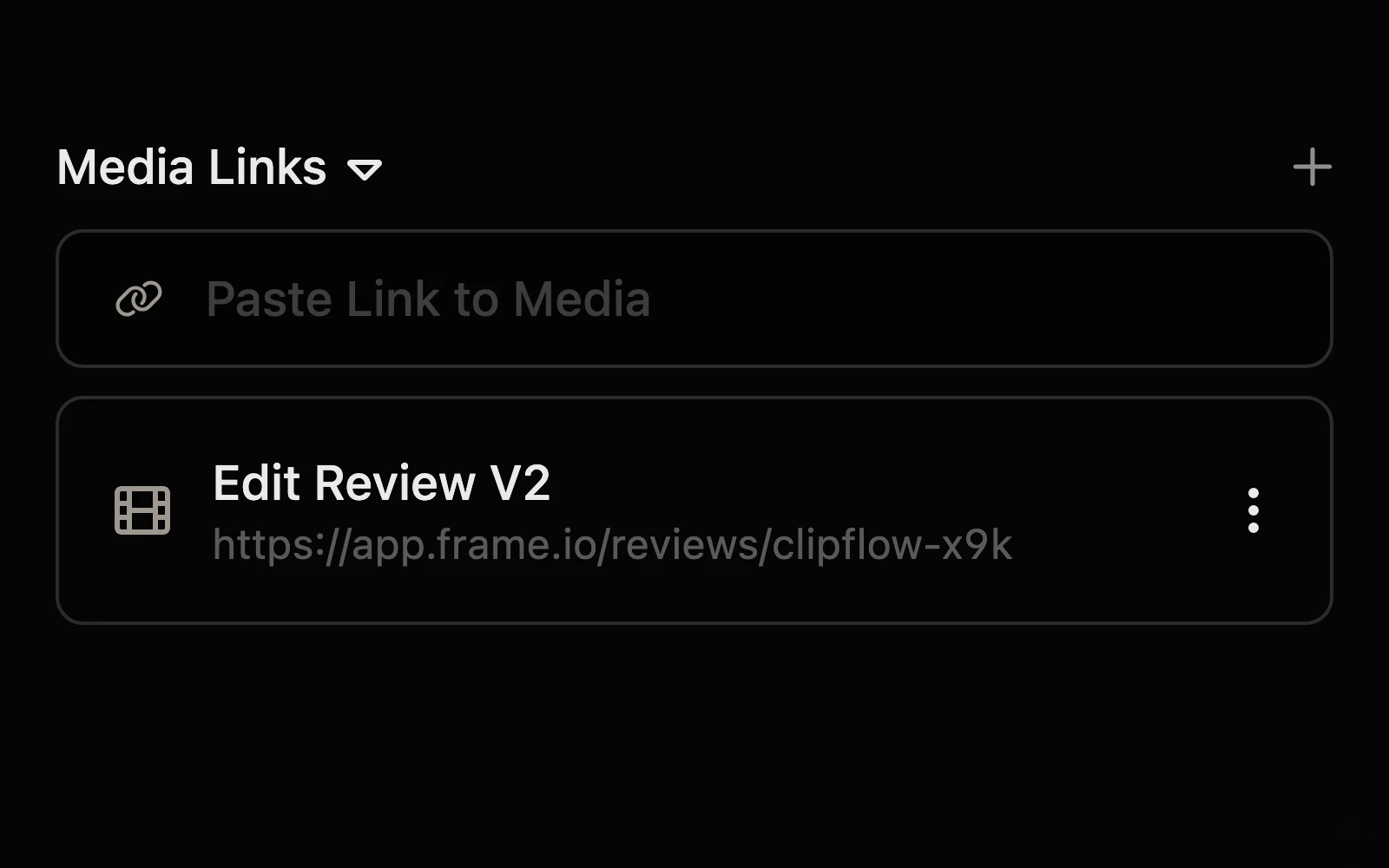
Time-stamped notes lost to Loom links, Slack threads and Frame.io seats nobody wants to pay for. Every revision starts from scratch.
Cutdowns and repurposing
Shorts cut by one person, captions written by another, posts scheduled by a third. Nothing lines up and the long-form pull-quote gets used twice.
Multi-platform distribution
Titles, thumbs, descriptions, scheduling across YouTube, Instagram, TikTok, X, LinkedIn. The team can never tell what shipped where, or when.
Replaces your DIY stack
One workspace instead of six tools held together by hope.
Every line item below is a tool you can cancel, a Zap you can delete, and a Slack channel that goes quiet. The same work runs inside Clipflow, where your team already lives.
Before
After
Scripts and shot lists
A wiki nobody updates. Notion, Docs, Airtable
Editor review
A separate review tool with seat fees. Frame.io, Wipster
Raw footage and assets
A drive nobody can find anything in. Google Drive, Dropbox
Multi-platform scheduling
A scheduler that doesn't know about your edit. Buffer, Hootsuite, Later
Team comms about the video
A Slack channel per series. Slack, Email, DMs
Project comments and notifications inbox
From DIY stack to purpose-built
Coordination chaos to publishing rhythm in 30 days.
Today
Move your next video in
Spin up a Project from a template in two minutes
Editor uploads the first cut and asks for feedback inline
Frame-accurate notes replace Slack and Frame.io
Producer can see the scripts, shot list and raw footage in one place
Day 14
The team stops waiting on you
Editors pull from the task list instead of pinging you
Social manager spins up shorts and captions without asking where the master is
New hires are productive without a 2-hour walkthrough
You stop being the human router between editor, producer and social
Day 30
Output goes up. Operational drag goes down.
Every video runs through the same process
Nothing to babysit. No Zaps, no status fields, no SOPs to rewrite
Hours from triage go back to the next video, not the next coordination meeting
Adding a video a week doesn't add a coordination headache
Questions creator teams ask...
If you've got further questions you can reach us via email or in-app once you start your trial.
Does Clipflow replace Premiere or Final Cut?
Do my editors need their own paid seat?
Does it replace Frame.io for review and approval?
What platforms does Clipflow schedule to?
How does it handle transcripts and captions?
How long does it take to migrate from our current setup?
How much does Clipflow cost for a team of four?
What's the best project management tool for a YouTube team?
How do creator teams manage editor feedback at scale?
How do you scale a YouTube channel without hiring an ops manager?
TLDR; You've scrolled this far
You only made it here because the operation around your videos has gotten in the way. You hired a team to publish more, and you're spending more time triaging than directing.
If the next hire is going to make the chaos worse before it gets better, it might be time to put the workflow your team already runs into one place. The team ships the videos and you stay on the next bet.
P.S. If you're not sure it's right for your team, book a call with us after sign up and we'll help you figure it out. No hard sales pitch.
Ready for capacity?
Try Clipflow today. 14 days, free.
Bring the team in. Get your next video shipping through Clipflow before your next upload day.