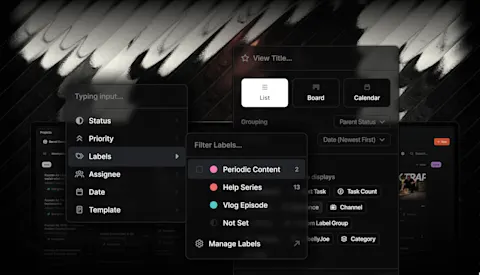
An agency can lose time finding the work before it even begins reviewing it. A clearer client overview makes active work easier to discover, while media selection changes distinguish unused files from the versions worth moving forward.
Progress update from 24 April 2026. The client overview was being developed; linked guides describe current available workflows.
TL;DR
Clipflow updates
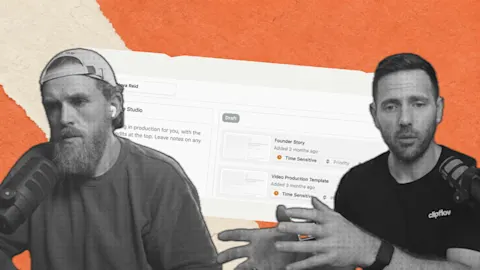
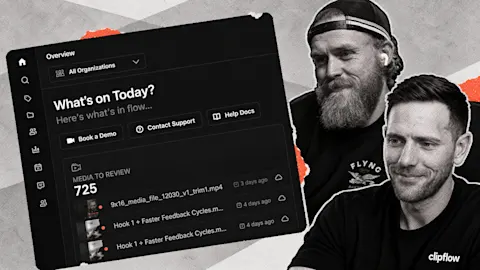
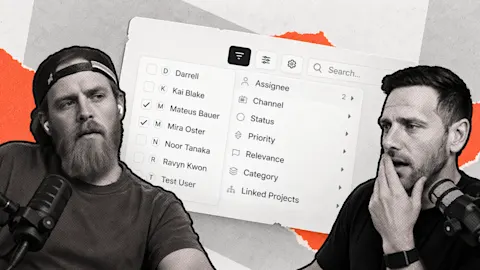
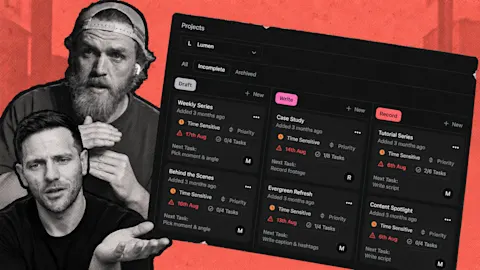
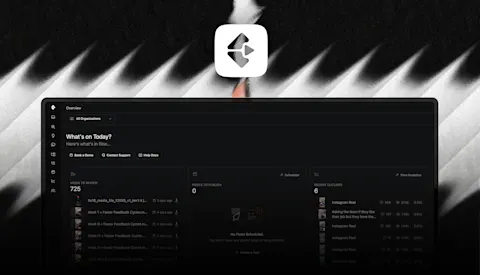
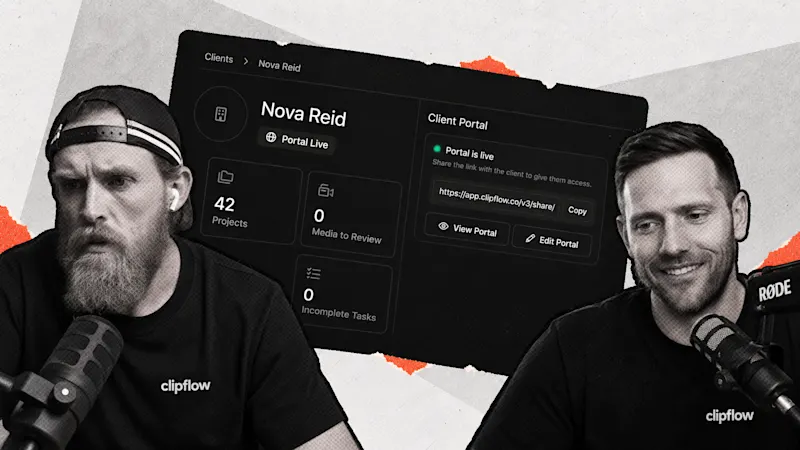
- The team demonstrated work on a visible client list and overview of projects, review work and activity.
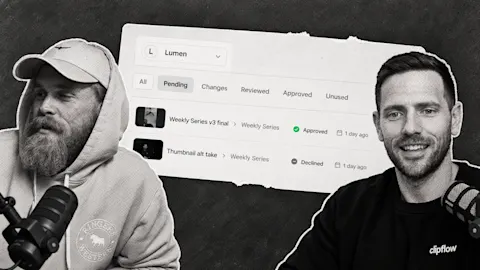
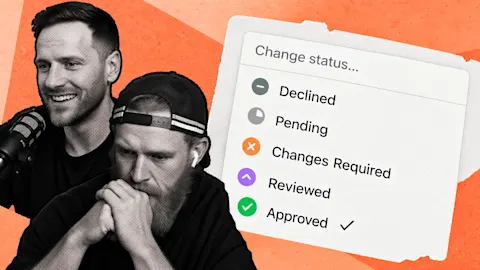
- Declined media status and on-demand transcription were added that week.
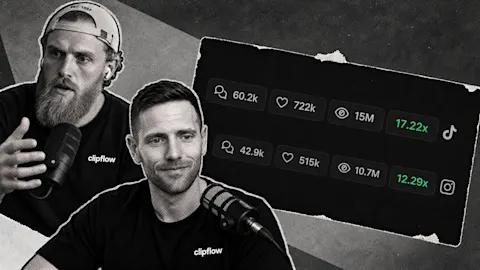
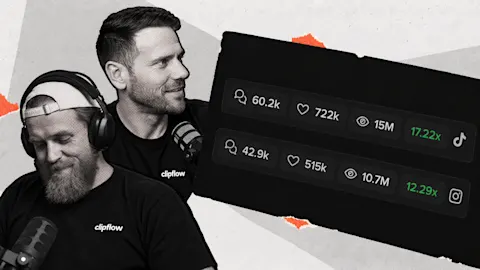
- Analytics improvements included clearer outlier colors and a consistent 30-day top-channel period.
Putting it to work
- Begin a client check with the work that is blocked or needs approval.
- Mark unused options clearly so they do not keep appearing as unfinished work.
Start from the client's next decision
For a client with a main interview and several short cuts, ask what is preventing the next piece from moving. Perhaps the interview needs approval while one cut is waiting on a factual correction. That is a more useful starting point than opening every project equally.
The client overview aimed to bring that context together. The current client portals guide explains the client-facing review space; check its scope before inviting someone in.
If the editor produced several possible openings, declining an unused version can make the chosen direction clearer. A file you decided against should not look like another approval waiting to happen.
Preserve the explanation alongside the edit
On-demand transcription was another addition. It gives the team a way to work from what the speaker actually said when preparing captions or a follow-up brief.
Use the current media review guide for review steps. Keep a clear distinction between access to the words and approval of the finished explanation: the transcript can help a reviewer, but it does not make the edit correct by itself.
Check the blocked items, record the decisions and give the team its next assignments. That turns a client check-in into movement through the work rather than a tour of every folder.
Subscribe to the Clipflow YouTube channel for more updates here.
Follow Ken on Instagram here.
Follow Darrell on Instagram here.