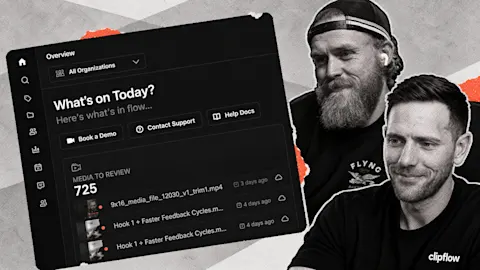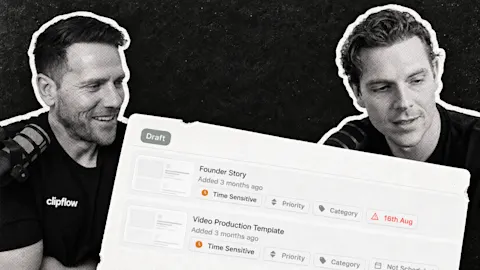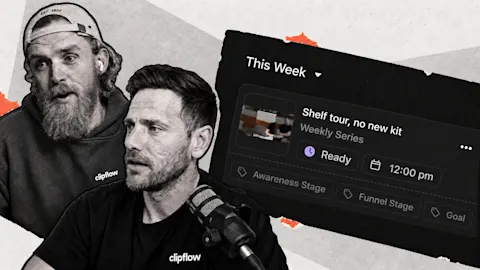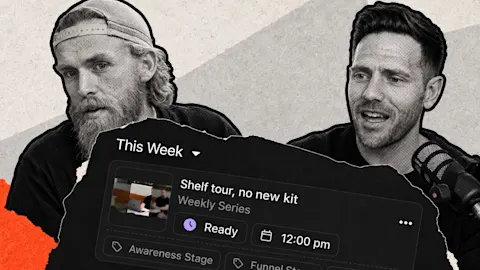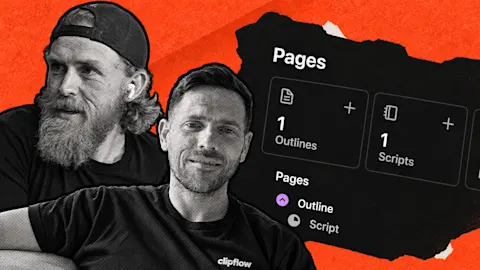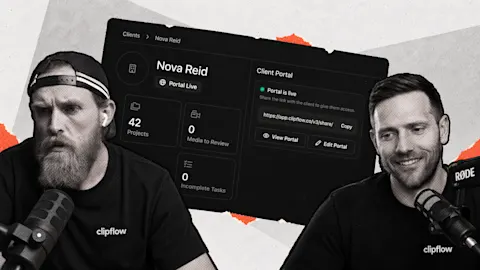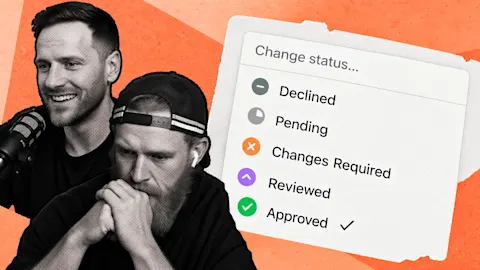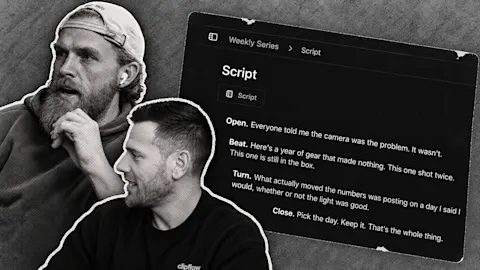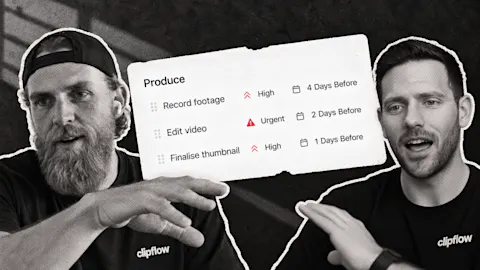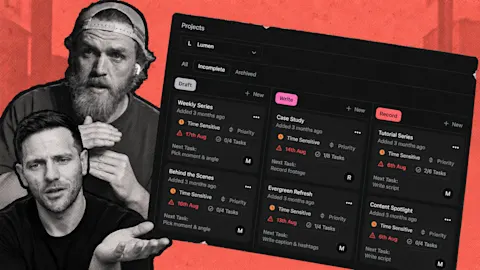
A useful answer does not stop being useful because you posted it last month. The harder part is finding it, bringing it back into the production workflow and adapting it without creating another pile of disconnected drafts. Converting an imported post into an active project brings that handoff back into Clipflow.
Progress update from 21 August 2026. Several publishing improvements were still being tested for the next deployment at that point; the linked help guides describe today's workflow.
TL;DR
Clipflow updates
- Imported posts were getting clearer labels and a way to convert their projects into normal working projects.
- Publishing checks and automatic media-size handling were being tested before release.
- Automation changes included skipping actions when their conditions were not met, including when media was already in use.
Putting it to work
- Revisit a proven customer explanation before recording an entirely new version.
- Keep imported history separate from the work your team is actively adapting.
Give the old answer a new job
Imagine your business posted a short explanation of how a consultation works. Customers still ask that question, but your next campaign needs a different opening and a clearer invitation to book. The old post gives you material to work with.
An imported project can be converted into a normal project. Imported projects are kept out of the way to avoid cluttering active work. Conversion brings a selected piece back into the workflow when you actually intend to repurpose it.
That distinction matters for the editor. A history of everything your business has posted is useful evidence, but it should not look like a queue of assignments. Bring back the consultation explanation, attach the new brief and make the intended change clear.
Ask for a version aimed at the customer who is considering booking now. Perhaps the original opened with your credentials, while the new version starts with the question customers ask before their first visit. Keep the accurate explanation; change the packaging around it.
Clearer imported-post labeling distinguishes past activity from new work. An imported record tells you what already happened on a platform. It should not imply that Clipflow created and automatically published that post.
Stop the repeat work from creating repeat drafts
Repurposing involves new outputs, but that does not mean every approval should create the same draft again. If an editor re-approves a corrected file, a drafting action needs to know whether that media is already being used.
The current automations guide explains the Skip if Media In Use setting. Review this alongside the action's channel and post type before relying on a repeatable workflow.
Publishing refinements also addressed file errors and unsuitable media sizes. Those changes were being tested because they touched the final delivery step. A publishing check can catch a technical problem; your team still needs to judge the opening, caption and destination.
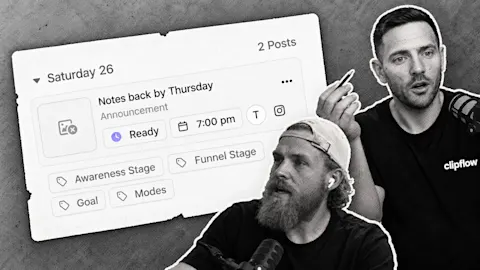
For the first adapted post, confirm its placement in Scheduling and check the published result. Once that handoff works, you have a practical route for revisiting other useful answers without rebuilding their context from scratch.
This week: Payments between AI agents were an emerging idea, while the immediate value of AI for our small development team came from useful work we could review. Our website work offered a practical lesson too: showing a workflow clearly can explain a product better than adding another paragraph of feature claims.
Subscribe to the Clipflow YouTube channel for more updates here.
Follow Ken on Instagram here.
Follow Darrell on Instagram here.