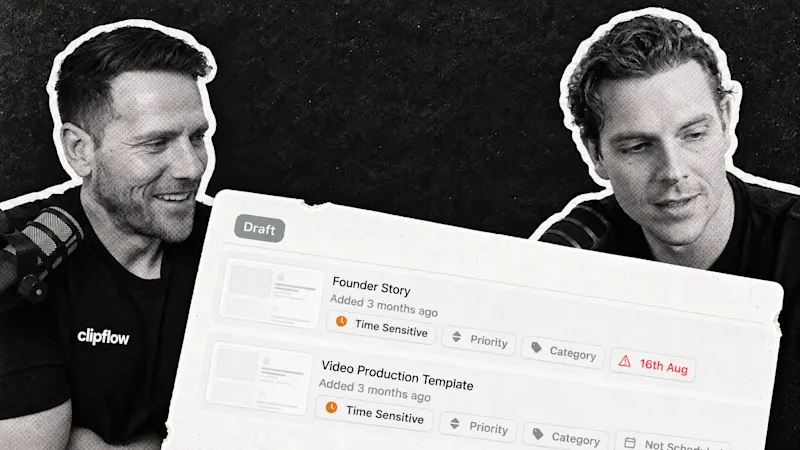
When posting becomes a regular part of your business, the calendar needs to tell you what actually happened. A scheduled item that failed, or a finished piece nobody moved forward, can leave a gap you discover too late. Clearer failure statuses and scheduler improvements make those gaps easier to spot and the growing queue easier to work through.
Progress update from 4 September 2026. Linked help guides cover the current workflow.
TL;DR
Clipflow updates
- Failed publishing attempts get a clearer post status and a way to retry.
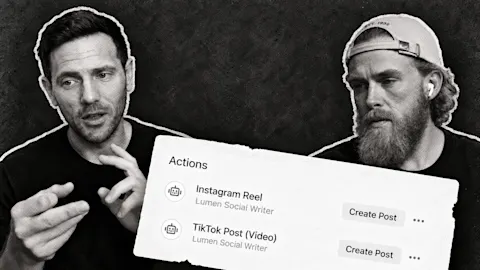
- TikTok image and carousel posts are supported.
- The scheduler performs better with a large queue of posts, and team admins are assigned when an agency adds a client.
- Images in rich text pages and MCP/API access were still upcoming at that point.
Putting it to work
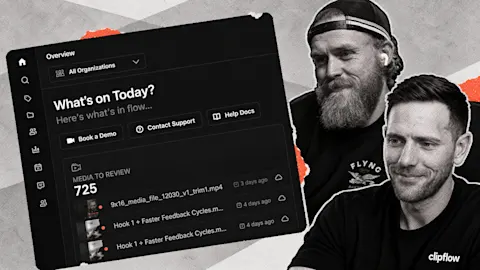
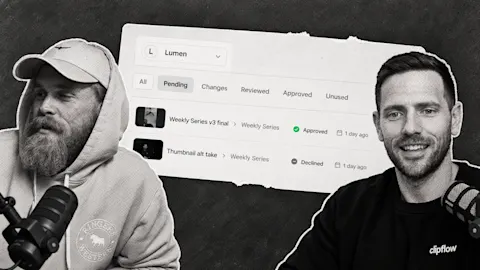
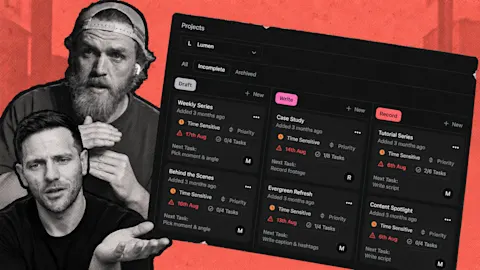
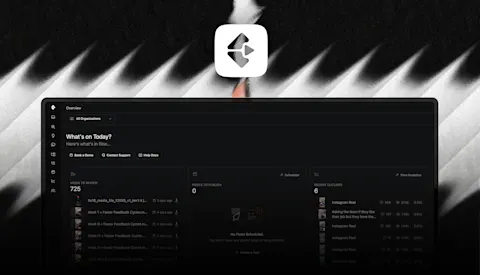
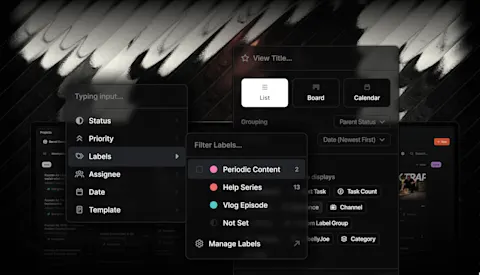
- Use the board to find work waiting for a decision, and publishing status to check what made it out.
- Build a repeatable check for failed posts as the number of channels and scheduled items grows.
Make the plan useful between meetings
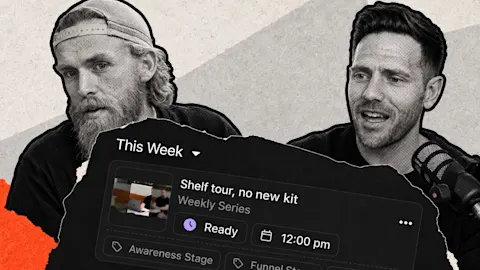
A customer reported that their team had dropped a weekly meeting about where everything stood. They were using the Kanban board and automatic scheduling to keep the plan visible, and said their output had increased. That is one team's experience, but the job it describes is familiar.
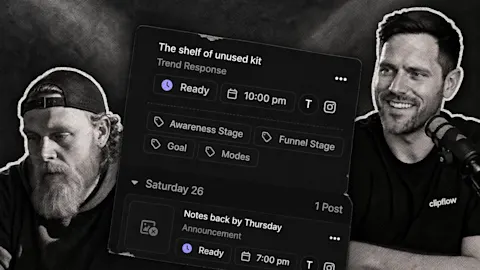
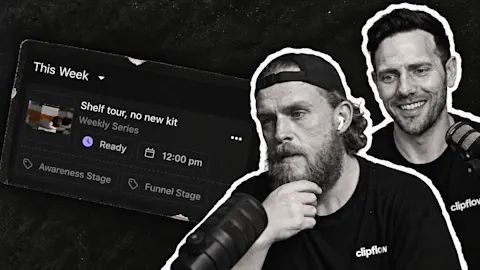
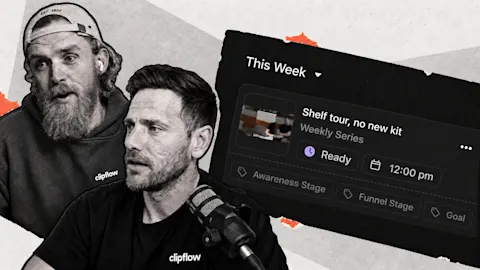
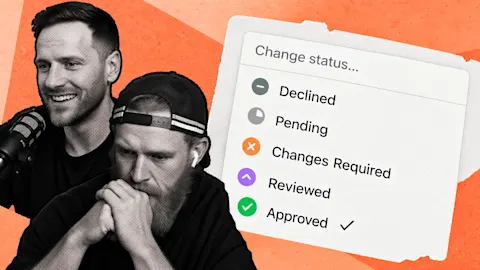
Imagine your team has a customer-answer video in editing, a carousel waiting for approval and three clips ready to publish. The board should show which piece needs the founder's attention. Once a post is scheduled, its publishing status should show whether it reached the platform.
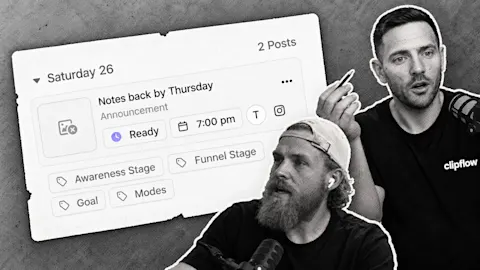
Those are different checks. Finishing the edit moves the work forward, while confirming publication closes the loop. If a platform rejects a post, it now shows Failed rather than remaining scheduled indefinitely. You can fix the issue and retry or choose a later time.
The post status guide explains those states and how to handle a failed attempt. Check those exceptions while approving next week's content so a quiet failure doesn't leave an unexplained hole in your posting.
Let one idea take a useful second form
TikTok image and carousel publishing gives a finished idea another route onto the channel. A founder's answer to a recurring customer question could become a short video and a slide sequence explaining the steps.
Each version still needs to give the viewer something useful. A video can show the answer in action, while the carousel breaks down the decisions someone needs to make.
Arrange the images in the intended order and review them as a sequence before scheduling. The opening slide needs to explain why someone should keep going, and the later slides need to deliver the promised answer. Uploading the same images everywhere does not replace that editorial pass.
The carousel guide covers platform limits, image preparation and ordering. Use its current requirements when publishing an older idea again.
The scheduler improvements address another part of this routine: working with a few hundred queued posts was getting slow. A growing backlog is useful when the team can review and maintain it. Keep the channel scheduling rules clear, then spend the weekly check on content and exceptions rather than rebuilding the plan.
This week: Consolidation among AI platforms raises a practical question about control over the tools a business depends on. Keep reviewing whether those tools support the smaller publishing improvements your team and customers actually use.
Subscribe to the Clipflow YouTube channel for more updates here.
Follow Ken on Instagram here.
Follow Darrell on Instagram here.