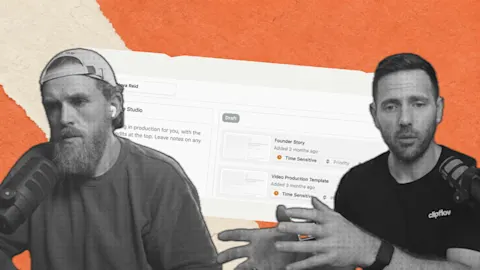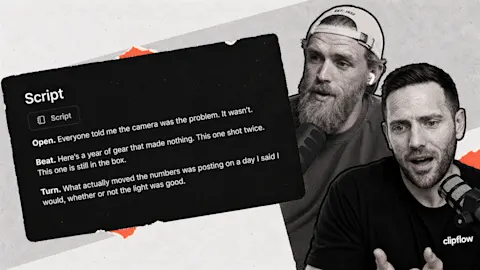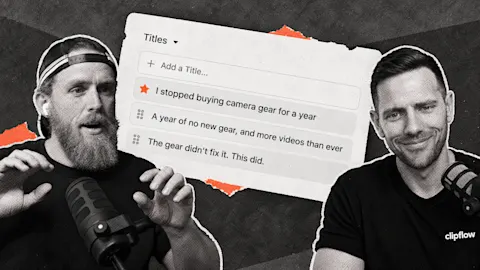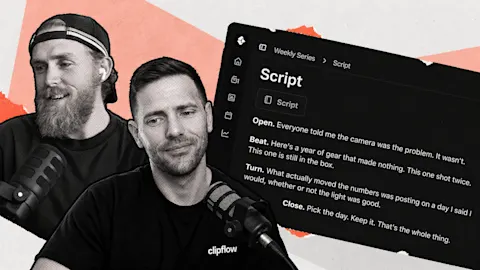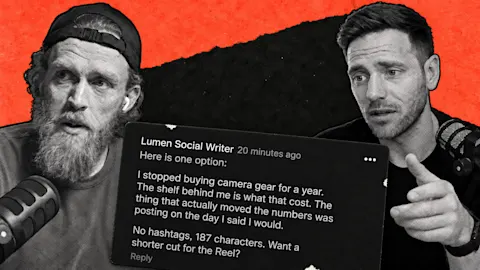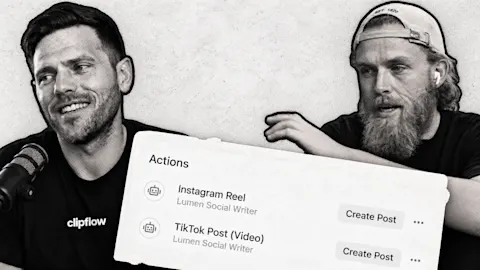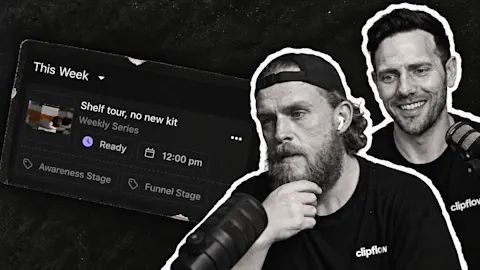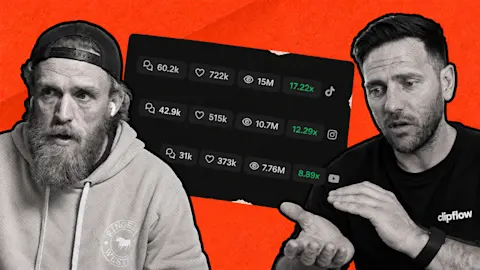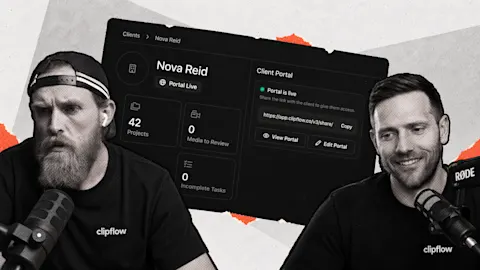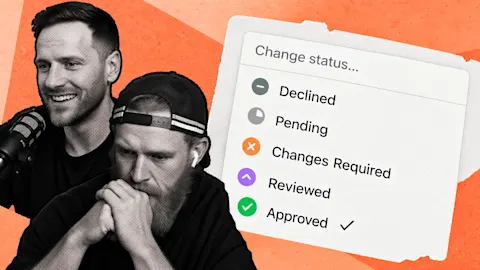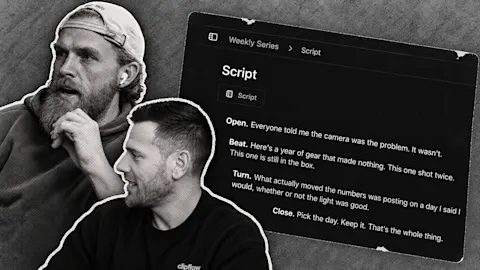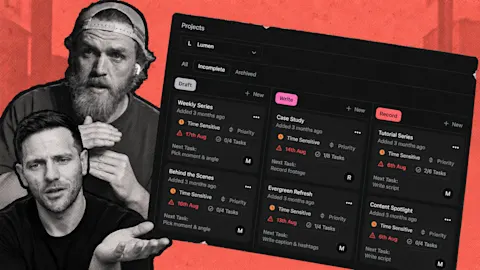
A productive recording day can leave you with more footage than the team can finish. The next decision is which pieces deserve attention first. Label-based scheduling connects the purpose of a post to where it belongs, while a clear edit priority helps the team finish the useful material first.
Progress update from 19 June 2026. Linked help guides cover the current product.
TL;DR
Clipflow updates
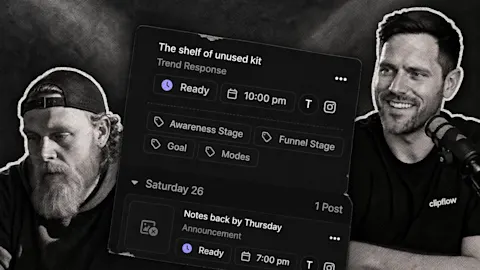
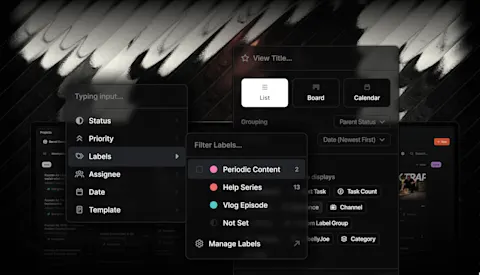
- Custom labels were being used on posts and as conditions for time slots, including exclusion conditions.
- Media comments could be sorted by timestamp, and conversation comments could be edited.
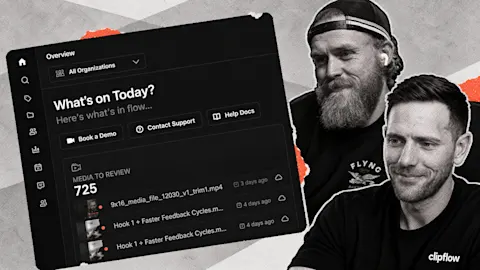
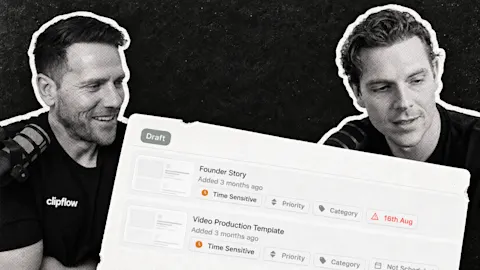
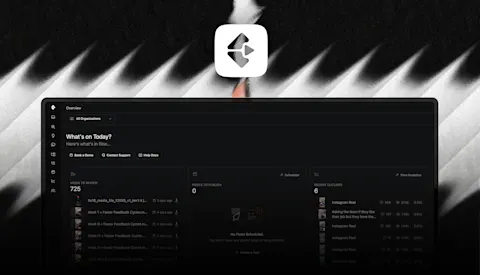
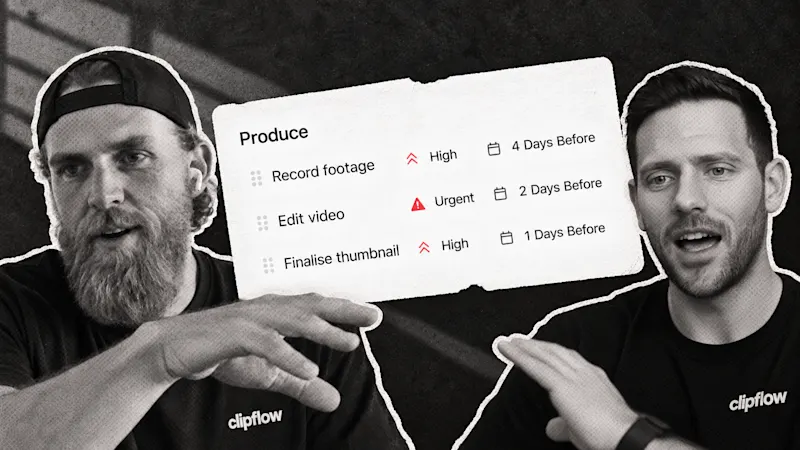
- A busy recording day left the team with a substantial edit queue to organize.
Putting it to work
- Prioritize the footage that answers an important customer question.
- Use labels and slots to keep awareness content from crowding out decision-making content.
Decide what each recording is meant to do
We spent a day recording skits, short videos, photos and location footage. Recording produced plenty of material, but organizing it and getting it edited became the next constraint.
For a small business, start by separating a useful customer explanation from a lighter behind-the-scenes moment. Both can have a place. The explanation may need to go first if it answers the question buyers ask before booking.
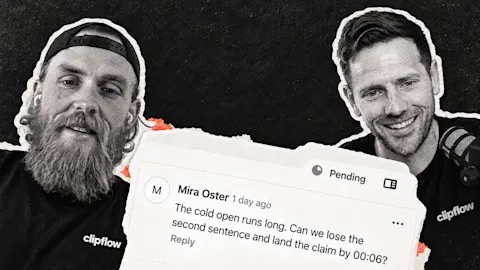
Put that purpose in the brief so the editor knows what to protect. A funny opening that removes the answer is not an improvement if the job was to help a buyer understand the service.
Keep the calendar aligned with the brief
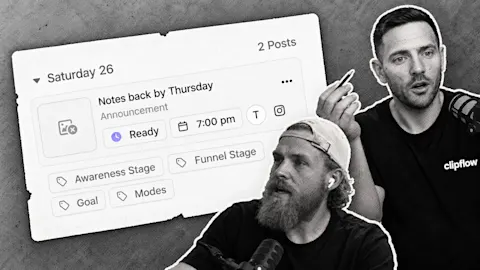
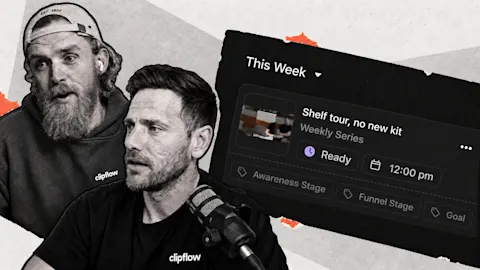
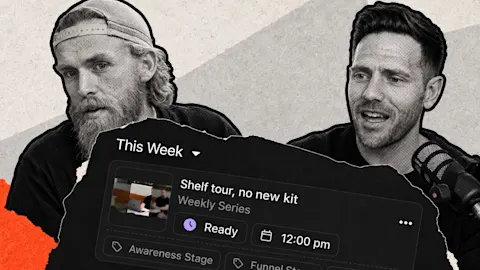
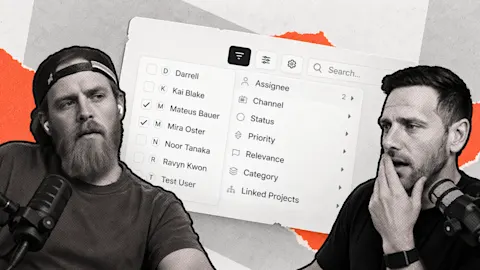
Custom labels connected posts to conditions on time slots. That creates a way to distinguish types of content when automatic placement chooses where a ready post goes.
The labels guide explains the current vocabulary. Keep labels few enough that the team understands them. A label nobody applies consistently will not make the calendar more useful.
Then check the scheduling guide for slot setup and placement. Reserve a suitable space for a buyer explanation rather than letting whichever edit finishes first determine the whole week.
Choose a manageable group from the queue, finish it and review the published result. That gives the next recording session a purpose, instead of adding more footage to a backlog nobody has prioritized.
Subscribe to the Clipflow YouTube channel for more updates here.
Follow Ken on Instagram here.
Follow Darrell on Instagram here.