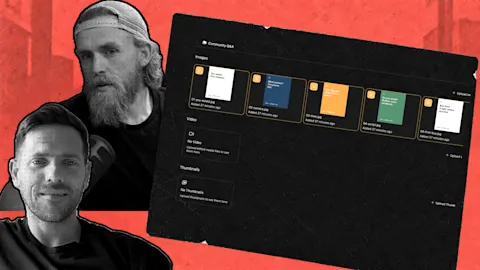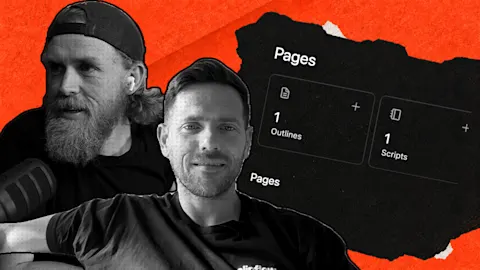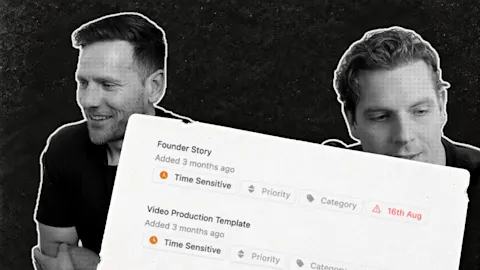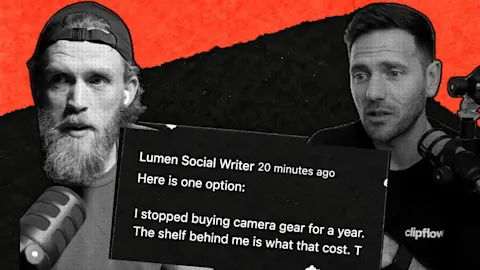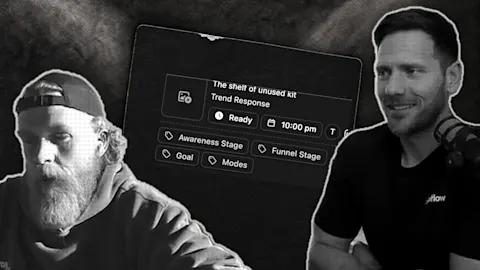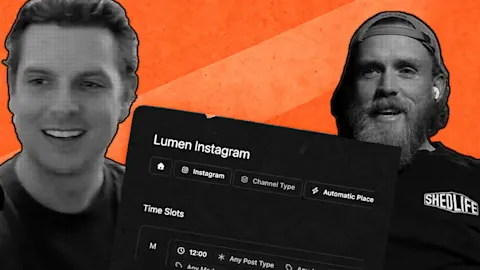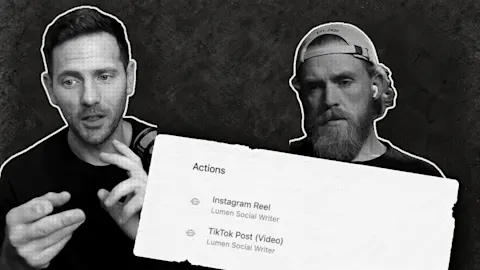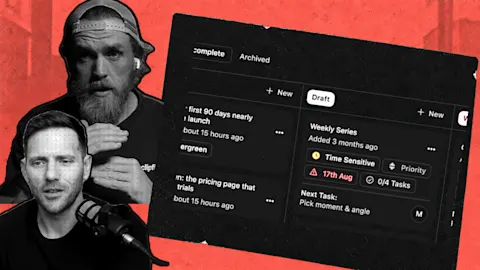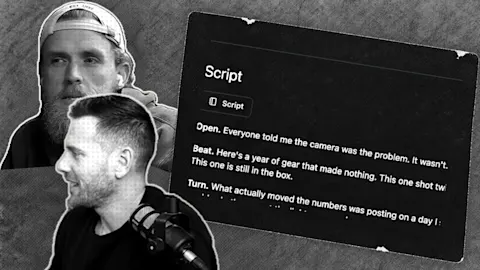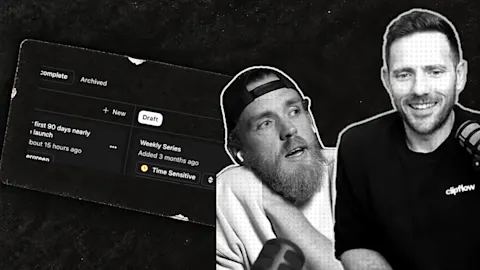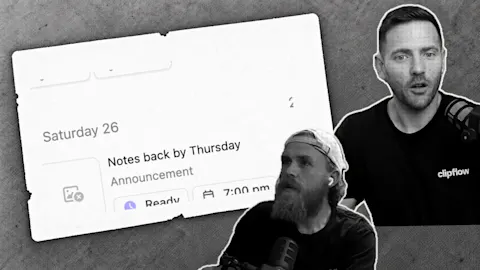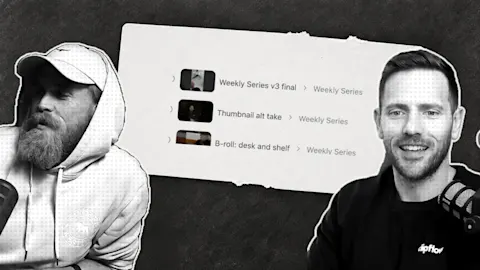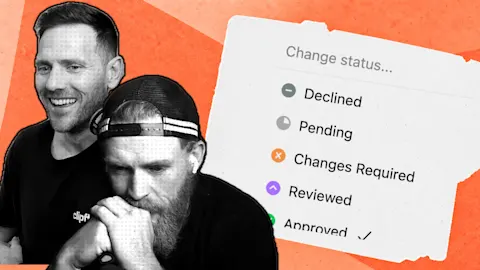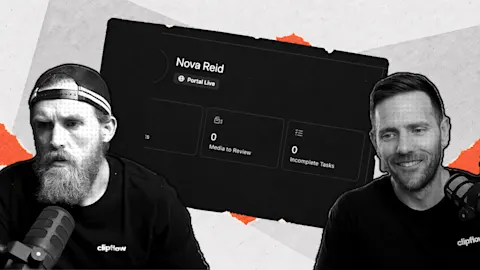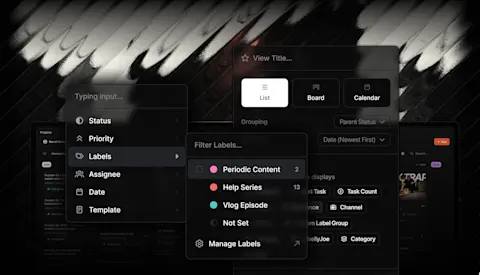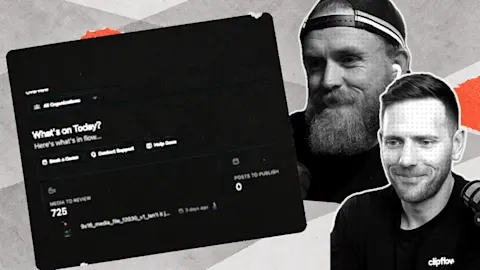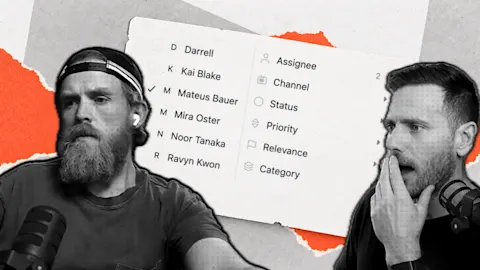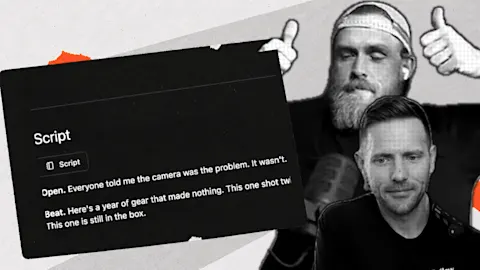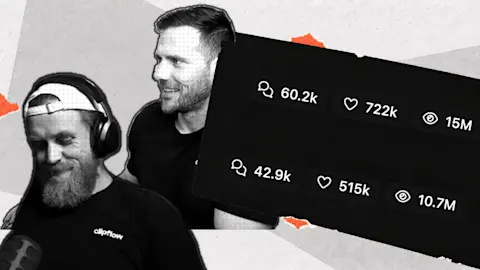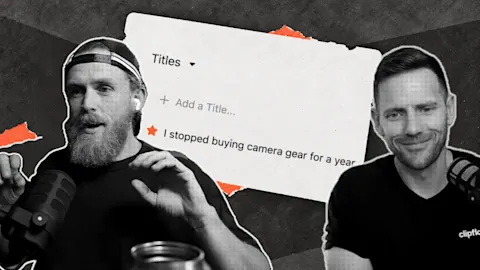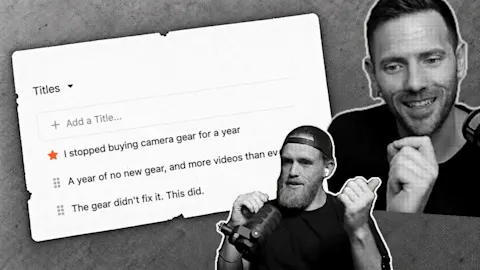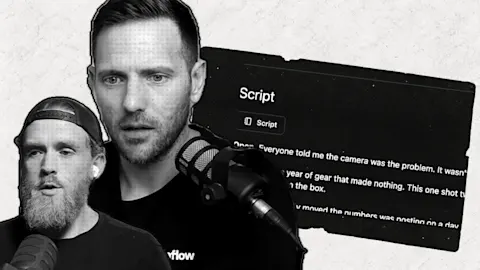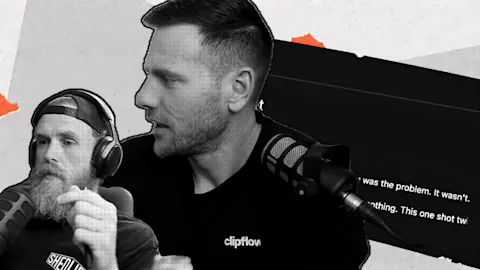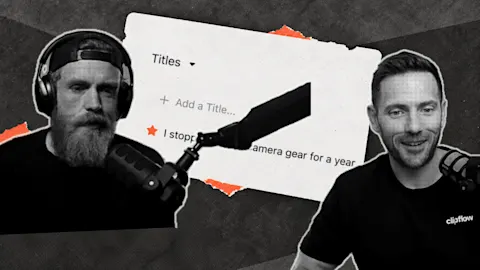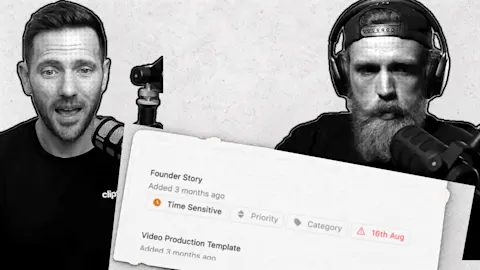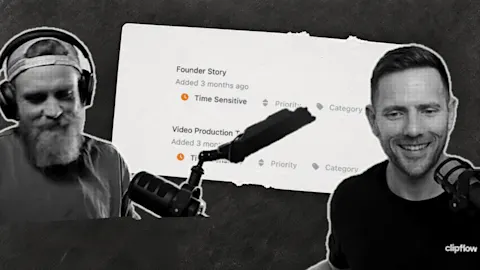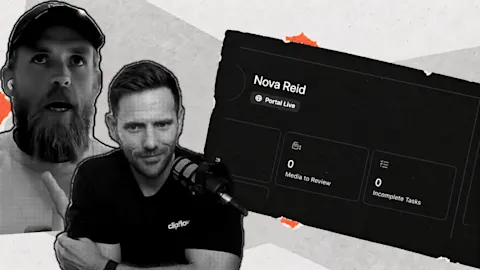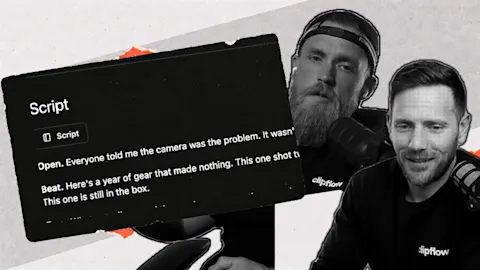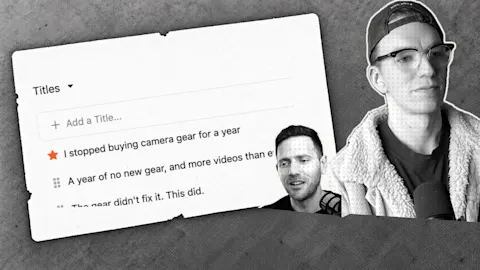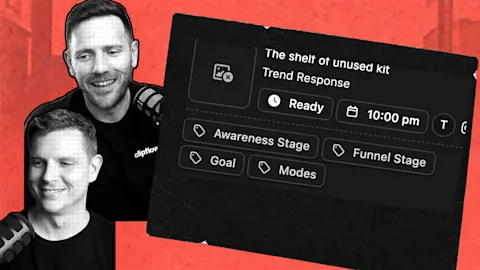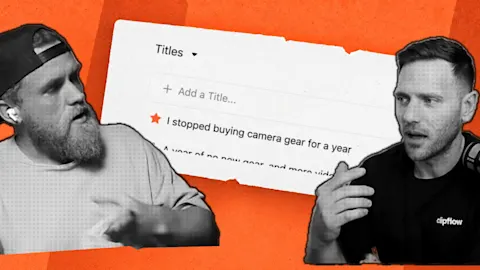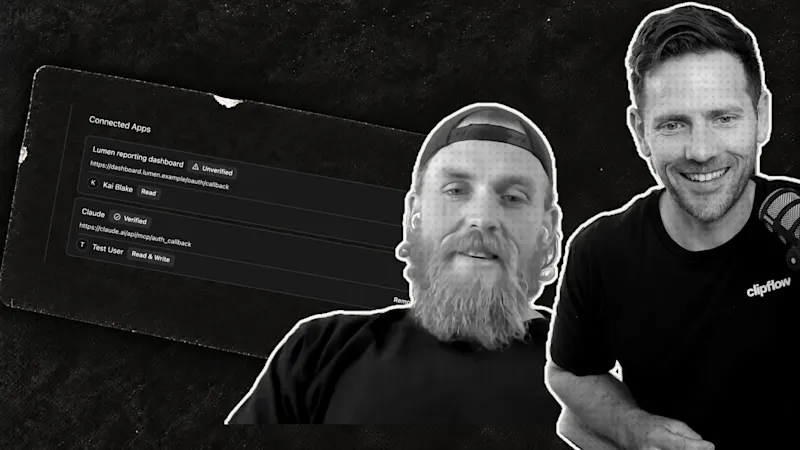
Writing a post about your own business takes time, and an assistant that knows nothing about you writes something generic. Give it your material instead. We asked Claude for a post about the two of us being co-founders, and it wrote one and pulled a photo of us from the shared file library.
Progress update from 23 October 2026. Feature availability reflects that date.
TL;DR
Clipflow updates
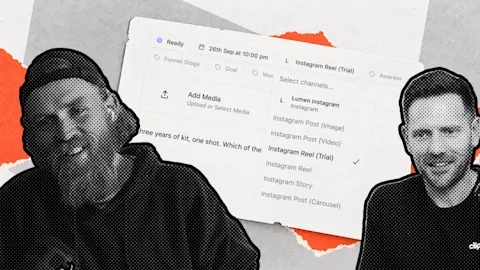
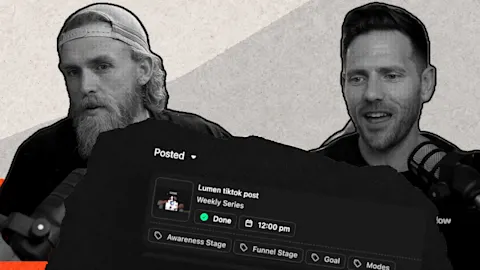
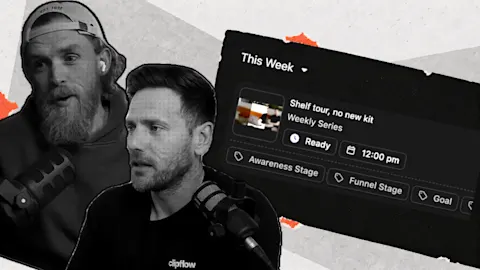
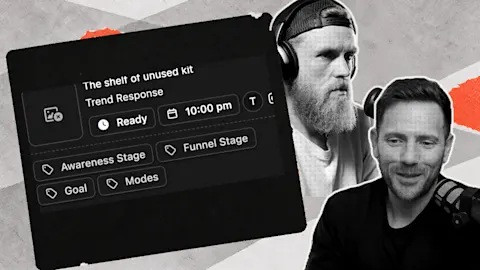
- Assistants connected to Clipflow can create and update draft posts, tag them, and find posts by tag, platform, product such as Instagram Trial Reels, or scheduled date range (19 October).
- Assistants can create projects and sub-projects, including from a template, and update or archive them (23 October). The connection needs the Create and edit projects permission in Organization settings, then API & Connected Apps.
- Assistants can read a media file's review comments, including who wrote each one and the point in the video it refers to (23 October).
- Not released that day: asking an assistant to make a post and pick photos from your file library in one request, as we showed. It was coming.
Putting it to work
- Give your assistant real material: photos, notes and past posts in your own voice.
- Read the draft the way you'd read an editor's: change what doesn't sound like you before it goes anywhere.
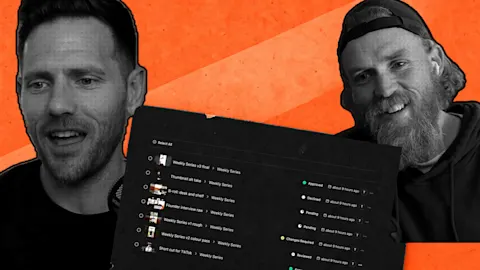
- Keep your content in one shared place: people and assistants then work from the same files.
Start with your material
Our request was close to a single sentence: go into Clipflow, make a post about something, and find photos of the two of us from the file library. We chose the subject, the two of us as co-founders and why that matters.
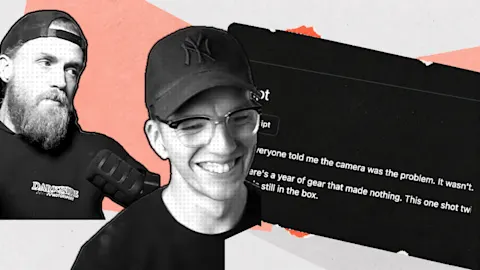
The result read very much like the way we speak, and we would ship it. That is our view of one draft, so treat it as an example of what is possible. You still read the post before it goes out.
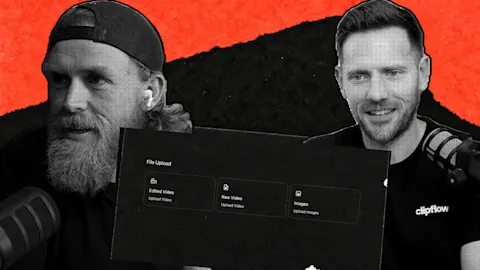
The quality came from what the assistant had to work from. It already knew about us, and it could reach photos of both of us without anyone attaching files by hand.
Why one shared place helps
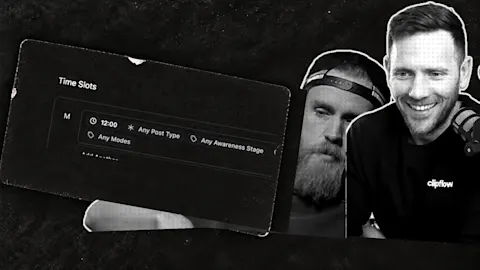
One of us had been building a lot on his own computer, and the other's first question was what Clipflow adds in that case. Taking it apart, the answer was a place where everything lives together, so that your team and your tools can all use it.
You can plug your assistant into that however you like. The shared files are the part that stays put, whichever tool you use this month.
For a small business, that means your photos, scripts and approved captions sit in one place and not across several laptops and message threads.
Aim to be essential and out of the way
How we think about building Clipflow: a product should disappear from the user's workflow and still be so useful that doing the job alone with one AI agent looks like the harder route.
The same test works on your own content setup. If a tool needs you to open it and push buttons all day, it's in the way. If an assistant can do the routine part and your team can still see and review everything, it isn't.
A tip for watching trial reels
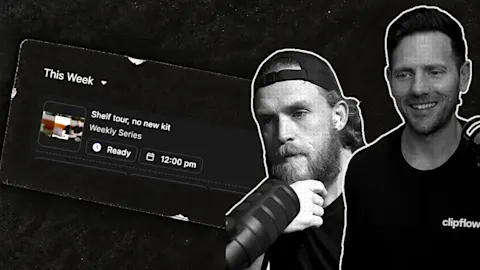
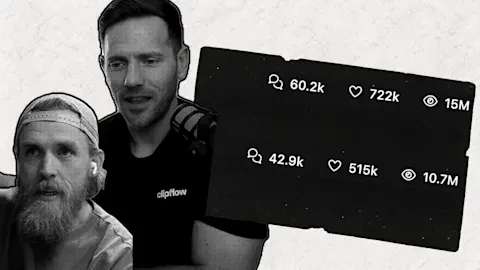
We use a small habit to see how other businesses run trial reels. We follow a competitor on one of our accounts and not on the other, then watch a couple of their videos from the account that doesn't follow them. In our experience Instagram then shows us their trials.
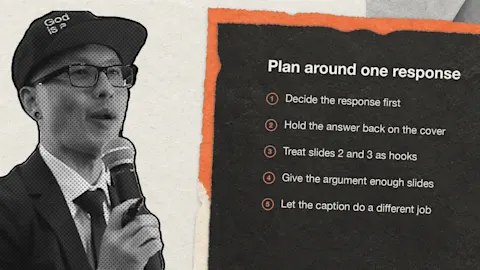
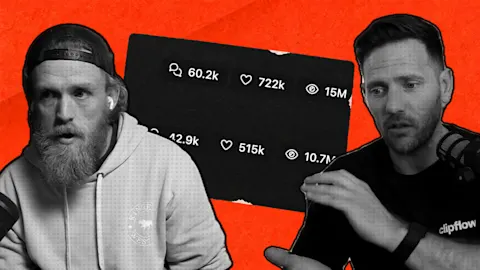
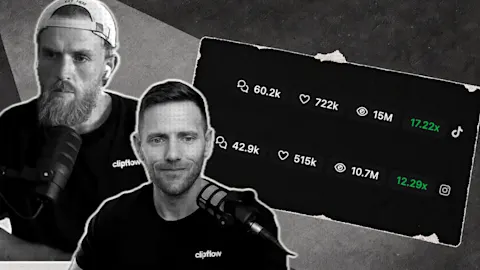
That is our observation and not an official feature, and we can't see how Instagram decides what to show. We also notice that a trial reel can go almost entirely to people who don't follow you, sometimes with only about 1% going to followers.
A small test for this week
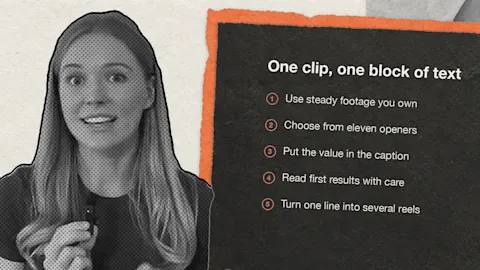
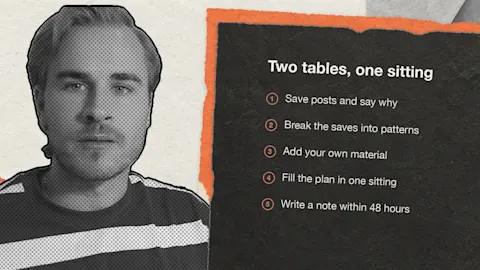
Pick one post you would normally write from scratch. Collect five real photos, three questions your customers have asked and two past posts in your voice. Ask your assistant for a draft from that material, then read it and fix what is off.
Note how long it took against writing it yourself. After a few posts, you will know whether the material or the prompt is the weak point.
Smaller shipping notes
Admins can change what a connected assistant is allowed to do from the permissions picker beside each app in Organization settings, then API & Connected Apps (19 October). The assistant then asks its user to reconnect and approve the change.
Comments on a media file now open sorted by timestamp, so feedback reads in the order it appears in the video (20 October).
Update, 13 November 2026: assistants connected to Clipflow can now build a post from start to finish. They pick a design template, fill in its text and images, create a draft post, schedule it and share it for review, and they can't approve or publish (4 November). When you add media to a post or a design yourself, you can also pick from your File Library (28 October). Assistant setup is in the MCP server guide.
This week: we talked about Foursquare after its founder wrote about the company's sale. The lesson we took is to stay essential to your customers' work while staying out of their way. We haven't checked the details of that account, so we aren't repeating them here.
Subscribe to the Clipflow YouTube channel for more updates here.
Follow Ken on Instagram here.
Follow Darrell on Instagram here.