Forgetting to post is frustrating when the work is already finished. You have approved videos and captions, but the final review still means opening each draft to work out what needs attention. Clipflow's post-review controls make that last pass easier to keep moving.
Progress update from 11 September 2026. Linked help guides cover the current workflow.
TL;DR
Clipflow updates
- A new post Review screen lets you move through draft posts, edit them and mark them ready using the keyboard.
- Images can be pasted, dropped or attached inside supported rich text pages.
- Channel connection notices explain more clearly what is missing. MCP and API access was still in security testing that week.
Putting it to work
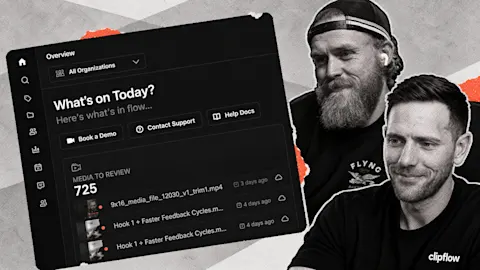
- Review a useful batch of already approved content before recording more to fill an empty calendar.
- Keep visual references beside the brief so your editor can act without another explanation.
Give the finished work a route onto the calendar
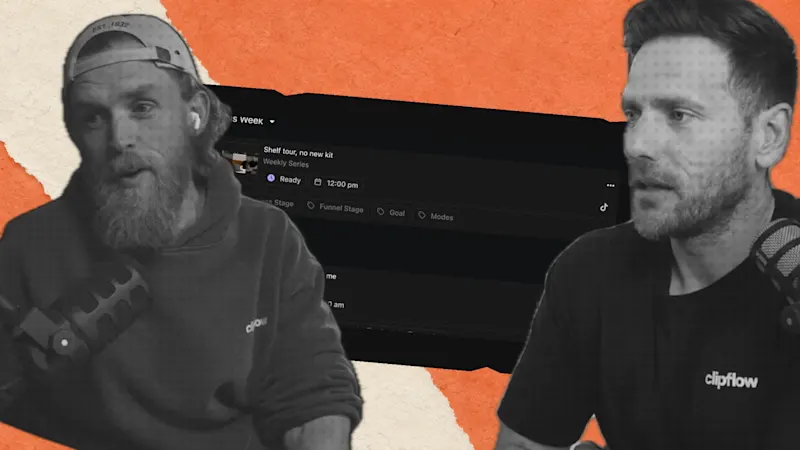
We had a substantial backlog and still forgetting to schedule the week. Darrell's previous review pass filled two weeks with eight posts a day in under half an hour. That was our own experience with an existing backlog, rather than a promise about how quickly every team can publish.
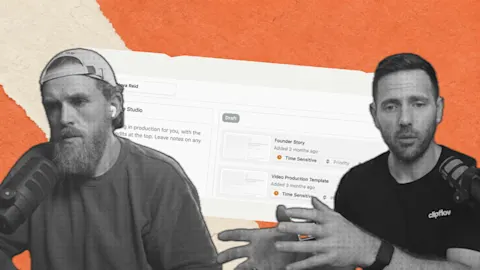
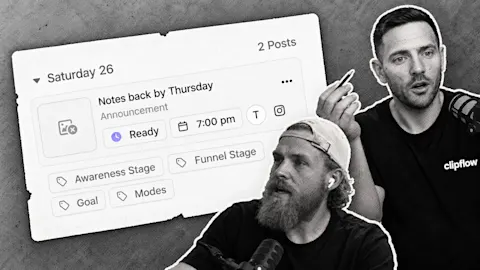
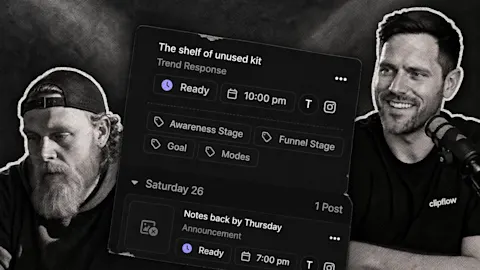
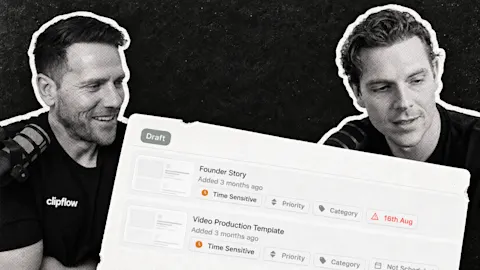
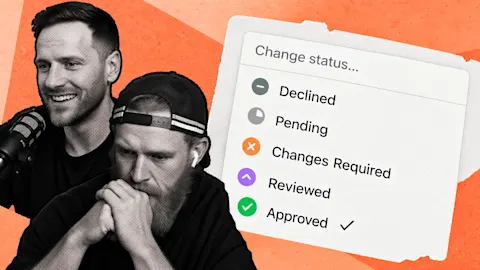
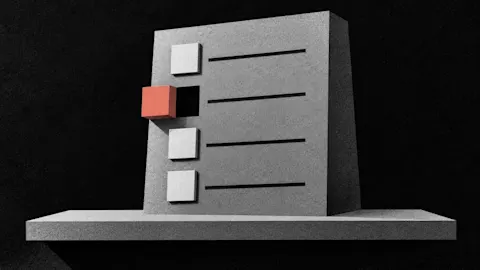
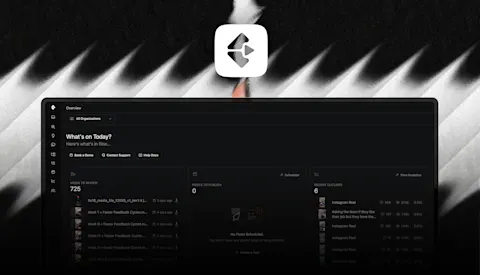
The new Review screen brings the media, caption, channel and schedule together. Check the clip, adjust its caption and mark the draft ready, then move to the next post without reopening the whole editor.
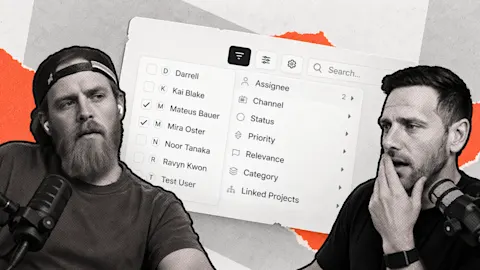
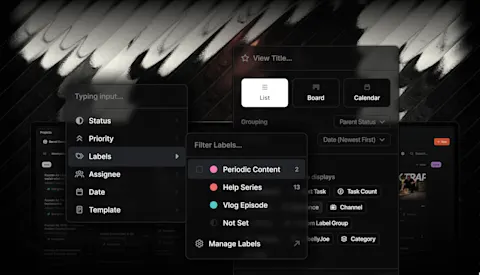
Use the arrow keys or J and K to move through the queue, and R to mark a draft ready. Filters help you work through a particular channel, label or post type. If a channel uses automatic scheduling, marking the post ready lets that scheduling workflow pick it up.
For a founder who records one useful answer a week, the job might be reviewing six cuts from that answer. Check the opening, whether the caption adds needed context and where each cut belongs. Keep anything that needs another edit in draft instead of pushing the whole batch through together.
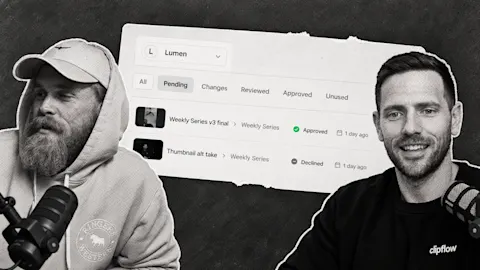
The post scheduling guide explains channel slots and the conditions needed for posts to move onto the calendar. Review is still a judgment step: approved media does not automatically mean every caption and platform variation is ready.
Show the reference where the work happens
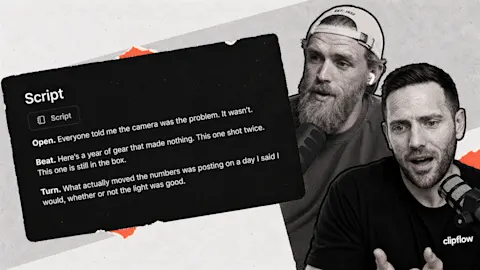
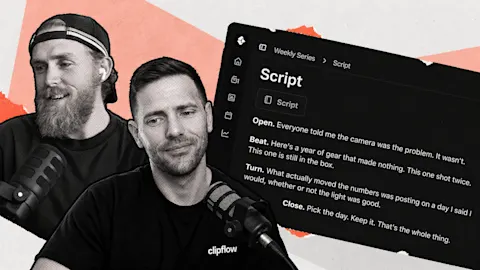
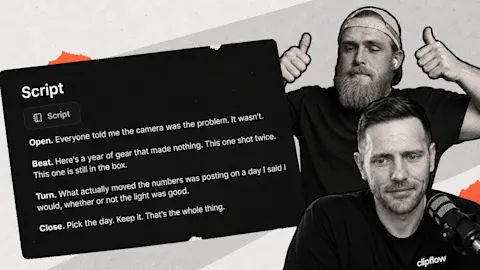
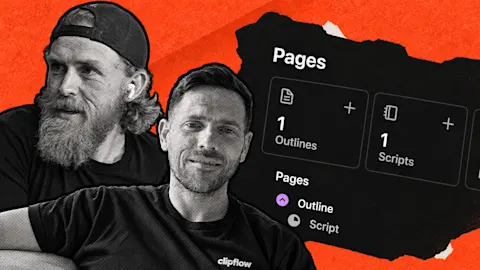
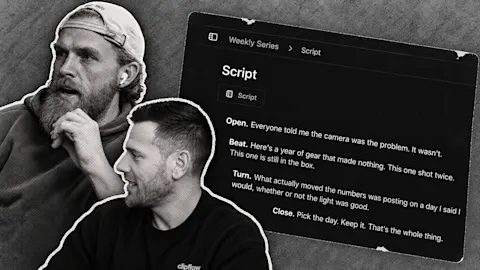
The other visible change lets you put images into rich text pages. A product screenshot, framing reference or example of the result can sit beside the script, where the editor will use it.
For that weekly answer, add the feature screenshot directly beneath the sentence the editor needs to illustrate. A short note can explain which detail matters. The image gives the team something concrete to work from while the page keeps the explanation attached to the project.
The Project Pages guide covers keeping scripts, notes and references together. Start with the next brief your team will actually use, then build a review habit around the finished posts it produces.
This week: Clay's storytelling approach offers a useful reference for the role a recognizable person can play in building a business audience. For a smaller team, the practical question is how to keep that person showing up consistently while the rest of the work continues.
Subscribe to the Clipflow YouTube channel for more updates here.
Follow Ken on Instagram here.
Follow Darrell on Instagram here.