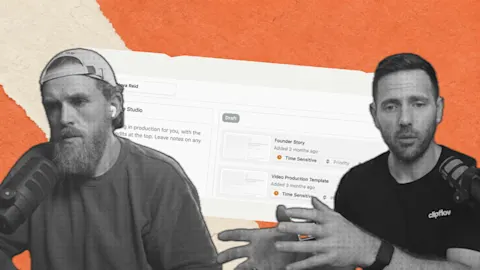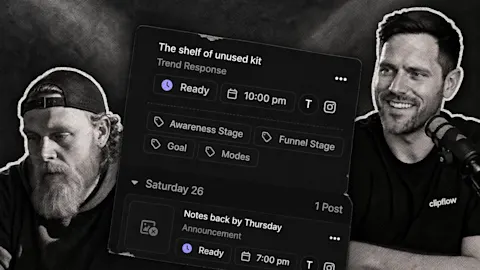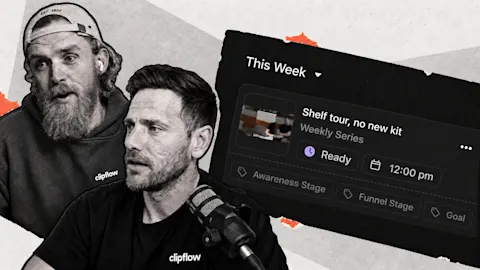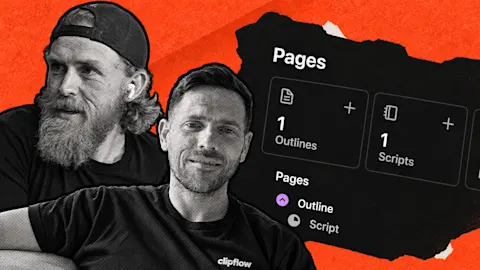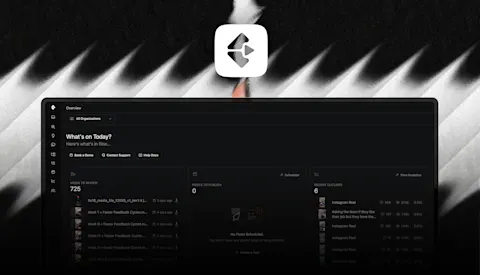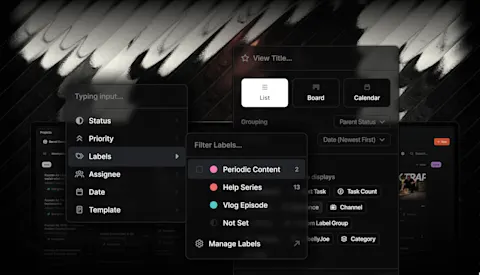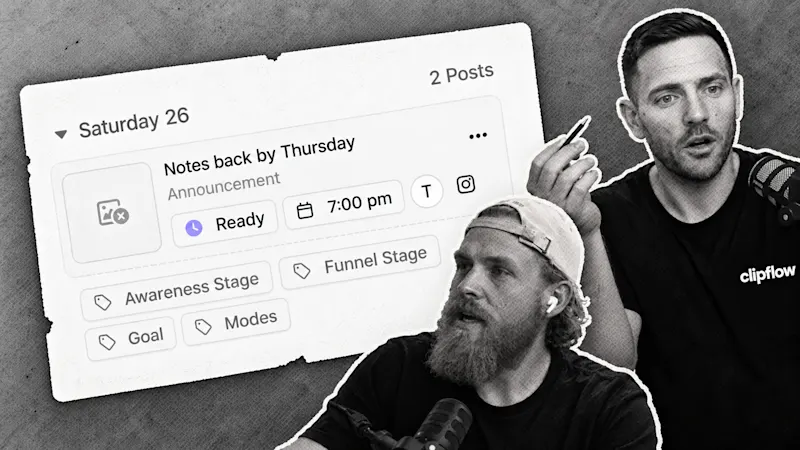
Finding time to publish should not require opening every finished project and inventing a new date for it. Channel time slots give ready posts a place in the weekly plan; at the time, our team was still testing Instagram publishing.
Progress update from 16 May 2026. Slot-based scheduling had shipped; Instagram publishing was still being tested and refined at that point. Linked guides describe today's workflow.
Update, 4 October 2026: Automatic publishing is now available for supported connected channels. See the current scheduling guide for setup and platform prerequisites.
TL;DR
Clipflow updates
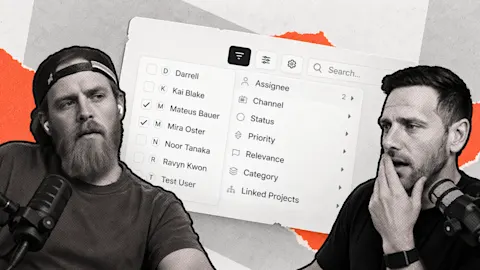
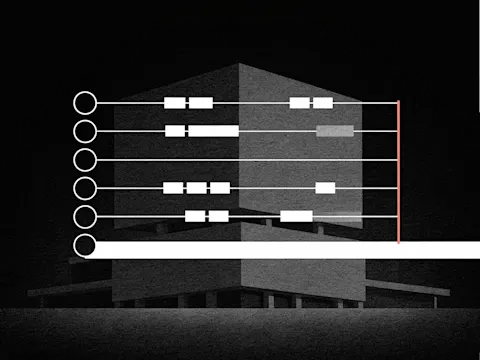
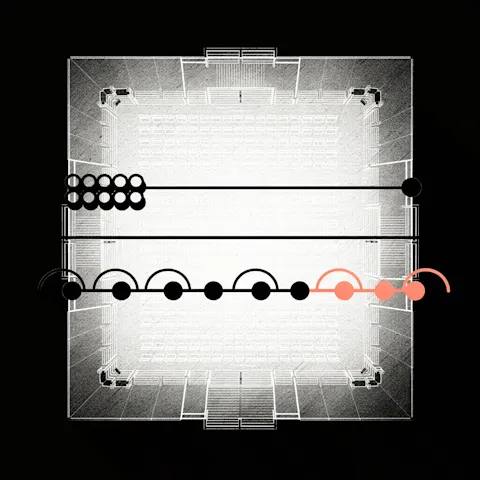
- Channel time slots could be created with conditions for automatic post placement.
- The scheduler gained performance improvements and fixes around ready posts without channels.
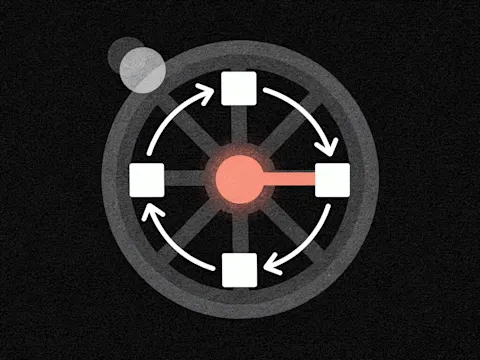
- Instagram publishing tests were underway, rather than a finished public launch.
Putting it to work
- Set a sustainable weekly rhythm before filling it with posts.
- Check that each ready post has an appropriate channel and matching slot.
Plan a rhythm the team can sustain
For a founder-led service business, start with two useful answers a week rather than filling every day immediately. Choose when those posts should appear and what kind of content belongs in those slots.
The scheduling guide explains how ready posts enter matching slots today. A slot is a route for finished work, not a reason to mark unfinished work ready.
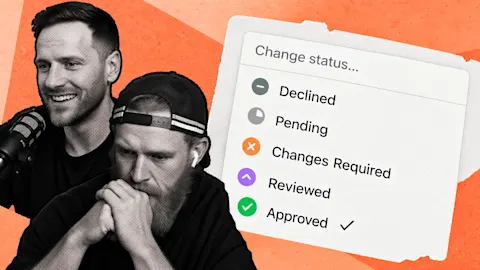
For the first answer, review the caption, destination and media. Mark it ready, then confirm its assigned time. If nothing matches, investigate the channel and slot conditions instead of assuming the calendar will fill itself.
Separate placement from delivery
While testing automatic publishing, we encountered a failed attempt. That illustrates why assigning a time and successfully delivering a post are different checks.
Use the current channel connection guide for platform setup. Check the first published result, then keep a person responsible for exceptions as the queue grows.
Once the routine works, bring more finished answers into it. The value is a dependable handoff that saves repeated calendar work while leaving the publishing decision with your team.
Subscribe to the Clipflow YouTube channel for more updates here.
Follow Ken on Instagram here.
Follow Darrell on Instagram here.